


matt1008
Members
-
Joined
-
Last visited
Everything posted by matt1008
-
do you click the car and click replace
-
are u in edit mode
-
Thanks for the answer do I replace with open iv or can I just do it in the maps folder
- 7 comments
- 1 review
-
-

- 1
-
-
-
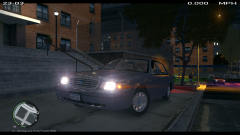 Yes please
 -
did you use windows vista service pack 2 and title update 1.0.7.0 do you install gta4 the right way I run mine in windows vista service pack 2 it works good
-
-
Are you use 7 or 8
-
Can't wait to play it
-
You will need to download notepad++ to edit it
-
Ok thanks I will try that
-
When using simple trainer, taxis are spawned when I use the accent key (the key left of the 1 key). Any help is appreciated one how to correct this. It should bring up the command prompt I think.
-
good luck
-
Maybe try to use right alt p
-
I am haveing the same issue
-
yes you i like it good job
-
-
I like it becaus it is unmarked
-
Maybe change the handling down from 10000 to something different
-
What is your handling line
-
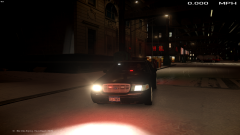 Looks good to me
 -
-
-
-
