Skip to content
View in the app

A better way to browse. Learn more.

LCPDFR.com

A full-screen app on your home screen with push notifications, badges and more.

To install this app on iOS and iPadOS
  1. Tap the Share icon in Safari
  2. Scroll the menu and tap Add to Home Screen.
  3. Tap Add in the top-right corner.
To install this app on Android
  1. Tap the 3-dot menu (⋮) in the top-right corner of the browser.
  2. Tap Add to Home screen or Install app.
  3. Confirm by tapping Install.

Officer Swampy

Members
  • Joined

  • Last visited

  1.    Officer Swampy reacted to a file: Legacy Charger pack
  2. jking1107 started following Officer Swampy
    • 290 downloads
    • Version 1.0.0
    This should fit 2015 F550 Ambulance. Based off an Edgewood EMS unit.
    • 49 downloads
    • Version 1.0.0
    Small pac. 4K. Explorer is tricky because some of the same year Models have different Template configurations. Not tested on other models. Taurus and Charger should fit on most any other models. Enjoy. Both Explorer and Charger are from this Pac. Taurus is from next pack. All great vehicle models.
  3. Just had this happen to me today. Even after spawning Police vehicle in and getting into seat, siren comes on and stays on no matter what I do. Even getting out and engine shuts off the siren stays on. Haven't added anything new to the game so I'm at a lose. Updated one callout mod the other day but that was going fine for the past few days. I'll remove that and see what happens. EDIT: Update. Just reinstall ELS and should fix it.
    • 380 downloads
    • Version 1.0.2
    Three Vehicle Sheriff Texture Pack 2016 Ford Explorer 2020 Ford Explorer 2016 Ford Taurus 2013 Chevy Caprice
  4. @everyone Plugins are having a temporary outage. Should fix itself in a little bit. This is recently from his discord.
    • 84 downloads
    • Version 1.0.0
    Using 2018 Slicktop from the pack below for the Charger.
  5. Doomanator started following Officer Swampy
    • 170 downloads
    • Version 1.0.0
    Custom made Badge Decal. San Andreas Park Ranger.
  6. Loving this truck. Working to add to this pack soon.
  7. For Sheriff. Sheriff and Sheriff2 slots in GTAV. The vehicles I used are listed above.
  8. Lol. I don't always proof read. Thanks for the point out.
    • 711 downloads
    • Version 1.0.3
    Rehash of an older design. Updated. For Sheriff and Sheriff2 slots. Vehicles in the screenshots.
  9. I'm currently working on that set, spare time pending. I'm hoping to update this assorted pack sooner then later. Thanks.
    • 67 downloads
    • Version 1.2.0
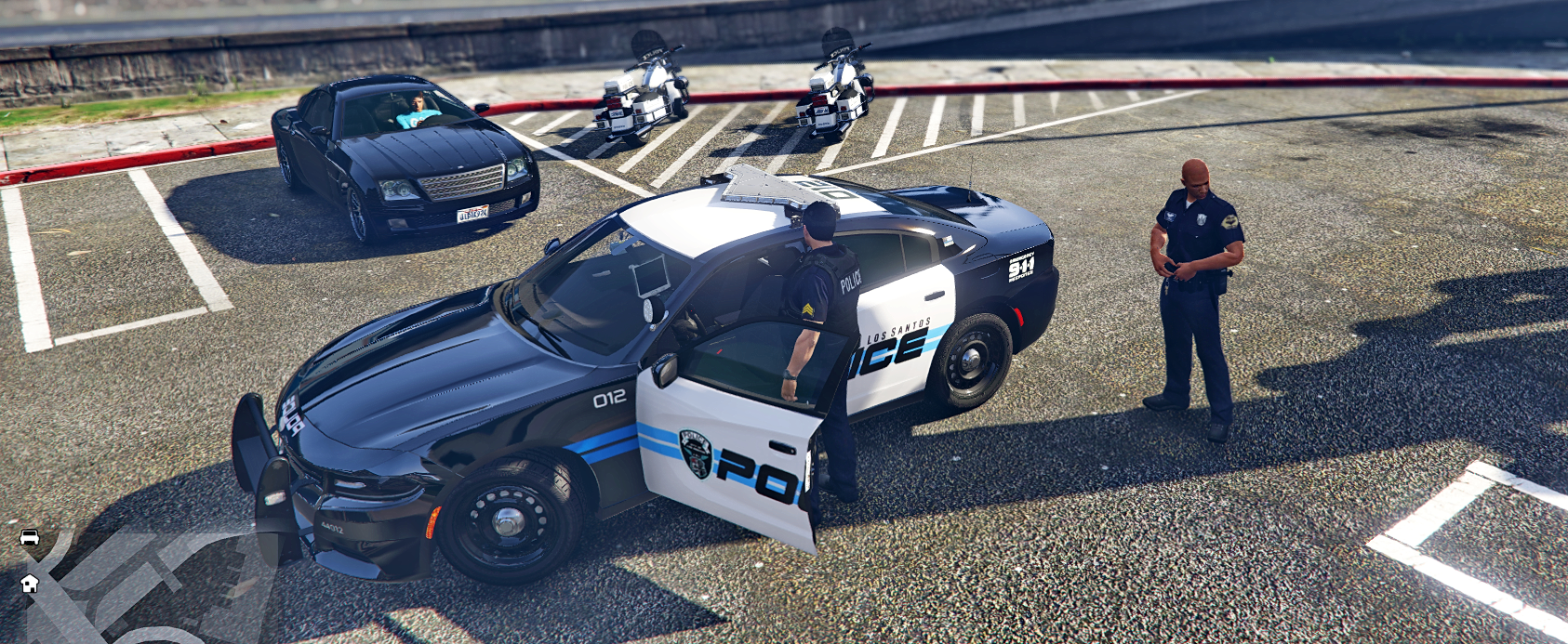
    Working on an assorted texture pack. This is just random sets of skins for a particular vehicle. Planning to update and possibly add newer skins as I go. Will be updating pack as I test textures in game. Particular set is designed for 2014 FPIU and 2018 Charger. Should fit on most 2014/2018 Police vehicle models. If not, try another. Pack includes: Texture For~ 2014 Ford Explorer Interceptor Utility 2018 Dodge Charger Interceptor
  10.    Officer Swampy reacted to a gallery image: Accident during a police chase.
  11. Had this unusual crash from adding a particular vehicle mod to LSPDFR. The vehicle is a 2018 charger, it come with 4 files [Police3.ytf] [Police3_hi.yft] [police3.ytd] [police3+hi.ytd] I added this vehicle to slot 3. When in game if I spawned the vehicle it would crash the game. I deleted police3+hi.ytd and the game plays perfectly. The car works, looks perfect. I re added the police3+hi.ytd just to test it and the game crashes. I see you don't need polce3+hi.ytd (which only has a skin texture in it. The same one as in police3.ytd) to run the vehicle mod but was wondering what might be causing the +hi.ytd to crash? I have a pretty decent system so I'm not sure if its a graphics issue. i7/RTX 2060. And by the way the vehicle I replaced in this slot was also a 2018 charger. Same 4 files and nearly identical except the light bar and antennas have differences.

Account

Navigation

Search

Search

Configure browser push notifications

Chrome (Android)
  1. Tap the lock icon next to the address bar.
  2. Tap Permissions → Notifications.
  3. Adjust your preference.
Chrome (Desktop)
  1. Click the padlock icon in the address bar.
  2. Select Site settings.
  3. Find Notifications and adjust your preference.