




CrossFire
Members
-
Joined
-
Last visited
Everything posted by CrossFire
-
-
-
 ICEnhancer 2.0 timecyc with custom shaders and visualsettings
 -
iPhone 4S
-
From the album: Grant's pictures of awesomeness
-
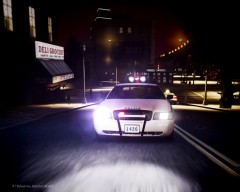
From the album: Grant's pictures of awesomeness
-
-
Then would you mind explaining the Caprice in the background of the second picture?
- 19 comments
- 21 reviews
-

From the album: Grant's pictures of awesomeness
-
 Are the wig-wags supposed to be red?
 -
-
My new ICEnhancer settings
-
-
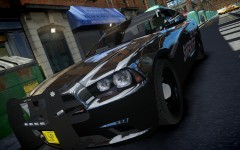 Why is everybody (Including me with my 1.25) putting in ICEenhancer?
 -
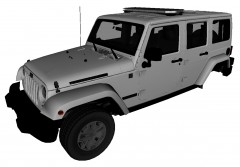 It was a very good movie!
 -
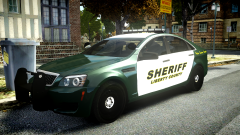 "My newest and latest greatest screenshots are on Patch 1.0.4.0 using (a slightly modified) iCEnhancer 2.1 along with Ultimate Textures Pack and a few other amazing HD Textures." -aznairsoftdude
 -
 "My newest and latest greatest screenshots are on Patch 1.0.4.0 using (a slightly modified) iCEnhancer 2.1 along with Ultimate Textures Pack and a few other amazing HD Textures." -aznairsoftdude
 -
-
-
-
Is it just me, or do you put XD in every post you make?
-
LOLOLOLOLOLOLoLOLOLLOLOLOLOLOLOLLOOLOLOLO YOU STOLE ACEGAMING'S INTRO LOLOLLOLOLOLOL Edit 2: NOT JUST THE INTRO THE WHOLE F'ING VIDEO 2nd Edit: You are AceGaming1253, sorryLOL. What ENB is that?
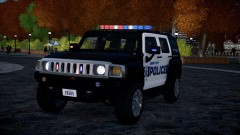 DAMNN HUMMER, YOU SEXY!!



