CrossFire
Members
-
Joined
-
Last visited
Everything posted by CrossFire
-
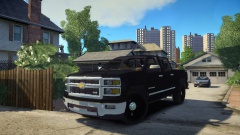 It cannot be a Z71 as the PPV is a separate package (Notice how the Z71 logo isn't on the truck.). It can be a 4x4 though.
 -
-
*2014 Chevrolet Silverado PPV Z71 (Yeah, you need to remove the Z71 tag)
-
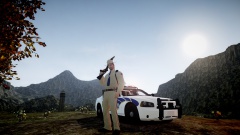
From the album: CrossFire's Pics V2
-
-
-
 I am very interested! And I know you already have testers, but if you need any, i'm here.
 -
-
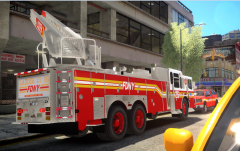 You posted a picture of a Seagrave, he posted a picture of a Ferrara, I don't know much about Fire trucks, but I assume they'd have different rims.
 -
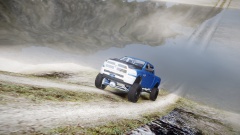
From the album: CrossFire's Pics V2
Not very cinematic but still an awesome pic! -
He's saying the AI drivers are shit drivers because real New York Drivers are shit at driving.
-
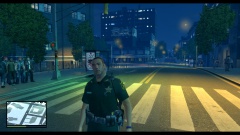 As it just so happens, I am flatfooted. Your meaning of it is probably different, but you never know!
 -
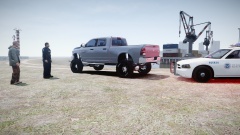
From the album: CrossFire's Pics V2
-
No prob, that's what the forums are for!
-
The closest I can get to the first one is >this.
-
The first one: IDK The second one: A Federal Signal StreekHawk.
-
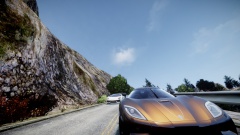
From the album: CrossFire's Pics V2
-
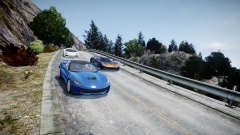
From the album: CrossFire's Pics V2
-
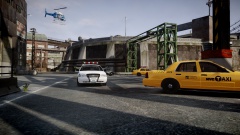
From the album: CrossFire's Pics V2
-
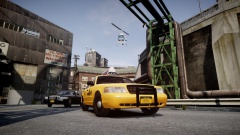
From the album: CrossFire's Pics V2
-
 Thank you for your concern.
 -
Holy sheit.
-
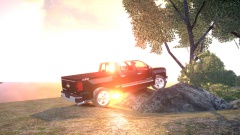 You did not hint that it was a joke, so I did assume that it was indeed not a joke. Also, you just contradicted yourself.
 -
In the world of the interwebs, if you do not hint it is a joke, it is not a joke. After carefully looking at all of the pictures, I have concluded that is infact your game that doesn't have smooth edges. If you need any help on smoothing your game's edges, feel free to PM me.
-
It's most definitely not. It must be your game, if you don't have anti-aliasing (FXAA, SMAA) your game's edges will not be smooth.