




CrossFire
Members
-
Joined
-
Last visited
Everything posted by CrossFire
-
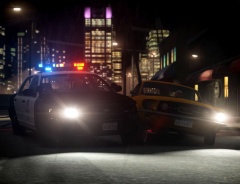 Noice picture!
 -
They look like Whelen Avengers...but i'm not sure.
-
C is the third letter in the alphabet, Devs at Valve drink Coffee while developing. HALF LIFE 3 CONFIRMED!!!
-
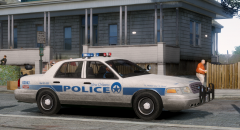 Very nice!!
 -
Unfortunately Dhruv's Charger is the only publicly available model so you'll have to live with it. Please stop complaining about a model when people have no choice but to use it. If you can convert a Charger model yourself and release it unlocked, please do so. Also, AZN's Charger IS Dhruv's Charger.
-
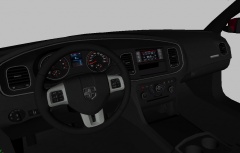 Dayum!! Looks really good!
 -
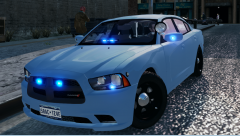 Looks very nice!
 -
It doesn't matter what he can do, it matters how good the light is, or how it's different from the rest.
- 9 comments
- 1 review
-
 He didn't make the model or the texture.
 -
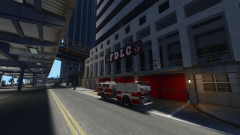
From the album: CrossFire's Pics V2
-
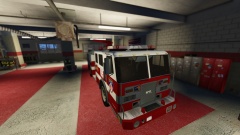
From the album: CrossFire's Pics V2
-
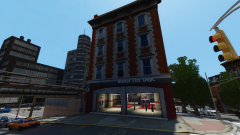
From the album: CrossFire's Pics V2
-
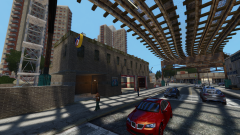
From the album: CrossFire's Pics V2
-
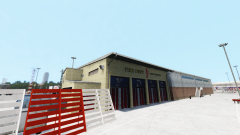
From the album: CrossFire's Pics V2
-
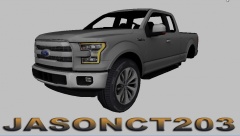 If he did, why didn't he say it himself?
 -
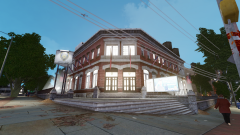
From the album: CrossFire's Pics V2
-
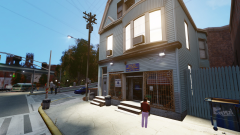
From the album: CrossFire's Pics V2
-
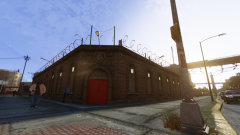
From the album: CrossFire's Pics V2
-
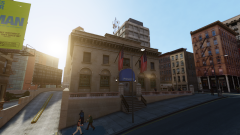
From the album: CrossFire's Pics V2
By far my favorite pic out of all of the stations! -
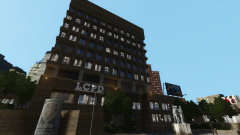
From the album: CrossFire's Pics V2
-
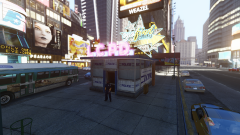
From the album: CrossFire's Pics V2
I got bored. -
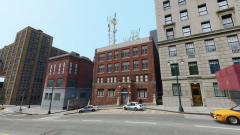
From the album: CrossFire's Pics V2
I got bored. -
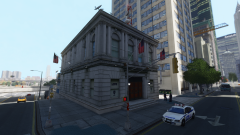
From the album: CrossFire's Pics V2
I got bored. -

From the album: CrossFire's Pics V2
I got bored. -
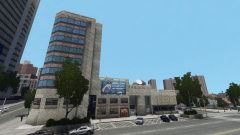
From the album: CrossFire's Pics V2
I got bored.


