


Tom S.
-
Joined
-
Last visited
Everything posted by Tom S.
-
From the album: IdeallyStoddy's Skins
-
-
From the album: 2017 Patrols/WiPs
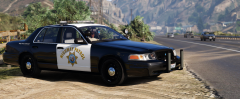
Early morning shift. -
From the album: 2017 Patrols/WiPs
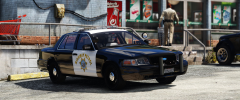
Lunch break. -
-
From the album: IdeallyStoddy's Skins
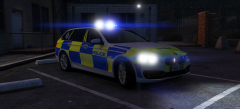
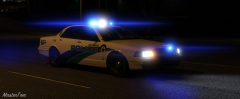
Testing lights and sirens in the early hours of the morning. -
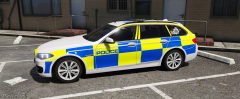
From the album: IdeallyStoddy's Skins
A Northumbria Police BMW 530d Traffic Unit in the final stages of having livery applied. (Work in Progress) -
From the album: IdeallyStoddy's Skins
-
From the album: IdeallyStoddy's Skins
-
From the album: IdeallyStoddy's Skins
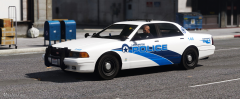
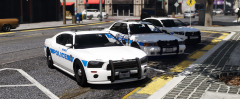
Creating more liveries for default vehicles. -
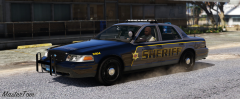
From the album: IdeallyStoddy's Skins
-
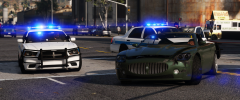
From the album: 2017 Patrols/WiPs
LSPD's finest pursuing a stolen vehicle. -
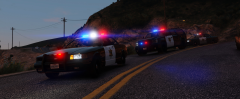
From the album: 2017 Patrols/WiPs
-
-
-
-
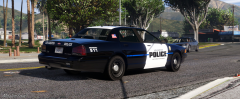
From the album: IdeallyStoddy's Skins
-
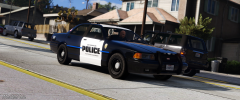
From the album: IdeallyStoddy's Skins
-
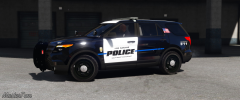
From the album: IdeallyStoddy's Skins
-
From the album: IdeallyStoddy's Skins
Based of Mobile County Sheriff, Alabama. -
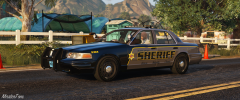
From the album: IdeallyStoddy's Skins
Based of Mobile County Sheriff, Alabama. -
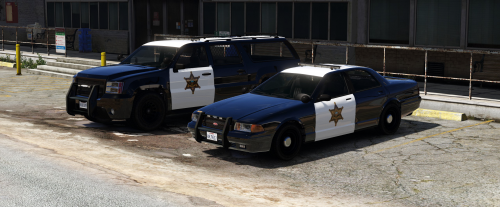 This is a Blaine - Orange County Sheriff inspired texture pack that has been created and compiled together by MasterTom. These textures have been created for the "modified" default police cruiser and declasse granger models. DESCRIPTION − This texture pack has been created for the default police cruiser (sheriff) and declasse granger (sheriff2) models. − These textures are based of the Orange County Sheriff's department. − These textures are created from scratch in 4k resolution with great attention to detail and accuracy. NOTES - Multiple livery support included. BASIC INSTALLATION − OpenIV software is required to install these textures. - It is recommended that you use a mods folder in order to keep the original game files. OpenIV will allow you to create this. − 1. Using OpenIV, navigate to the following path of which the vehicle models are located: mods/update/x64/dlcpacks/patchday3ng/dlc.rpf/x64/levels/gta5 − 2. Open the "vehicles.rpf" file. − 3. Search for "sheriff.ytd" file and open it up. - 4. Find the texture files containing "stanier_sign" and replace them with the textures included in this package. - 5. Repeat the same process for "sheriff2.ytd", replacing "grgr_sign" files with the textures included in this package. - 6. Using the same process, make sure you replace these textures in the "sheriff+hi.ytd" and "sheriff2+hi.ytd" files as well for this to work properly. - 7. Save changes. - 8. Enjoy! CREDITS − Textures created by MasterTom. - Base GTA V vehicle models made by Rockstar Games and modified by Lt.Caine. - Vehicle body remapped by Lt.Caine. - ELS version created by NefariousBonne. SUPPORTED MODELS ELS - Los Santos Police Vanilla Pack - NefariousBonne Granger Default Type - LtCaine
 -
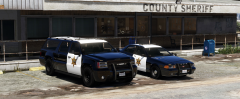
From the album: 2017 Patrols/WiPs
-
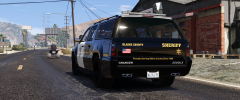
From the album: 2017 Patrols/WiPs
-
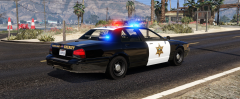
From the album: 2017 Patrols/WiPs




