


LCSO Sergeant Jester
Members
-
Joined
-
Last visited
Everything posted by LCSO Sergeant Jester
-
Dev part. I tried the one that's currently on this website however the lights are fucked up for some reason? It either rotates but it shouldn't or it only has three lights on but they don't move at all, just act like a solid light (Assuming ELS if fucked up)
-
Anyone have a link to a Vision or Vector lightbar? Would love to use it for private use. Please help :)
-
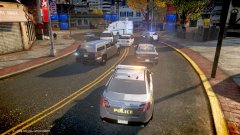
From the album: Multiplayer
-
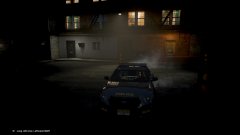
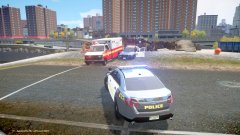
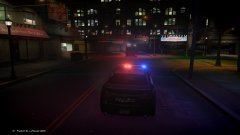
Joined a friend's game... Turned out to be a WCES Patrol. Pretty chill guys, liked the way they roleplayed. 10/10 would sneakily join again lol Mr. LT Bosworth's Modpack is shown in the pictures.
-
20160928200608_1.jpg
-
 20160928200059_1.jpg
-
 20160928195924_1.jpg
-
 20160928195856_1.jpg
-
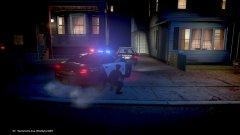 20160928195248_1.jpg
-
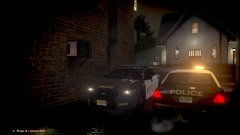 20160928195136_1.jpg
-
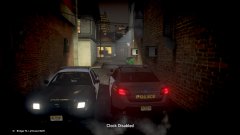 20160928195129-1.jpg
-
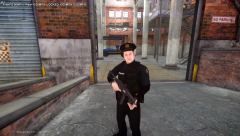 SWAT serving a warrant on a known-gang affiliated warehouse.
-
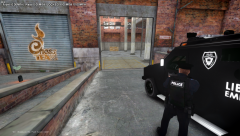 SWAT serving a warrant on a known-gang affiliated warehouse.
-
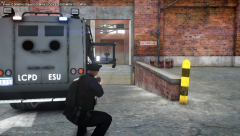 SWAT serving a warrant on a known-gang affiliated warehouse.
-
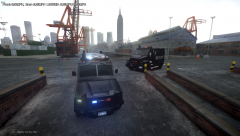 SWAT serving a warrant on a known-gang affiliated warehouse.
-
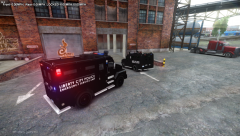 SWAT serving a warrant on a known-gang affiliated warehouse.
-
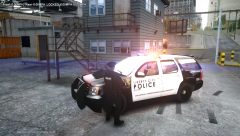 No one was there. Turned out to be a false call.
-
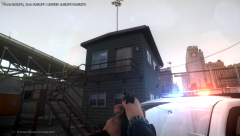 Possible armed subject inside a building in the LCPA district.
-
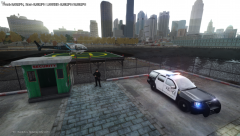 Night or day LCPD protect land, sea & air.
-
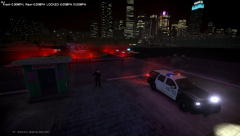 Night or day LCPD protect land, sea & air.
-
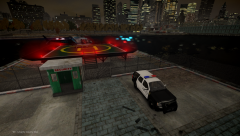 Night or day LCPD protect land, sea & air.
-
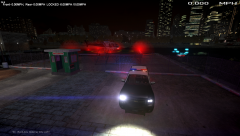 Night or day LCPD protect land, sea & air.
-
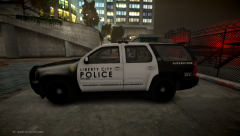 LCPD's Heli pilot's vehicle.
-
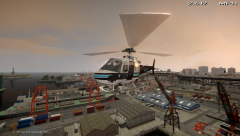 Eyes in the sky, Beautiful screenshot. Just flying over LCPA for a annual flyover.
-
-
From the album: Multiplayer
-
From the album: Multiplayer
-
From the album: Multiplayer
-
From the album: Multiplayer
-
From the album: Multiplayer
-
From the album: Multiplayer
-
Any update on this? I'm having the same problem now... I put on a bit of lights (More than usual) but I attached them all and it looks like it should be good...
-
 Yes.
Yes. -
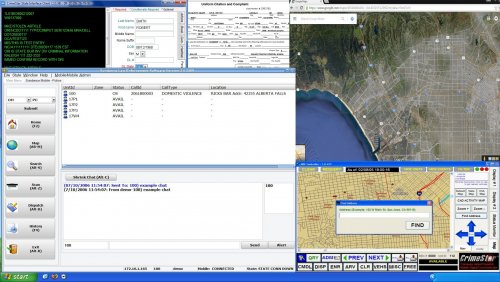 Even though realistically my department uses Windows 7 as does alot of departments (Rather then windows XP) I gotta say, this is an amazing modification! :)
- 3 comments
- 7 reviews
-
-

- 1
-
-
Ooooh nice! How'd you get ELS to be blue? EDIT: The display board? How'd you get it to display blue coloring, or am I just dumb and haven't noticed that before?
-
It might be just 7 on your keyboard (Not numpad) if you're using the RCMP 7.0, it should be something similar like that. Just keep trying the numbers on there.
-
but where do I find these items? :P I don't think I've ever seen Micropulses.
-
So the title pretty much explains, Just asking what lights would look the most realistic for this? I think they're ions... but there's literally a load of different ions, can't tell which I should use? Thanks, Jester I'll upload a picture of the lights, I'm asking about.

-
This'll help abit I think http://www.kansaspolicehistory.com/uploads/1/7/9/4/17944047/8708716_orig.jpg (Yes, it's a charger. Our colors are abit darker (You can use the colors you've already got) This charger was just a tester and now no one likes it cause of how many problems it has, and how small it is, only SROs mainly use it) I.E. Use it for knowing how long the side should be, and how it should be shaped and so on.
-
Yeah it's defintely good! :) I mean there's a bit you could improve on for the CVPI (Mostly details) Like making the words larger, there's a circle sorta thing after the badge, not just a solid line, and the license plate (Which is pretty simple of a license plate. And then I think we just got a DWI sticker that's near the american flag on the bumper but I don't have a picture of it but that's totally fine to leave off. But I'm a simple guy so what you made is good enough for me. The things I listed are just some ideas you could use if you need. :) Thanks again!
-
Very nice work man! :) Though only thing about the CVPI is that The bumper has the flag, and unit number on the bumper, any chance of it being moved by the police interceptor badge or something? :) Besides that you were spot on man! :D Honestly, Props to you! Mine was complete shit. Any chance you could make a explorer, and taurus one? (Theirs is abit different because it has a blue tripe on the decal along with some other things. Maybe add the license plate. And could you make a white version of this too (Only for the explorer) with "Field Command" on it (By the front end like a normal "POLICE" would say (I.E. Kind of by the first wheel)) And if you want, all you've got to do is just search "Overland Park Police" or something similar and you'll see our cars more than likely. Honestly man, thanks so much! :D It looks amazing!
-
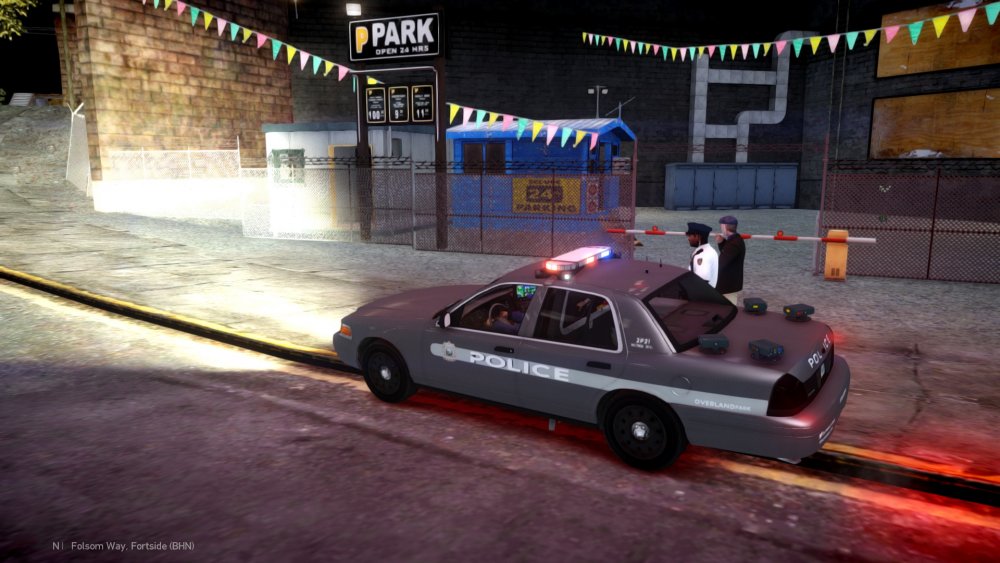
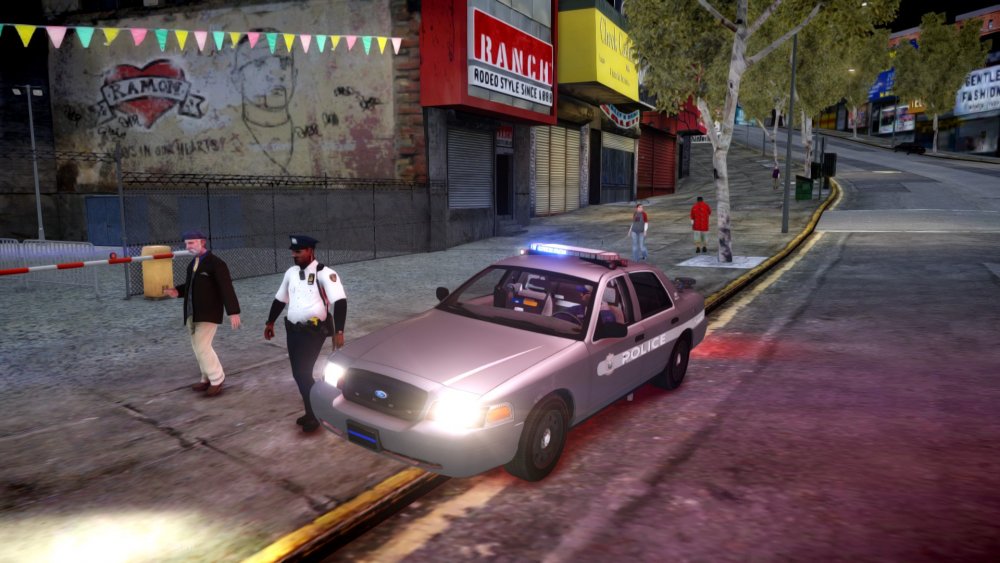
It has! :D I'm needing a new skin, and I'm in the process of making a new CVPI and Explorer now, but here's my first CVPI (Yes... The taillight got moved in Zmodeler by accident but it's fine cause I'm gonna replace the CVPI anyways since it needs hubcaps not steelies)
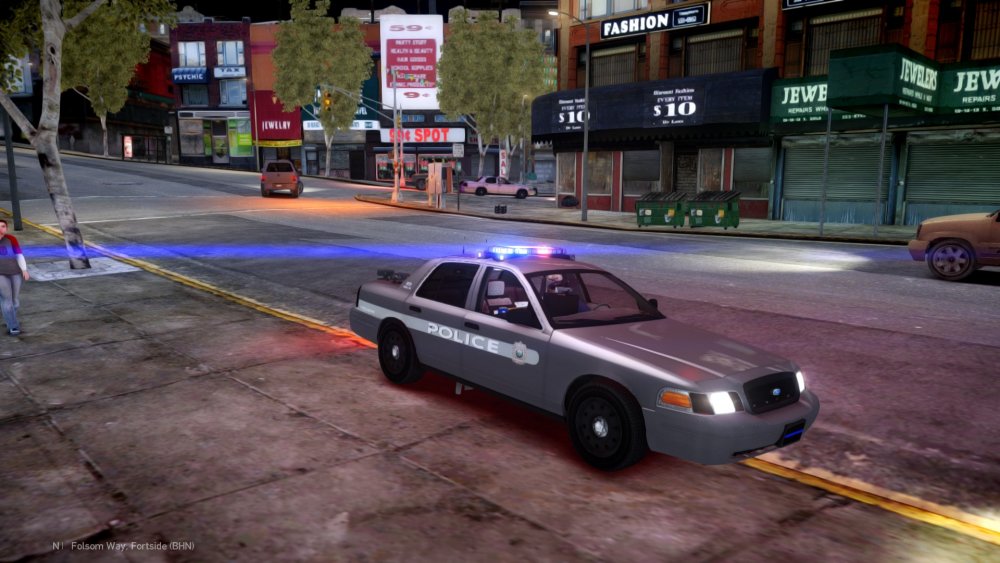
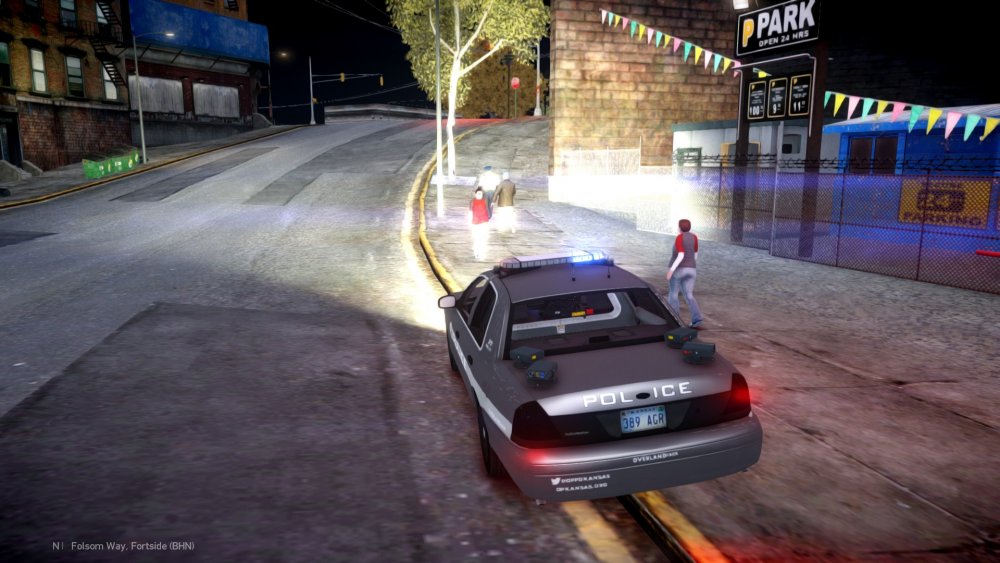
-
I'm doing some Overland Park, KS Police stuff right now. I've been making the models myself but I need a good texture of the vehicles. I've got a texture done but it's not detailed nor does it really look like the actual department does. I'll post some images of our vehicles and their decals, but note the colors DO matter. Grey is the majority (Patrol, K9, etc) White is sergeant/Field command, red is only on a unmarked CVPI (...Legit have no idea why we have a raspberry fucking CVPI... :P) And then we've got unmarked hondas... (Detectives... Yes... UM HONDAS (Accord) but they're kinda nice) Not sure if I can get the detectives but mainly a Explorer, and CVPI, and a taurus. Templates will be added in a comment below! Thanks, Jester. These are the templates for the base models I'm using.

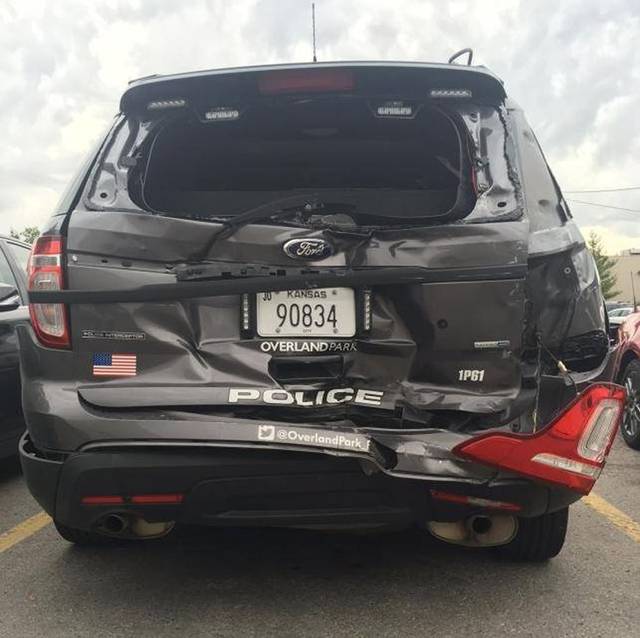

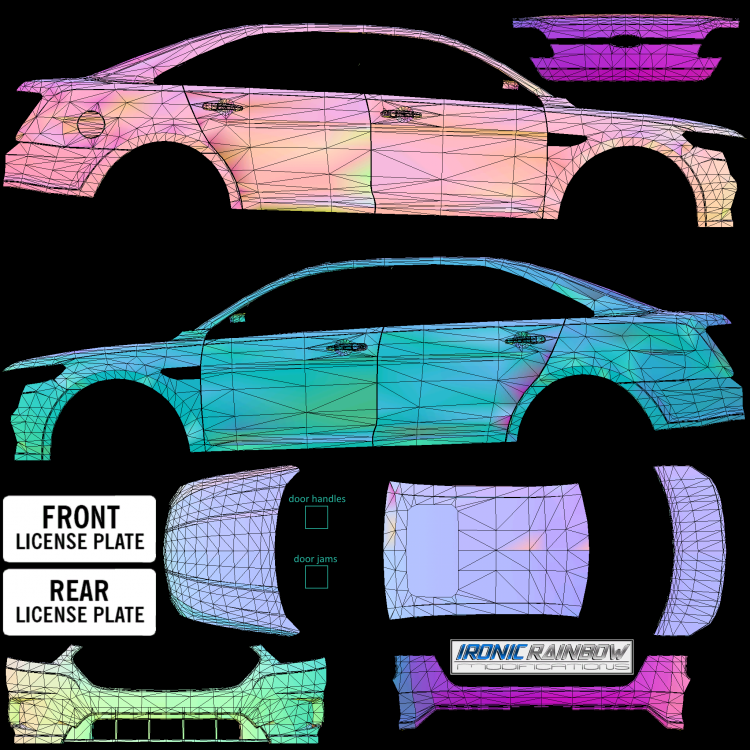
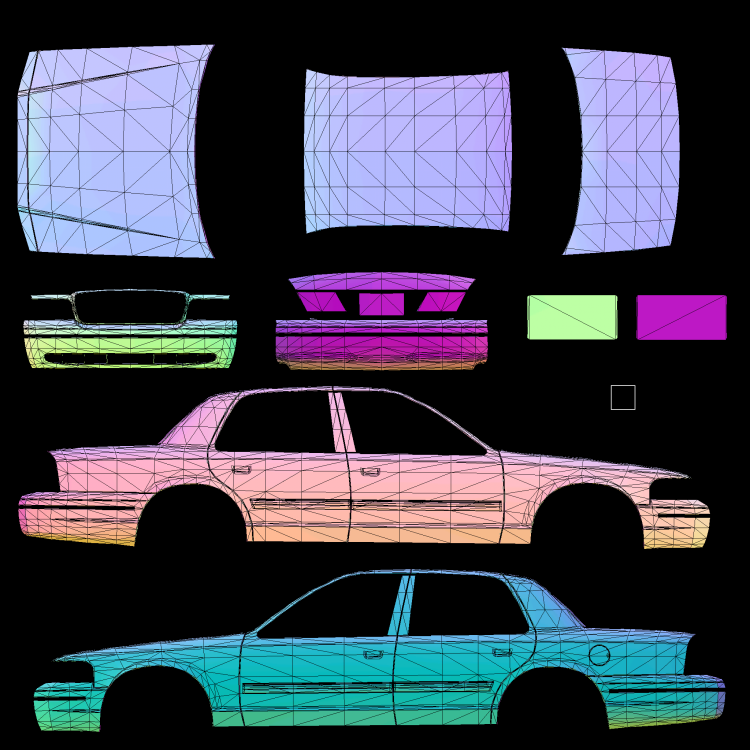
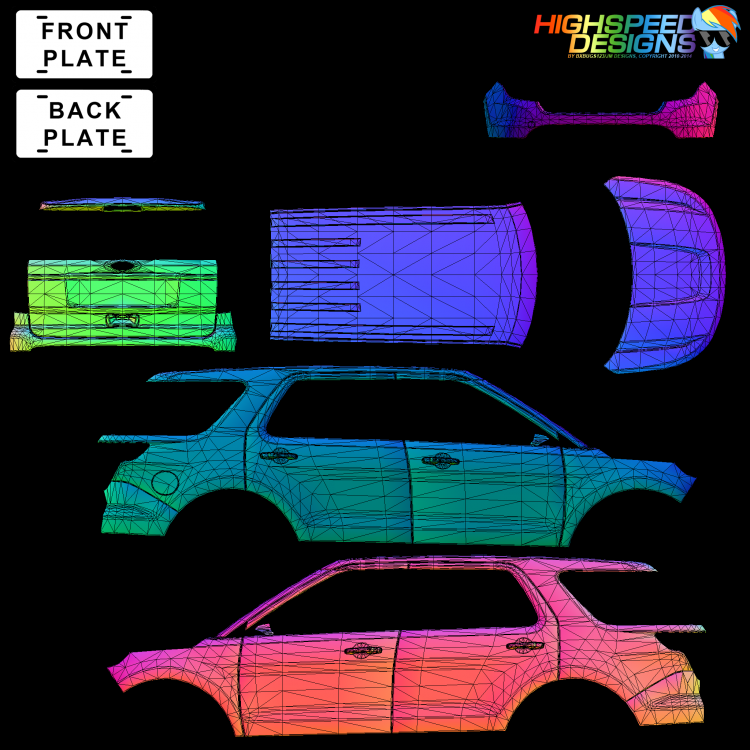
-
lol Yeah that sounds pretty complicated (Note this is my first car) but I think I'm starting to get the handle of this stuff! Finally got a CVPI done, and now I'm working on a Explorer. The CVPI Messed up but that's cause I tried to change hubcaps but I got another model with the correct hubcaps already now. So I'll give that a spin. I think the reason it was bouncing was because of the handling line (Which was a NYPD one... No where close to what it shoulda been I suppose) but now it works good, plus I change the dummy/collision now.
-
I haven't done jack with the wheels. Would not moving the collision files for ELS and other crap do that?
-
How'd you fix this? I'm getting the bouncing shit now too...


