


LCSO Sergeant Jester
Members
-
Joined
-
Last visited
Everything posted by LCSO Sergeant Jester
-
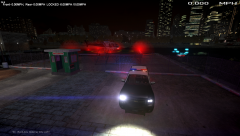
From the album: Multiplayer
-
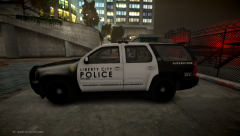
From the album: Multiplayer
-
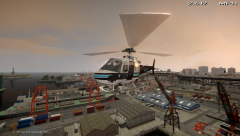
From the album: Multiplayer
-
-
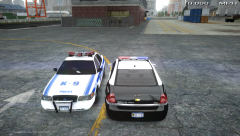
From the album: Multiplayer
-
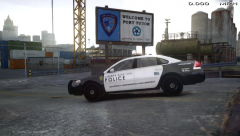
From the album: Multiplayer
-
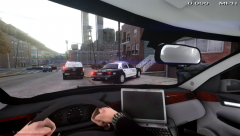
From the album: Multiplayer
-
From the album: Multiplayer
-
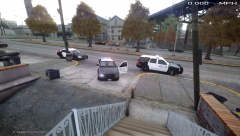
From the album: Multiplayer
-
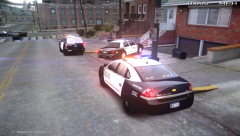
From the album: Multiplayer
-
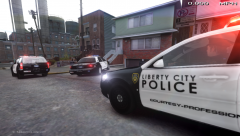
From the album: Multiplayer
-
-
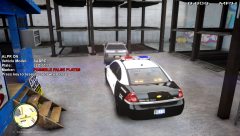
From the album: Multiplayer
-
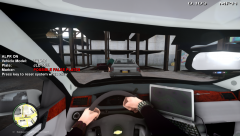
From the album: Multiplayer
-
From the album: Multiplayer
-
From the album: Multiplayer
-
 Add me, SNMCxWarZombie. I might make a new account but add that for the moment.
 -
 Thank 'ya, thank 'ya. LT Bosworth has accepted my transfer from LCSO to LCPD.
 -
Right?!!?! As soon as my 30 day nickname thing is over then I'm changing it to Sergeant Jester. :)
-
From the album: Multiplayer
-
From the album: Multiplayer
-
-
From the album: Multiplayer
-
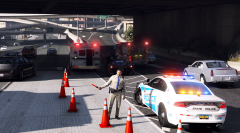 In the name of Super Troopers. "Holy Mother of God"
 -
It truly just depends on how your department is run, their policies and what all happens in the cars. Our officers use these cars almost 24/7 literally... Always patrolling or just driving around in them and what-not. Leaving it in idle whenever writing reports or doing traffic and what-not.





