
Chris780
Members
-
Joined
-
Last visited
Everything posted by Chris780
-
-
-
-
-
-
-
-
-
-
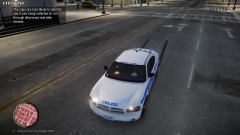 why are those on the dash...? those belong in the fog lights?
 -
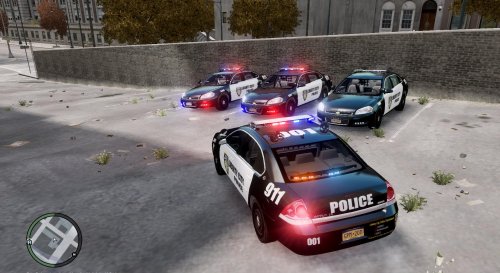 The rear lights are upside down.. and the front "under lights"(i guess you'd say) are to scaled.
- 9 comments
- 4 reviews
-
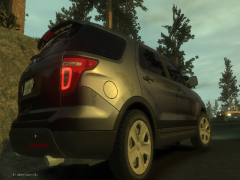 What map is this
 -
-
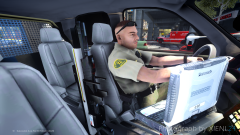 No prisoner partition?
 -
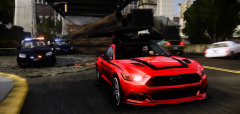 this needs more attention!
 -
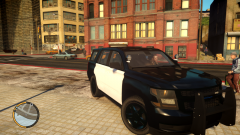 That would be amazing actually
 -
Thanks man. Will the older body style pushbars be compatible with the newer style Tahoe?
-
I've never been a fan of the chrome grill accent.
-
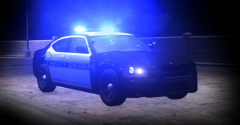 V Just isn't cutting it... hmmm
 -
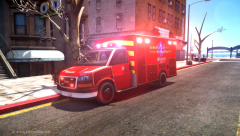 No
No -
-
-
Correct, Serpentine
-
-
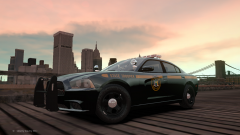 looks a tad green