Sam
Community Founder
-
Joined
-
Last visited
Everything posted by Sam
-
You'd have to texture it yourself.You sir, are correct.:rolleyes: That's why its so hard to dev for GTA IV as the AI constantly throw RPGs in your face with pinpoint accuracy.I decided it might be a good idea to start releasing some mods and stuff here exclusively for those who frequent LCPDFR.com First up is a dark, kick-ass SWAT skin. Nobody is going to want a fight with your TRU team when they are kitted out with this bold suit. Features Very dark with a hint of blue. Reflective white 'POLICE' text for clear identification. Shoulder patches with a USA Flag and 'POLICE' decal with thin high visibility red strip. Download - Includes m_y_swat.wtd, m_y_swat_p.wtd. http://www.lcpdfr.com/cops/forum/index.php?/files/file/5-dark-tactical-noose-uniform/Features Very dark with a hint of blue. Reflective white 'POLICE' text for clear identification. Shoulder patches with a USA Flag and 'POLICE' decal with thin high visibility red strip. Download - Includes m_y_swat.wtd, m_y_swat_p.wtd.
- 6 comments
- 6 reviews
I can't make the AI less hostile, that's just the way they are :rolleyes:We have some plans for the shooting call. Maybe one time it'll be a prank, another it might be some lunatic with a shotgun, another it might be a gang shooting with multiple perps.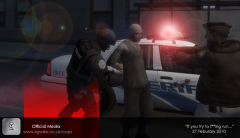
From the album: Sam's Snaps
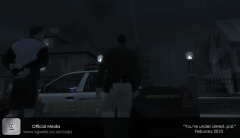
From the album: Sam's Snaps
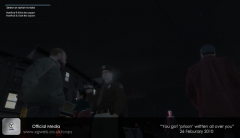
From the album: Sam's Snaps
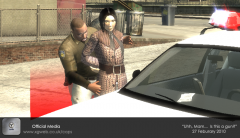
From the album: Sam's Snaps
This is because the C++ hook or any other hook are not compatible with version 1, update your game.Come on guys, lets get some tips in.http://www.google.com/chrome?hl=en-GB kthxbai.We'd like to hear your feedback about the recent website update to enable us to continually improve our service. Please post all feedback as a reply to this topic. Thanks, Sam.We could add an option like that, or you could just stop chasing... Eventually it will end as you lose sight.