apoundofapples
Members
-
Joined
-
Last visited
Everything posted by apoundofapples
-
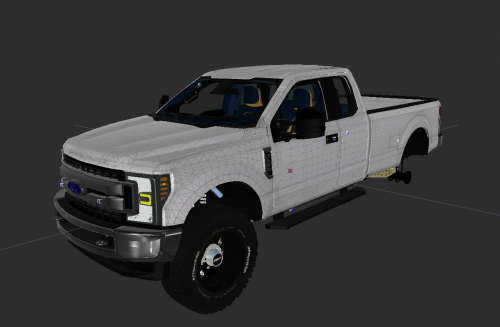 What year is this Vehicle?
 -
-
-
-
-
 Dang, I will try and fix the transporter's takedowns. There is always something I over look! LOL! With the sound: if you open up the vehicle's xml file yu'll see a section that looks like this: <SOUNDS> <MainHorn InterruptsSiren="true" AudioString="SIRENS_AIRHORN" /> <ManTone1 AllowUse="true" AudioString="RESIDENT_VEHICLES_SIREN_WAIL_03" /> <ManTone2 AllowUse="true" AudioString="RESIDENT_VEHICLES_SIREN_QUICK_03" /> <SrnTone1 AllowUse="true" AudioString="RESIDENT_VEHICLES_SIREN_WAIL_03" /> <SrnTone2 AllowUse="true" AudioString="RESIDENT_VEHICLES_SIREN_QUICK_03" /> <SrnTone3 AllowUse="true" AudioString="VEHICLES_HORNS_POLICE_WARNING" /> <SrnTone4 AllowUse="true" AudioString="RESIDENT_VEHICLES_SIREN_QUICK_03" /> <AuxSiren AllowUse="true" AudioString="RESIDENT_VEHICLES_SIREN_WAIL_03" /> <PanicMde AllowUse="true" AudioString="RESIDENT_VEHICLES_SIREN_QUICK_03" /> </SOUNDS> if you have other els cars, their file more than likely is setup they way you want, copy and paste that same sound section into the the xml files you want changed. I have it set up that way, because I have 3 different Wails and yelps installed, So I have a variation of cars with different modded sirens simultaneously. EDITED: this Is what the default sound section looks like: <SOUNDS> <MainHorn InterruptsSiren="true" AudioString="SIRENS_AIRHORN" /> <ManTone1 AllowUse="true" AudioString="VEHICLES_HORNS_SIREN_1" /> <ManTone2 AllowUse="true" AudioString="VEHICLES_HORNS_SIREN_2" /> <SrnTone1 AllowUse="true" AudioString="VEHICLES_HORNS_SIREN_1" /> <SrnTone2 AllowUse="true" AudioString="VEHICLES_HORNS_SIREN_2" /> <SrnTone3 AllowUse="true" AudioString="VEHICLES_HORNS_POLICE_WARNING" /> <SrnTone4 AllowUse="true" AudioString="VEHICLES_HORNS_AMBULANCE_WARNING" /> <AuxSiren AllowUse="true" AudioString="VEHICLES_HORNS_SIREN_1" /> <PanicMde AllowUse="true" AudioString="VEHICLES_HORNS_POLICE_WARNING" /> </SOUNDS>
- 45 comments
- 4 reviews
-
-
It's setup as extra_5. Unfortunately, extra's 5 and 6 do not light up automatically in stage 2. You can, however, manually turn it on, and set the pattern to "1". I wish I could help you further than that. CTRL+P opens up the ELS control panel in game, in case you didn't know that. I've remapped my buttons, but I'm pretty sure "I" and "O" change the SEC lights and WRN lights pattern, with the ELS Control panel open. I know this is all basic information about ELS, but just in case you didn't know. Thank you for liking my content and for your question and feedback.
- 45 comments
- 4 reviews
-
Not sure if you are still curious, but in the material browser, change the adapt to vehicle_generic. and remove the font in the detail and bumpmap section of the material properties.
-
-
-
-
-
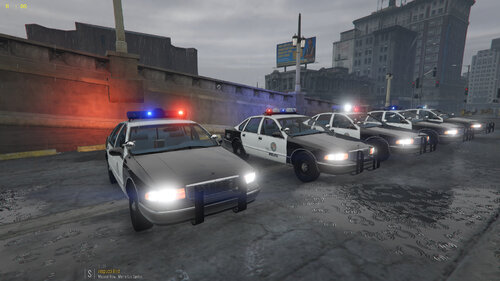
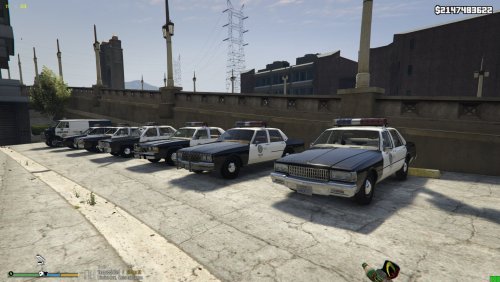
Retro 1980's Los Santos Police Department Pack All are ELS. *** Game Config in file may be out dated make sure to update to the latest gameconfig file *** links in Readme file IF THERE IS ANYTHING WRONG PLEASE LET ME KNOW AND I WILL TRY TO FIX IT Thank you to everyone who made the models Thanks to: Hatchetman If anybody needs credit for something please let me know.
- 45 comments
- 4 reviews
-
-

-

- 13
-
-
-
-
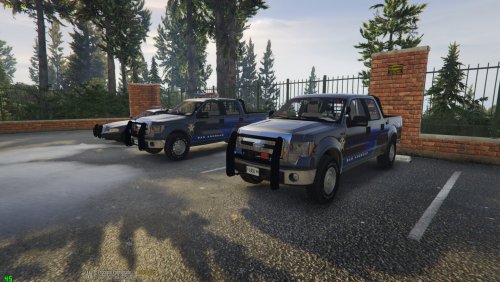 Thank you, the paint scheme is loosely based of Montreal Police. The Idea was given to me from a friend of mine. About the ALPR's, maybe? If I do, it'll sometime down the road. As I just finished this project, and I'm on the next. If I can get time it may be a possibility. But, I cannot make any promises. Thank you for the suggestion though. Any input is welcome, as long as it's not hate. LOL!
- 16 comments
- 1 review
-
Spawn names are in the readme. But here you go. sasp1 sasp2 sasp3 I will upload one to my discord.
- 16 comments
- 1 review
-
-
- 1
-
-
Please follow the instructions in the readme. Game Config in file is out dated make sure to update to the latest gameconfig file. Link in the readme.
- 16 comments
- 1 review
-
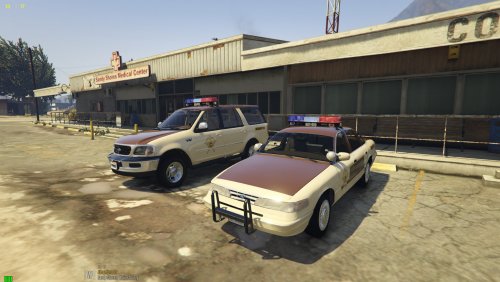
San Andreas State Police Pack loosely based of Montreal Police. All are ELS. *** Game Config in file is out dated make sure to update to the latest gameconfig file *** IF THERE IS ANYTHING WRONG PLEASE LET ME KNOW AND I WILL TRY TO FIX IT Thank you to everyone who made the models Thanks to: Hatchetman If anybody needs credit for something please let me know.
- 16 comments
- 1 review
-
-
-
- 4
-
-
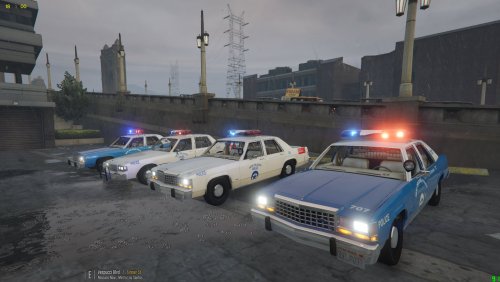 I've got an 87 model. It'll be a while, but If you are fine with an 87 model, I will look into it and see what I can do for ya.
- 8 comments
- 1 review
-
-
- 1
-
-
That's a mighty fine idea. I'd like to find and 82 LTD model. That would fit the bill perfect.
- 8 comments
- 1 review
-
-
- 1
-
-
-
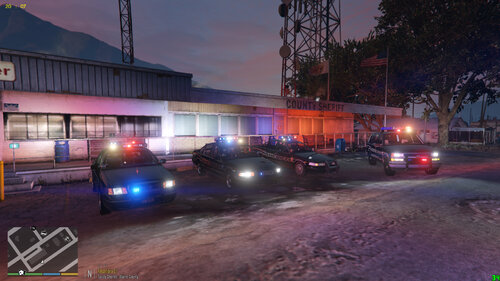 Game Config in file is out dated make sure to update to the latest gameconfig file.
 -
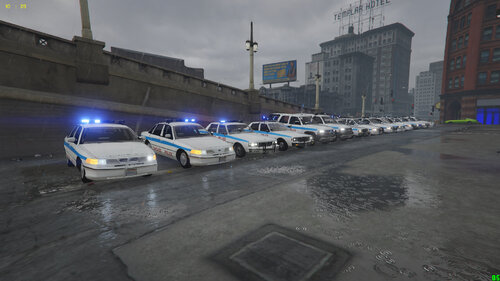 Try downloading a more up-to-date game config file. The one in the pack is outdated. There should be a link in the read me. If that doesn't work, try check game integrity through steam. If you have the game through steam.
- 37 comments
- 1 review
-
-
- 1
-