


apoundofapples
Members
-
Joined
-
Last visited
Everything posted by apoundofapples
-
-
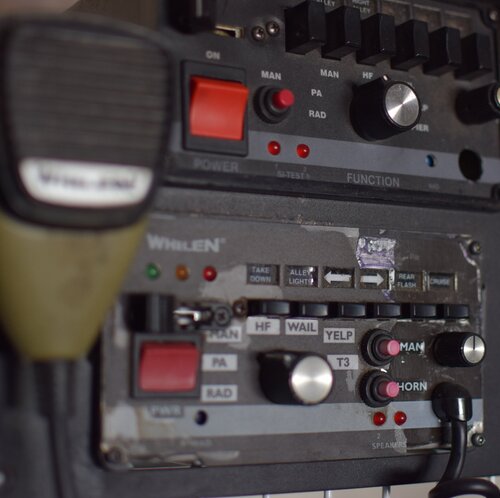 I know it's a caprice, I just didn't know if it is downloadable. I've tried searching for it and and can't find it with that light bar.
- 25 comments
- 4 reviews
-
-
 Hello, I love Siren Mastery. I like the ability to have different cars have different sirens. Is there a way to make it have the environmental echo when driving in tunnels and around buildings? And have that 3D effect while driving by?
- 851 comments
- 108 reviews
-
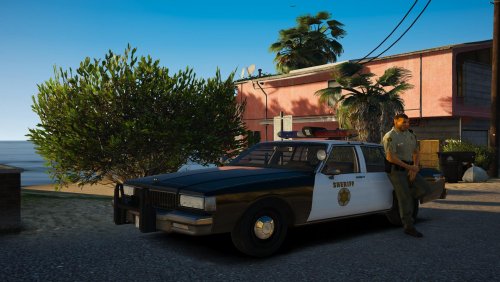 Go to the carvariations file and change the name from sheriff to police2. Also if you want, you could copy the sheriff info in the carvariations and paste it. Or If you have a police2 slot already in the carvariations file change the sirensettings to the same as the sheriff.
- 25 comments
- 3 reviews
-
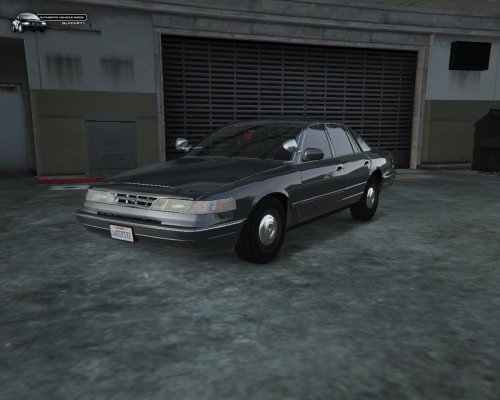 The Headlights and taillights are extremely bright. Is there a way to fix that? I know it's because of RadianceV. I think it's a texture, because I remove all of the texture in the YTD file and the brightness went away, of course everything was textureless. I think it's the glass textures, I just don't know how to fix it. Any help would be appreciated.
- 21 comments
- 10 reviews
-
Thank you. That will be helpful in the future.
-
Thanks. Yup, that worked.
-
In LSPDFR .3 I was able to edit the backup.xml so that I could choose which vehicles and ped would spawn. But now when I try to edit the new backup.xml in .4, it doesn't list the type of vehicles, or peds. I have a few Highway cars as the policeold1 and 2, and before I was able to choose which peds and how many spawned. Now, I have to request NYSD for backup and they show up with the NYSD peds. and the same type of thing for other slots I have filled. Any help would be appreciated. Thanks.
-
What setting?
-
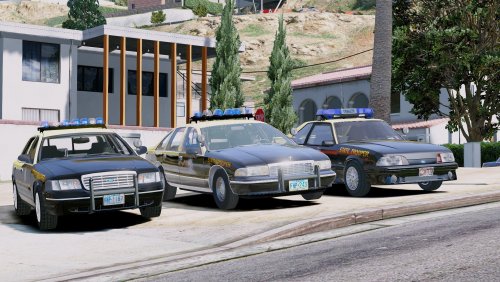 I'm already using Radiance V. I'll mess around with the carcols, but if it's anything like the MX7000 Minipack by Jule Winnfield, It's because of the model and I think I'd need some kind of modeling program. In which I know nothing about.
- 38 comments
- 5 reviews
-
-
Not sure if it's just me, but there is no env lighting. Did I do something wrong here? The lights work fine. Everything is normal, just no env lighting.
- 38 comments
- 5 reviews
-
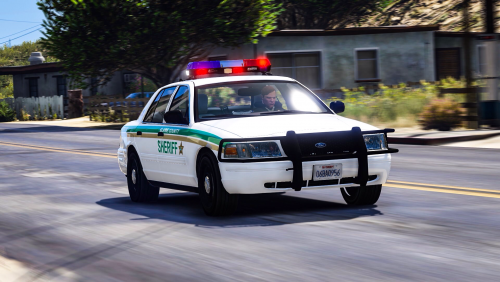 For some reason when I download it, it say file is corrupt and I can't unpack the file. I've tried 3 time and I also tried renaming it. Any help would be appreciated.
- 20 comments
- 2 reviews
-
Love the car, looks great. But one red light stays on. I've tried to use a trainer but it doesn't work. and I've tried messing with the ELS file. What else could I do?
- 25 comments
- 3 reviews
-
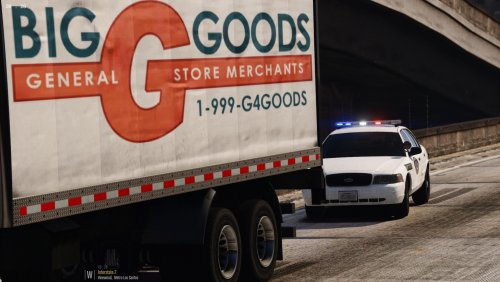 Great Pack. I really like the CVPI with the MX7000 and the CVPI sheriff2 lights.
- 26 comments
- 8 reviews
-
-
-
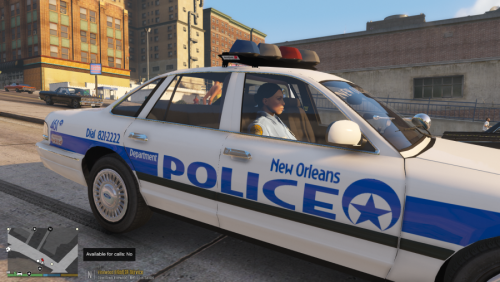
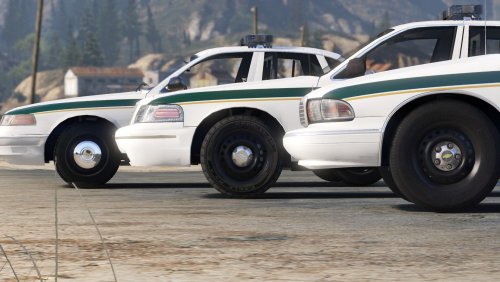
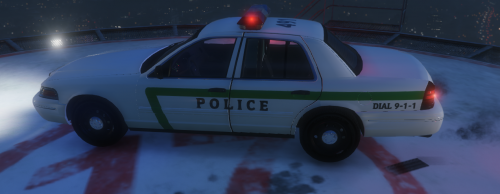 Here is the issue That I have. The rotator doesn't rotate, and the corona flashes in the front. and absolutely doesn't appear in the rear. The red lights work fine. I hope these photos help.
- 6 comments
- 1 review
-
-
I love the car man. but the inside blue light doesn't work or rotate. and it's the only car i have installed.
- 6 comments
- 1 review
-
-
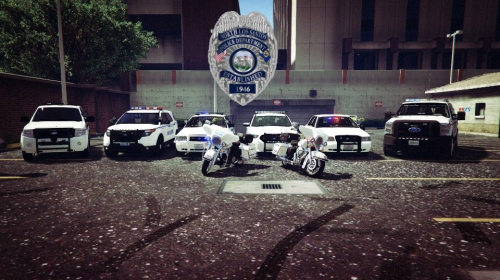 Man this brings back memories of living in NLV. It's really gone down hill in the recent years.
- 2 comments
- 3 reviews
-
-

- 1
-
-
-



.thumb.png.63a9dd2c9aeb24c87bf6ae187716cdfa.png)