Skip to content
View in the app

A better way to browse. Learn more.

LCPDFR.com

A full-screen app on your home screen with push notifications, badges and more.

To install this app on iOS and iPadOS
  1. Tap the Share icon in Safari
  2. Scroll the menu and tap Add to Home Screen.
  3. Tap Add in the top-right corner.
To install this app on Android
  1. Tap the 3-dot menu (⋮) in the top-right corner of the browser.
  2. Tap Add to Home screen or Install app.
  3. Confirm by tapping Install.

gamerdanger99

Members
  • Joined

  • Last visited

  1. Casey1989 started following gamerdanger99
  2. I don't know where you are in Ohio but the one in my town here in Ohio closes at 11 most nights sadly.
  3. Gonna file a complaint against you for harassment 👮‍♂️
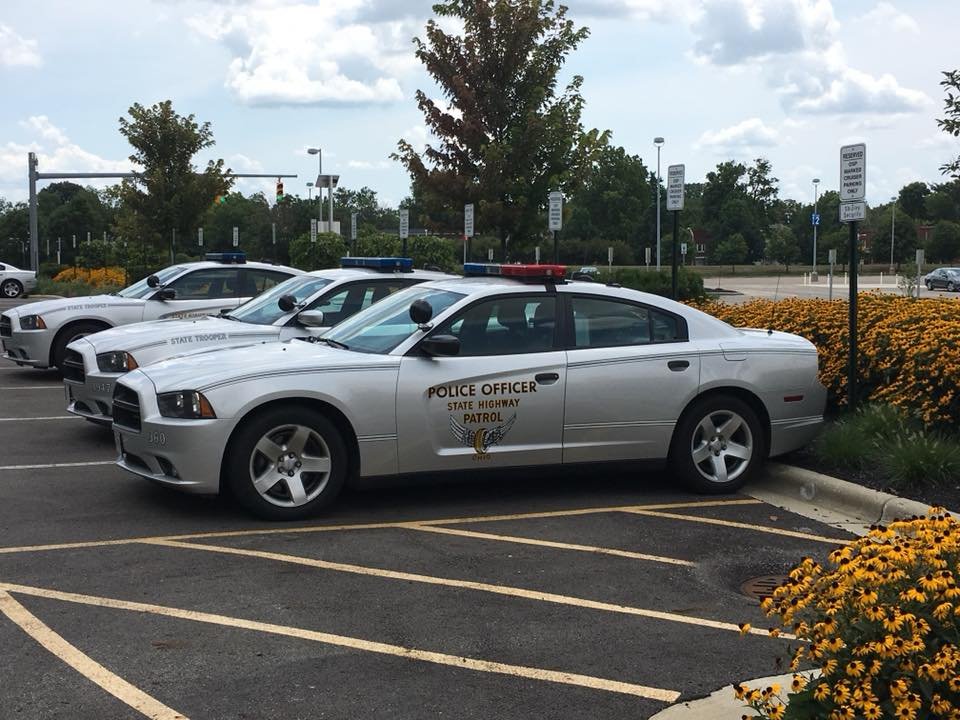
  4. I love everything about that charger except for the all blue lighting. Red and blues are much better.
  5. Hmmmmm Hey i remember you. How have you been?
  6. Name looks familiar but i'm not 100 percent sure. lol
  7. If it won't be to much of a hassle you should do the same with OSHP. I would love to have a lore friendly State Trooper pack with Ohio decals.
  8. Thanks It has. How have you been doing? Everything has been good on my end mostly.
  9. gamerdanger99 changed their profile photo
  10. Anyone here remember me? It's been a long time since i've posted on here or even logged in here. How is everyone doing? If you remember me i'm sorry for how immature i was years ago. I'm 19 now and most certainly not a dumbass like i used to be. lol
  11.    Jimmy Vance reacted to a post in a topic: Anti-Islam Marches In Germany
  12.    sjain reacted to a post in a topic: Best Christmas presents?
  13.    Boshy reacted to a post in a topic: Best Christmas presents?
  14. A car and no im not kidding. I got a freaking Toyota Camry.
  15. My heart goes out to the MANY victims of these horrible attacks. RIP

Account

Navigation

Search

Search

Configure browser push notifications

Chrome (Android)
  1. Tap the lock icon next to the address bar.
  2. Tap Permissions → Notifications.
  3. Adjust your preference.
Chrome (Desktop)
  1. Click the padlock icon in the address bar.
  2. Select Site settings.
  3. Find Notifications and adjust your preference.