


nfspatrol73
Members
-
Joined
-
Last visited
Everything posted by nfspatrol73
-
-
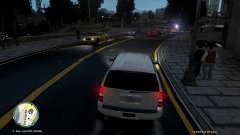 SCHP Tahoe
-
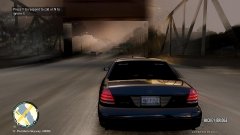 Unmarked SC Police Crown Victoria
-
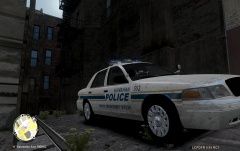 Hanahan Old Graphics
-
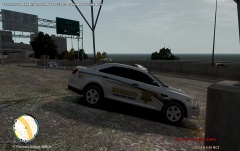 Slicktop Sheriff's Office Ford Interceptor
-
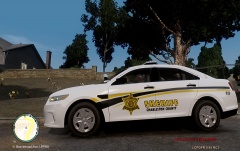 Sheriff's Office new design
-
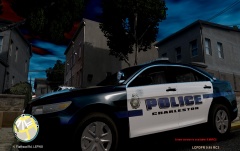 Charleston City New Design
-
 North Charleston,S.C Police
-
 schp radar
-
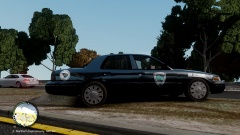 Cayce,S.C H.E.A.T
-
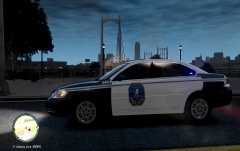 City of Charleston Impala
-
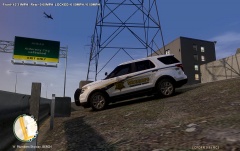 ccso explorer
-
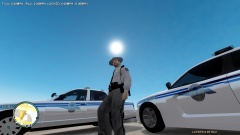 schp
schp
-
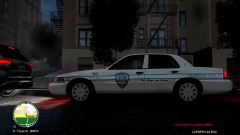 North Charleston P.D
-
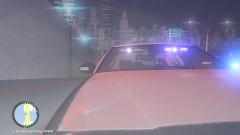 lights in the city
-
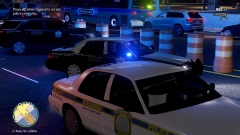 Columbia and Richland responding
-
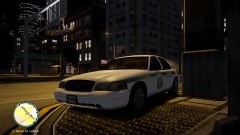 Columbia Pd T-26
-
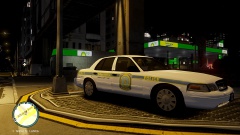 Columbia S.C Pd
-
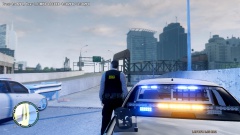 GTAIV 2013 07 12 00 51 49 09
-
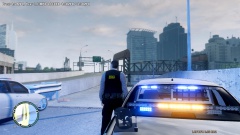 lights
-
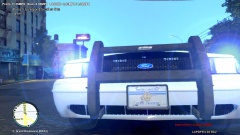 SCHP
SCHP
-
-
-
From the album: Shots
-
-
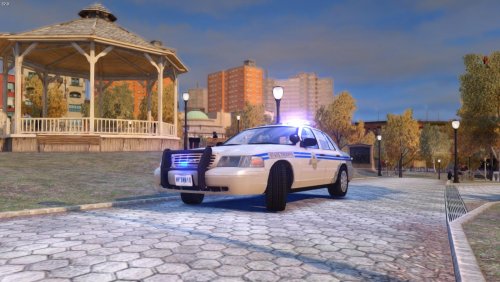 car is awesome in 2.0 version,add state trooper decal big on front fenders and ditch the prisoner cage..schp doesn't use them.they either call county,city or transport them in passenger seat..i love the model...do a 2.1 with no cage and add front and rear radar and the small antenna on roof and its 100 percent!! good job :-)
- 5 comments
- 1 review
-
-

- 1
-
-
do lots of research before you make a car..use a base that looks similar to real cv used..schp cars look like this above on this explorer has the correct tag door symbol close up
- 5 comments
- 1 review
-
-
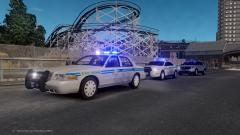 I have a almost correct skin i made i'm just looking for someone to make the corect model with corresct features.if you can swing me that cv model when it's close enough,i can give you my skin
 -
Sweet!are you gonna upload the vehicles also.I been looking for a schp cv model! also did you add the front and rear radar,laptop and camera in cv?
-
Sweet looking skins,very accurate but the license tags both Police have MGtag,Highway Patrol have HPtag and County Sheriff has CGtag here's North Charleston '>
-
radar front and rear,video camera and ditch the spotlight and its ready for v.2.havent seen too many unmarked stangs with a spotlight
- 24 comments
- 9 reviews
-
-
From the album: Shots
-
From the album: Shots
-
From the album: Shots
-
 Sweet!!!!!!!!!!!!!!!!!!!!!!! can someone send me a black and white template to use for this car.so i can make the new city of charleston sc skin!!
- 16 comments
- 4 reviews
-
i bought a police durango from auction,it had all the markings and all the equipment and lights.it was just missing the rear tag.i got pictures and video of it
- 16 comments
- 5 reviews
-
good job!!where is there a link to this model.i been looking for a 2005 like this..plain.i wish there was a plain model like this with a led liberty also
- 6 comments
- 1 review
-
They are silver.its just the enb i was using at the time.they just look whitish in pic
-
the text on rear is the same color as police is on side door(blue fade black) the car number and team number is white
-
From the album: Shots
-
-
-
From the album: Shots
-


