Skip to content
View in the app

A better way to browse. Learn more.

LCPDFR.com

A full-screen app on your home screen with push notifications, badges and more.

To install this app on iOS and iPadOS
  1. Tap the Share icon in Safari
  2. Scroll the menu and tap Add to Home Screen.
  3. Tap Add in the top-right corner.
To install this app on Android
  1. Tap the 3-dot menu (⋮) in the top-right corner of the browser.
  2. Tap Add to Home screen or Install app.
  3. Confirm by tapping Install.

RADIANCE V 2.1

(70 reviews)

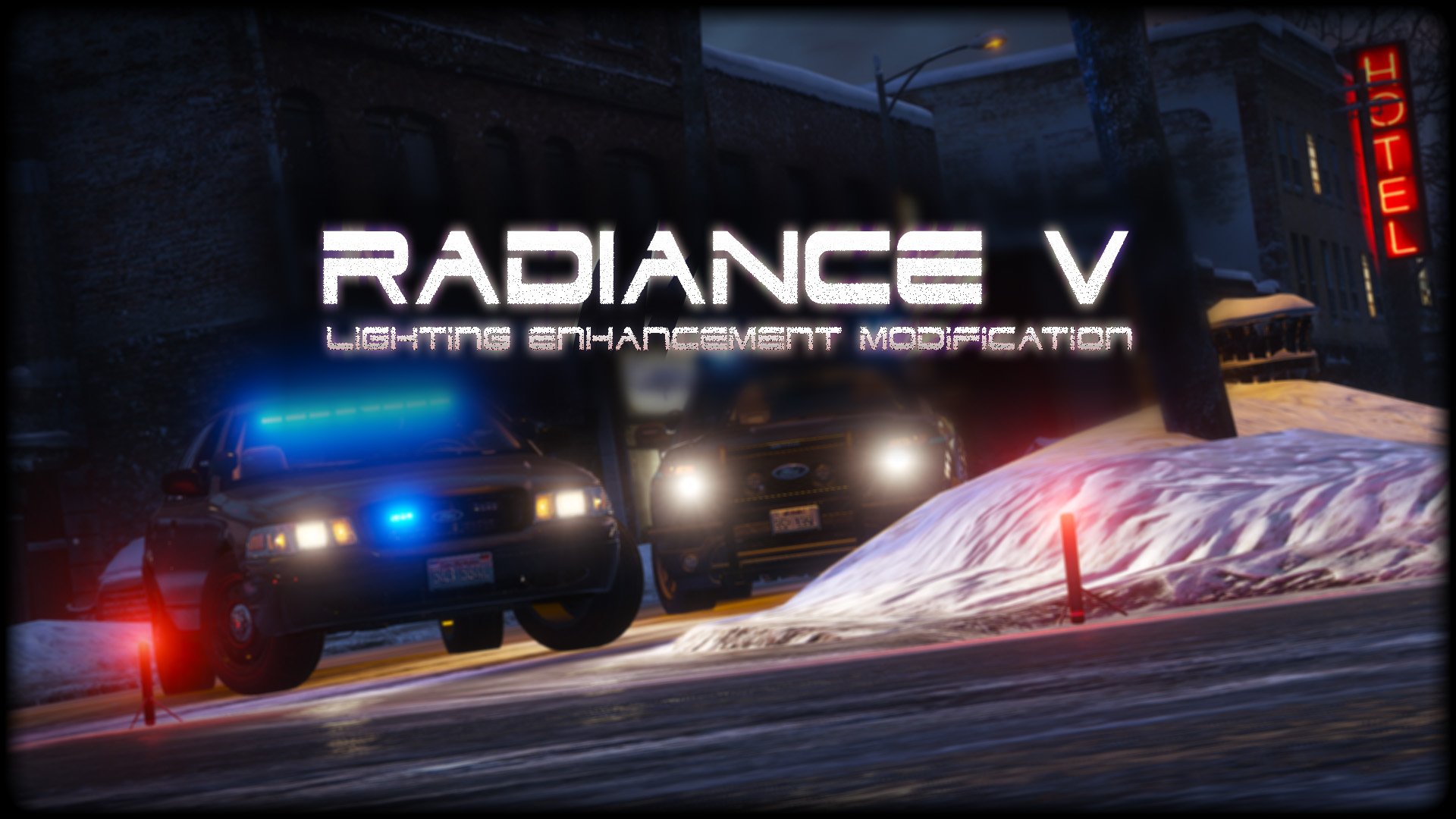
1 Screenshot

2bbTayS.png
 
88x31.png

This work is licensed under a

By downloading this file you agree to the TERMS OF USE AND DISTRIBUTION, If you can not abide by those terms then do not download this file.

Edited by Bxbugs123

What's New in Version 2.1

Released

v1.5 - Added Amber Parking Light's.

v1.6 - Tweaked All Settings.

v1.8 - Tweaked All Settings for Newest GTA V Update Version 1.0.877.1 Biker DLC, Please download Version 1.6 if you are on an older Patch.


v2.0 - Updated for latest version of GTAV,  Removed Amber Parking Lights,  Added OIV Install pack.

v2.1 - Reworked most Settings, Added Replace & Add options for pack installer,  Fixed issue with OpenIV giving unknown error on install (hopefully)


Short Description

Lighting Enhancement Modification

User Feedback

Recommended Comments

Police K9

Members

В чем разница между 1.8 и 2.1?

yippeekiyaay

Members

(edited)

On 11/29/2022 at 6:03 PM, JayStillRPs said:

Question is how do I uninstall this?

You ever figure out how to uninstall this? I've tried swapping the visualsettings.dat from my clean copy to mods, but no luck.


@JayStillRPs

Edited by yippeekiyaay

WiseGuye

Members

On 1/26/2024 at 3:59 PM, yippeekiyaay said:

You ever figure out how to uninstall this? I've tried swapping the visualsettings.dat from my clean copy to mods, but no luck.


@JayStillRPs

Did you figure it out?

Lilith

Members

ISSUE

The red lights are amber.


CONDITIONS

Mod installed correctly; (I) downloaded the package via OpenIV, (II) replaced the XML settings file with the one provided. I even double-checked that the Shader & FX settings were set to high or above using the in-game graphics menu.


VEHICLES

I am currently using vanilla vehicles. No ELS; removed it, but it had the same issue w/ ELS. It is this mod which turns the red lights yellow.


SEEKING FIX

Anyone know an easy way to fix this issue? I've seen it posted about before. Solutions have ranged from doing what I already did w/ the XML settings file provided (which I couldn't directly edit, just replaced with this mod's version), to needing to manually change the color of the police lights in the vehicle's YTD file, making them more red, something I have no experience with and am hoping to avoid.

timmmmmmmmmm

Members

how do i get rid of this fam


StachuToZiomal

Members

Should i use "add" or "replace" files?

Elacalibur

Members

(edited)

How do I get this to work with NVE?

Edited by Elacalibur

jj6789

Members

how can i fully revert my game back to normal settings after installing this?

Is there any way to uninstall this mod?

Create an account or sign in to comment

Latest Mods

Account

Navigation

Search

Search

Configure browser push notifications

Chrome (Android)
  1. Tap the lock icon next to the address bar.
  2. Tap Permissions → Notifications.
  3. Adjust your preference.
Chrome (Desktop)
  1. Click the padlock icon in the address bar.
  2. Select Site settings.
  3. Find Notifications and adjust your preference.



