Skip to content
View in the app

A better way to browse. Learn more.

LCPDFR.com

A full-screen app on your home screen with push notifications, badges and more.

To install this app on iOS and iPadOS
  1. Tap the Share icon in Safari
  2. Scroll the menu and tap Add to Home Screen.
  3. Tap Add in the top-right corner.
To install this app on Android
  1. Tap the 3-dot menu (⋮) in the top-right corner of the browser.
  2. Tap Add to Home screen or Install app.
  3. Confirm by tapping Install.

RADIANCE V 2.1

(70 reviews)

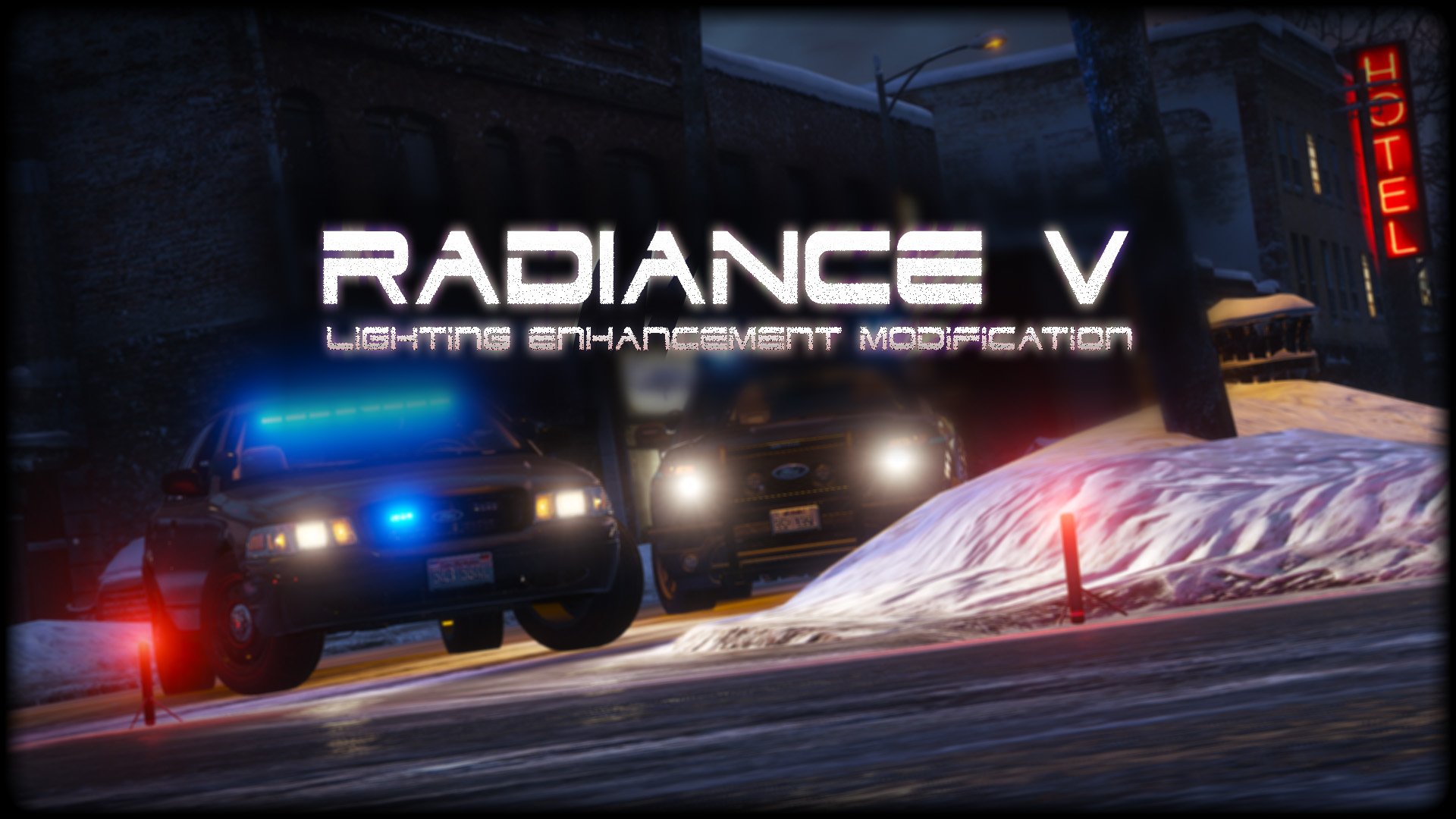
1 Screenshot

2bbTayS.png
 
88x31.png

This work is licensed under a

By downloading this file you agree to the TERMS OF USE AND DISTRIBUTION, If you can not abide by those terms then do not download this file.

Edited by Bxbugs123

What's New in Version 2.1

Released

v1.5 - Added Amber Parking Light's.

v1.6 - Tweaked All Settings.

v1.8 - Tweaked All Settings for Newest GTA V Update Version 1.0.877.1 Biker DLC, Please download Version 1.6 if you are on an older Patch.


v2.0 - Updated for latest version of GTAV,  Removed Amber Parking Lights,  Added OIV Install pack.

v2.1 - Reworked most Settings, Added Replace & Add options for pack installer,  Fixed issue with OpenIV giving unknown error on install (hopefully)


Short Description

Lighting Enhancement Modification

User Feedback

Recommended Comments

Gr0We

Members

(edited)

Holy Hell Nipples. 2.1 (Real radiance) for some reason so  frickin' bright and effects every light aspect in the game. I think it's supposed to do that but it's so bright, like for me fr, feels like I am about to have a seizure, anybody got any fixes, plus I tried uninstalling it using the OIV and once I did, it kept the brightness.

Edited by PCModzRock

NasserFTW

Members

Im so confused, what is the different between add & replace, as i understand the add is the one i added but replace is replacing the one i added, ex if i add normal i use bright replace to replace it is that correct or its something else?.

Stroid

Members

Thanks for your hard work on this!! I've been searching for a good while to see if I can get DRL / Amber parking lights on all of my vehicles. I installed the v1.8, as I specifically need this plugin for only the Amber Parking Lights aspect. 


Here is my problem, I'm hoping you / someone has a solution to it.


 When the car spawns, the lights show on [perfectly] except - the hazards in the REAR show as well. How can I get it so that it will only show the hazards in the FRONT, like a typical PD car running their DRL? 


Like I said, great work. This is the only issue that I have at the moment, hopefully there is a resolution 😄


You can see the attached images for reference on what I am talking about

Screenshot_4.png

Screenshot_5.png

Hannibal88

Members

Does this work with FiveM if so, how do you add it to FiveM?

Hannibal88

Members

I use this in FiveM but is there a way to turn down the taxi cab lights?? Like holy heck!

20220729211632_1.jpg

20220729211154_1.jpg

Zack300

Members

whats the difference between add and replace? and which files are being modded?

mockdot

Members

Loving the mod but we definitely need a way to turn down those taxi lights. I thought it was the reflection of the sun, lol.


1870421663_2022-08-1117_05_33-GrandTheftAutoV.thumb.png.1cb1a346ff824139da5d7158ad89c1cd.png
 

On 7/29/2022 at 8:19 PM, Hannibal88 said:

I use this in FiveM but is there a way to turn down the taxi cab lights?? Like holy heck!

20220729211632_1.jpg

20220729211154_1.jpg

Kingisaac

Members

⭐⭐⭐⭐⭐

Felipe Marin

Members

¿Cómo puedo borrar o quitar esas luces que parecen como "PUNTOS o AMPOLLETAS"? Es muy molestoso, (me refiero a las que estan en la luz de freno del auto)

Ayúdenme por favor se los agradecería muchísimo!!

Captura de pantalla 2022-10-15 011152.png

Captura de pantalla 2022-10-15 011537.png

combatstar

Members

this causes texture loss with some custom cars dont install 

JayStillRPs

Members

Question is how do I uninstall this?

ledzi

Members

RadienceV making my tail lights like this anyone know a fix? 
image.png

Merciless

Members

On 7/12/2022 at 7:26 AM, NasserFTW said:

Im so confused, what is the different between add & replace, as i understand the add is the one i added but replace is replacing the one i added, ex if i add normal i use bright replace to replace it is that correct or its something else?.


On 8/8/2022 at 7:04 PM, Zack300 said:

whats the difference between add and replace? and which files are being modded?


THIS. So much this! Please explain what the difference is! SOO many uploads here without proper instructions or explanations! I use to upload mods to a website called Blackhole Motorsports and you HAD to make sure there was a README in there with proper instructions and explanations on your files!


I/we appreciate your work but your information is extremely vague.

At the very least explain the differences between add and replace OR give us the MANUAL install option back PLEASE!

Extremecasual

Members

Is this compatible with NVR in FiveM?

mhulcio576

Members

On 10/11/2020 at 12:12 PM, SetLucas said:

Anyone else have issues with this making laptop screens very bright?

i have this issue as well, and when you put it to normal it makes the lights dimmer. I cant figure out how to turn down the screen brightness

On 11/7/2015 at 7:49 PM, MarshallSantini said:

I love this enhancement! I had an issue with the computers being too bright, so I decided to adjust the 'brightness' of the computer image on the vehicle. That worked!

Unfortunately because of the models I use, it brightens the computer screen so much that I cannot see the road at night. If there is a way to change this, it would be perfect for even my style of playing. I used very bright in the beginning, then switched to bright. Which made a difference, but not enough for the computers. If anyone could let me know if there is a way of changing just that specific light, I would love to be able to use this enhancement.


hey how did you adjust the laptop screen brightness? im having that problem with the 2.1 version

21Sumter

Members

(edited)

OpenIV gives an error when trying to install any of the OIV files, it says that there is no assambly.xml file

[30.03.2023 3:26:08] [14928] INFO  -> Current GameId: "Five"
[30.03.2023 3:26:08] [14928] INFO  -> Current GamePlatform: "pc"
[30.03.2023 3:26:08] [14928] INFO  -> Current GamePath: "D:\Fails\Steam\steamapps\common\Grand Theft Auto V\"
[30.03.2023 3:26:08] [18304] INFO  -> Loading package
[30.03.2023 3:26:08] [18304] INFO  -> Loading package from "D:\Desktop\Radiance-v-install-replace-normal.oiv"
[30.03.2023 3:26:08] [18304] INFO  -> Package file was opened successfully
[30.03.2023 3:26:08] [18304] INFO  -> Loading assembly from "assembly.xml"
[30.03.2023 3:26:08] [18304] INFO  -> Reading assembly file "assembly.xml"
[30.03.2023 3:26:08] [18304] ERROR -> Unable to load assembly file "assembly.xml"
[30.03.2023 3:26:08] [18304] ERROR -> XML Validation error:

Edited by 21Sumter

21Sumter

Members

UPD: the error was in reading OpenIV, because the site does not work installed 2.9 offline, now reinstalled to 4.0 and updated openASI, everything works. Thx

The lights during the day are way too dim, and way too bright during the night. any way to fix this?

Neon Skye

Members

On 11/29/2022 at 3:03 PM, JayStillRPs said:

Question is how do I uninstall this?

Replace the visualsettings.dat in your mods folder with the regular one

Skylar5

Members

On 6/8/2023 at 6:31 PM, RPKISaO said:

The lights during the day are way too dim, and way too bright during the night. any way to fix this?

edit the settings


Ecytrsi

Members

doesnt work with visual v anymore

nphiloge

Members

On 7/12/2022 at 8:26 AM, NasserFTW said:

Im so confused, what is the different between add & replace, as i understand the add is the one i added but replace is replacing the one i added, ex if i add normal i use bright replace to replace it is that correct or its something else?.


On 8/8/2022 at 8:04 PM, Zack300 said:

whats the difference between add and replace? and which files are being modded?

Add means it will only add the necessary information to your visualsettings.dat file, replace means it will replace the entire file with a new one. So if you have a custom visualsettings.dat file for a graphics mod or something and dont want to lose the settings in your visualsettings.dat file just use add.

alex34244

Members

hay mate i have question. im having issue with computer laptop the light is to way bright and taxi same how can i arrange that?

Create an account or sign in to comment

Account

Navigation

Search

Search

Configure browser push notifications

Chrome (Android)
  1. Tap the lock icon next to the address bar.
  2. Tap Permissions → Notifications.
  3. Adjust your preference.
Chrome (Desktop)
  1. Click the padlock icon in the address bar.
  2. Select Site settings.
  3. Find Notifications and adjust your preference.