
Skip to content
View in the app

A better way to browse. Learn more.

LCPDFR.com

A full-screen app on your home screen with push notifications, badges and more.

To install this app on iOS and iPadOS
  1. Tap the Share icon in Safari
  2. Scroll the menu and tap Add to Home Screen.
  3. Tap Add in the top-right corner.
To install this app on Android
  1. Tap the 3-dot menu (⋮) in the top-right corner of the browser.
  2. Tap Add to Home screen or Install app.
  3. Confirm by tapping Install.

Emergency uniforms pack - Law & Order 9.3.1

(236 reviews)

10 Screenshots


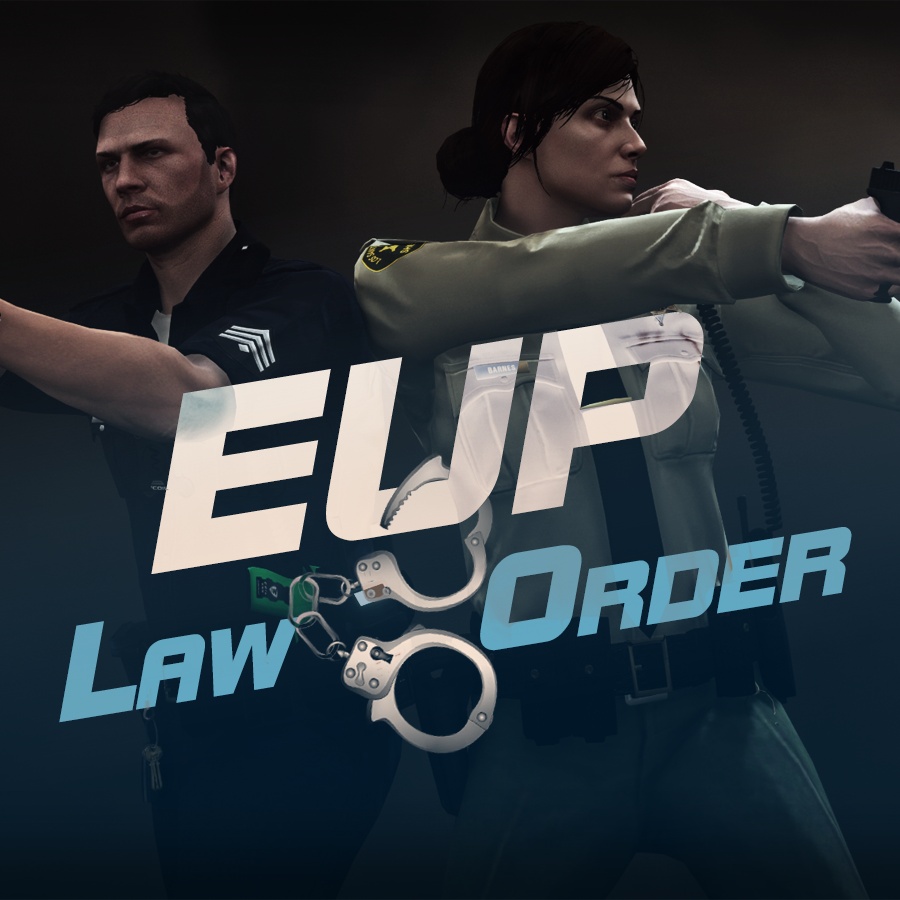
632635363_EUPlw.png.08a8e4d613dc7a278fc352b6b57ce8a2.png

EUP is an all-in-one modification that gives us the free range to create your own law enforcement officer as you patrol the streets and roads of San Andreas. U mad Ronson?

This time, play different - be different. Adapt your style to the situation. Get your gear on - use a High-Vis vest to direct traffic, a waterproof jacket on a rainy day or a tactical outfit when the situation gets hot. Choose from various lore-friendly departments base of real life. Customize various components of your outfits.

The mod that started as a holster and a vest retexture, now so expansive, most Australians finish downloading it right when an update comes out. Emergency Uniforms Pack Law & Order 8.2 offers an unrivaled catalog of lore-friendly California-inspired law enforcement uniforms for both male and female multiplayer characters. From tasteful evolutions of the classic LSPD outfits, you see AI cops wearing, to dozens of uniforms for entirely new lore-friendly law enforcement departments based on real-world California departments. Emergency Uniforms Pack has it all, and when tied with partner mods such as EUP Serve and Rescue, EUP Menu, and EUP LSPDFR Configs, you can totally transform your LSPDFR experience.

Creative Commons License
This work is licensed under a Creative Commons Attribution-NonCommercial-ShareAlike 4.0 International License.


If you were you were looking for the latest version of EUP and wish to support our work click the button down below:

Patreon

 
This mod is a free mod, the beta versions of EUP accessible only through our patreon page, is a tool for us to support the development of the mod and create a platform to interact with the community, 5 years later this mod became my main ''job'' and source of income, thanks to all the fans and supporters. Which means more quality and enhancements, since I can allow all my time to it and invest money into assets and programs.

The public version is still important to us and will receive updates, which is only made possible through our membership system.


For General discussions, beta registration, support, images contest and more follow join our Discord Server:


EUP Discord


Add-Ons


In order to select and customize outfits, you NEED to get the menu here:


Need help? Something went wrong? Not sure how to proceed?
Leave the comments and reviews alone, we don't really monitor them.


Follow the link to EUP Discord for help or comments


Edited by Alex_Ashfold
Links update

What's New in Version 9.3.1

Released

jsut updating the version umber to display a more accurate one. No need to downloand and reinstall, no new content.


Short Description

https://www.patreon.com/alex_ashfold

User Feedback

Recommended Comments

munchy32123

Members

I can find the eup folder inside plugins


Weilher

Members

Did you know how can i only select a service ? Like only he LSPD files please ? 

ps : gg for the release ! 

LtSnoDawg69

Members

On 4/26/2022 at 2:54 PM, Weilher said:

Did you know how can i only select a service ? Like only he LSPD files please ? 

ps : gg for the release ! 

That is not possible at all.

officer King218

Members

 Emergency uniforms pack - Law & Order 9.3.1  is still showing the  

  • EUP_L_O_8.3_LML_Package.zip

    Choose this package if you wish the install the mod with LML (Recommended)

    Updated December 8, 2021

    930.43 MB

  • 566105533_EUPLO8.3.oiv

    Updated December 8, 2021

    928.55 MB

can you guys please fix this issue plz an thanks?

Mh Sucio

Members

On 7/30/2015 at 3:13 PM, GravelRoadCop said:

I'm confused. is this meant for SP or MP ?

These guys make it incredibily difficult you have to pay them join their patreon  or whatever. wait for a discord link then wait for hours to get a link to download. I cant stand these guys and I will never pay them. You can find it elsewhere free.

ALEX 1 ADAM 20

Members

im having problems with the security uniforms when i go in the menu it shows a firefighter button down shirt with a backpack 

SammTheFox

Members

Hey, I need to use an older deprecated 8.1 version for a mod, is there anywhere I can find that?

GenSec

Members

I have problem with swat units hands it happened to all swat not only LSPD any ideas how to fix it?  

image.jpeg

Soccer Frantic

Members

16 hours ago, GenSec said:

I have problem with swat units hands it happened to all swat not only LSPD any ideas how to fix it?  

image.jpeg

Change the upper skin to find one with arms. They have different options to compensate for clipping issue with different clothing types (short sleeves, long sleeves, etc.).

CubanoMano

Members

game crashes when i use the eup menu to change my outfit. ie scrolling through pants or an accessory.

MrFanta

Members

how do i install it

thegamer5563

Members

I can't join the discord, could somebody send me it?

Macko27

Members

Where can i find the 9.3 verison?

Tumatauenga

Members

why is the download only oiv now? I went to download the updated version, and now its only an oiv with no files, i installed it and it doesnt work

On 6/25/2022 at 1:20 AM, MrFanta said:

how do i install it

With OpenIV the application used for modding

On 6/25/2022 at 1:20 AM, MrFanta said:

how do i install it

https://www.google.com/url?sa=t&rct=j&q=&esrc=s&source=video&cd=&cad=rja&uact=8&ved=2ahUKEwiDr-ia4t74AhXlSmwGHZ9BBv4QtwJ6BAgCEAI&url=https%3A%2F%2Fwww.youtube.com%2Fwatch%3Fv%3DMt_tiAcqDwk&usg=AOvVaw2PpyXXxIl5pEOlhDBkKQJ3

watch this vid its a walkthrough

On 4/25/2022 at 8:54 PM, munchy32123 said:

I can find the eup folder inside plugins 


can't*

SilverSixGun

Members

I can't even install the OIV without getting a fatal error, please help.

MBX.R

Members

I downloaded but where folder plugins??????!!!!!!

Sanderwastaken

Members

Can somebody finally please answer the question that was asked here previously, is the version we are getting 9.3? Because the OIV installer in the file says its 8.3 so please can someone tell what  are we actually getting here.

I don't know what I did or where I went wrong, but this mod made me have to delete GTAV completely and start completely from scratch, that meant deleting the Grand Theft Auto V folder itself! And before anyone asks, yes. I tried reinstalling the LSPDFR mod itself using the lspdfr uninstall app that comes with it which should have removed everything LSPDFR wise. That didn't work and it continued crashing everytime I tried going on duty. On boot up, it was fine. Everything was normal. But the moment I went on duty, it all crashed. And yes, everything was fine before I tried downloading this and putting the files in. And yes, I got the EUP Menu mod with it too and put it in there AND tried activating it, but it shows the error you've probably been hearing about for a while, where it says I don't have the mod downloaded even though it's right there. I'm redownloading GTAV fresh as I'm typing this and getting all the mods I had before this back. It was all working before I decided to try and get this mod. Now, don't get me wrong, I'm not hating on the mod itself. The mod is great; I've seen it in action. I just don't know where I went wrong when moving the files over where they should be. I tried using the Mod Manager, but it never opens whenever I try downloading a mod that copes with it. One more thing that might be unrelated to the mod, but I've been hearing about this folder directory that for some reason starts with a mod folder and goes on from there. For example, in the Read Me text file in the GrammarPolice mod in the Textures folder, it shows this directory: "mods > x64c.rpf > levels > gta5 > props > lev_des > v_minigame.rpf". Nobody ever shows what's behind the mod folder or how to get to this mod folder. If anyone knows what this is or where it's actually at, please let me know. That'd be wonderful cause I've been scratching my head at it ever since I've heard about it.

Theboss1324

Members

Can you use the EUP for fivem and change the textures with permission?

Officer Nathans

Members

On 7/11/2022 at 8:29 AM, MBX.R said:

I downloaded but where folder plugins??????!!!!!!

the plugins folder is created when you install lspdfr.

On 7/18/2022 at 11:32 PM, Ember The Flareon said:

I don't know what I did or where I went wrong, but this mod made me have to delete GTAV completely and start completely from scratch, that meant deleting the Grand Theft Auto V folder itself! And before anyone asks, yes. I tried reinstalling the LSPDFR mod itself using the lspdfr uninstall app that comes with it which should have removed everything LSPDFR wise. That didn't work and it continued crashing everytime I tried going on duty. On boot up, it was fine. Everything was normal. But the moment I went on duty, it all crashed. And yes, everything was fine before I tried downloading this and putting the files in. And yes, I got the EUP Menu mod with it too and put it in there AND tried activating it, but it shows the error you've probably been hearing about for a while, where it says I don't have the mod downloaded even though it's right there. I'm redownloading GTAV fresh as I'm typing this and getting all the mods I had before this back. It was all working before I decided to try and get this mod. Now, don't get me wrong, I'm not hating on the mod itself. The mod is great; I've seen it in action. I just don't know where I went wrong when moving the files over where they should be. I tried using the Mod Manager, but it never opens whenever I try downloading a mod that copes with it. One more thing that might be unrelated to the mod, but I've been hearing about this folder directory that for some reason starts with a mod folder and goes on from there. For example, in the Read Me text file in the GrammarPolice mod in the Textures folder, it shows this directory: "mods > x64c.rpf > levels > gta5 > props > lev_des > v_minigame.rpf". Nobody ever shows what's behind the mod folder or how to get to this mod folder. If anyone knows what this is or where it's actually at, please let me know. That'd be wonderful cause I've been scratching my head at it ever since I've heard about it.

the error of not having the mod downloaded means that you have not downloaded the search and rescue version of the mod to go with it. As I think eup and sr share some assets.

BC9205

Members

Hello Alex_Ashfold, 


your eup stuff is one of the most important mods in lspdfr and i really like to use it, but how can i disable the bodycam for all the agencies and my lspdfr-character ??

Because i like retro patrols a lot and as you know there where no bodycams back in the days. Or what can i do to edit these things ?? Is there anybody Who can help me with that ??


Thanks.

iF3lixDE

Members

On 7/17/2022 at 9:32 PM, Sanderwastaken said:

Can somebody finally please answer the question that was asked here previously, is the version we are getting 9.3? Because the OIV installer in the file says its 8.3 so please can someone tell what  are we actually getting here.

This is the 9.3 version - the files are misnamed.

Koykoy

Members

Anyone notice that some of the clothes won't load anymore after the newest update? It's probably has something to do with the update as I noticed it added new clothes. The insignias doesn't load anymore as well. I'm using Steam version.

AddressUnknown

Members

On 5/13/2022 at 2:18 AM, Mh Sucio said:

These guys make it incredibily difficult you have to pay them join their patreon  or whatever. wait for a discord link then wait for hours to get a link to download. I cant stand these guys and I will never pay them. You can find it elsewhere free.

mate leak leak haram

Create an account or sign in to comment

Account

Navigation

Search

Search

Configure browser push notifications

Chrome (Android)
  1. Tap the lock icon next to the address bar.
  2. Tap Permissions → Notifications.
  3. Adjust your preference.
Chrome (Desktop)
  1. Click the padlock icon in the address bar.
  2. Select Site settings.
  3. Find Notifications and adjust your preference.

















