

Skip to content
View in the app

A better way to browse. Learn more.

LCPDFR.com

A full-screen app on your home screen with push notifications, badges and more.

To install this app on iOS and iPadOS
  1. Tap the Share icon in Safari
  2. Scroll the menu and tap Add to Home Screen.
  3. Tap Add in the top-right corner.
To install this app on Android
  1. Tap the 3-dot menu (⋮) in the top-right corner of the browser.
  2. Tap Add to Home screen or Install app.
  3. Confirm by tapping Install.

Emergency uniforms pack - Law & Order 9.3.1

(236 reviews)

10 Screenshots


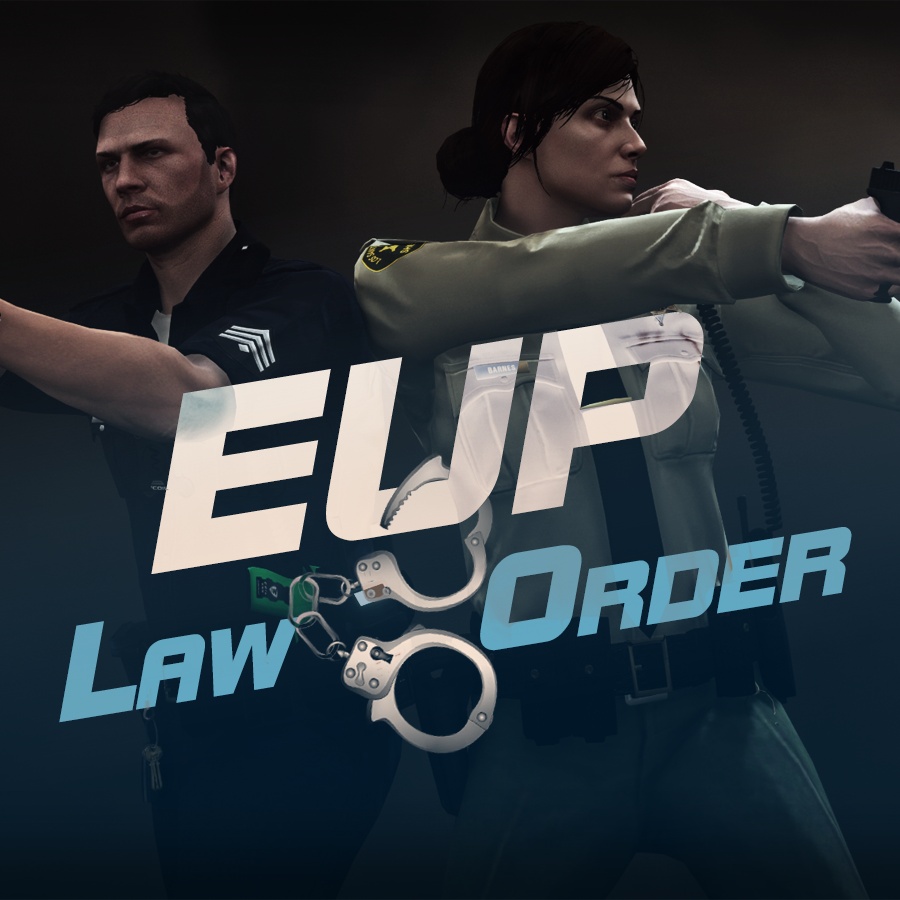
632635363_EUPlw.png.08a8e4d613dc7a278fc352b6b57ce8a2.png

EUP is an all-in-one modification that gives us the free range to create your own law enforcement officer as you patrol the streets and roads of San Andreas. U mad Ronson?

This time, play different - be different. Adapt your style to the situation. Get your gear on - use a High-Vis vest to direct traffic, a waterproof jacket on a rainy day or a tactical outfit when the situation gets hot. Choose from various lore-friendly departments base of real life. Customize various components of your outfits.

The mod that started as a holster and a vest retexture, now so expansive, most Australians finish downloading it right when an update comes out. Emergency Uniforms Pack Law & Order 8.2 offers an unrivaled catalog of lore-friendly California-inspired law enforcement uniforms for both male and female multiplayer characters. From tasteful evolutions of the classic LSPD outfits, you see AI cops wearing, to dozens of uniforms for entirely new lore-friendly law enforcement departments based on real-world California departments. Emergency Uniforms Pack has it all, and when tied with partner mods such as EUP Serve and Rescue, EUP Menu, and EUP LSPDFR Configs, you can totally transform your LSPDFR experience.

Creative Commons License
This work is licensed under a Creative Commons Attribution-NonCommercial-ShareAlike 4.0 International License.


If you were you were looking for the latest version of EUP and wish to support our work click the button down below:

Patreon

 
This mod is a free mod, the beta versions of EUP accessible only through our patreon page, is a tool for us to support the development of the mod and create a platform to interact with the community, 5 years later this mod became my main ''job'' and source of income, thanks to all the fans and supporters. Which means more quality and enhancements, since I can allow all my time to it and invest money into assets and programs.

The public version is still important to us and will receive updates, which is only made possible through our membership system.


For General discussions, beta registration, support, images contest and more follow join our Discord Server:


EUP Discord


Add-Ons


In order to select and customize outfits, you NEED to get the menu here:


Need help? Something went wrong? Not sure how to proceed?
Leave the comments and reviews alone, we don't really monitor them.


Follow the link to EUP Discord for help or comments


Edited by Alex_Ashfold
Links update

What's New in Version 9.3.1

Released

jsut updating the version umber to display a more accurate one. No need to downloand and reinstall, no new content.


Short Description

https://www.patreon.com/alex_ashfold

User Feedback

Recommended Comments

Kwaseksitro123

Members

I have pretty much the same issues here... cannot get the menu up with F11 nor any other button... I used the OIV package installer

ForsakenViking

Members

When I install this as instructed, the game will crash on startup. So I have to verify files via steam to get into the game. I can open the EUP menu by pressing F11. It wkinda works. But, even though I have the RDE pack installed ( I hope i installed it right) I can't see any new models. Most are invisible and some are missing textures. Also I can't access some Categories because it says that EUP is not installed. What?! If EUP wasn't installed, how would I have gotten into the EUP menu?! I'm doing something wrong for sure... dammit...

This has been working great but after the new update the uniforms are all messed up can someone tell me what i need to do to fix it? @Alex_Ashfold :))


AfternoonParty

Members

I can't seem to get the Plugin running under RPH 0.42. When I manually load it via the loadplugin command it gives me this error message: IWoCTja.jpg

Rough translation would be "The file or assemble [...] or a dependency of..." (the rest of the message is out of the window for some reason)

McAwesome6934

Members

I'm having the same issues everyone else has mentioned after ragehook updated. 

Deactivated Member

Deactivated

On 7/19/2016 at 0:52 PM, Adam Vensbo said:

I have pretty much the same issues here... cannot get the menu up with F11 nor any other button... I used the OIV package installer

Can't get it to open with F11 or any other button as well. I dont have a NONE key on my keyboard either LOL 

Kilyin

Members

3 hours ago, MattJeter said:

Can't get it to open with F11 or any other button as well. I dont have a NONE key on my keyboard either LOL 

Make sure settings.ini in \plugins\EUP looks something like this:

[SETTINGS]
MenuToggle=F11
MenuToggleModifier=None
MenuToggleController=LeftThumb
MenuToggleControllerModifier=A
DefaultCharacter=

GabLeGamer

Members

This needs an update, the uniforms were changed around with the latest update, none of them work anymore except the basic cop

PhillBellic

Members

54 minutes ago, GabLeGamer said:

This needs an update, the uniforms were changed around with the latest update, none of them work anymore except the basic cop

Did you check the 'dlclist.xml' file?

If you don't see this line "        <Item>dlcpacks:\eup\</Item>" there (minus the quotation marks), it won't work properly.

GabLeGamer

Members

18 hours ago, PhillBellic said:

Did you check the 'dlclist.xml' file?

If you don't see this line "        <Item>dlcpacks:\eup\</Item>" there (minus the quotation marks), it won't work properly.

The script works fine (and worked fine before the update) but since the updates change the files around by adding new clothing, it changes which item number the police uniforms use, and therefore the uniforms stop working.

And there's no such thing as a dlclist.xml anywhere on my computer, nor has there ever been.

Rex821

Members

Dude its taking hella long to get this fire and rescue update out #fire lives matter

Govind

Members

how to get a campaign hat for EUP?

McAwesome6934

Members

On 7/24/2016 at 9:55 AM, McAwesome6934 said:

I'm having the same issues everyone else has mentioned after ragehook updated. 

Never mind, reinstalling EUP manually worked. 

PhillBellic

Members

7 hours ago, Kilyin said:

Need sheriff hats back please.

It would complete both the SAHP and Sheriff Uniforms perfectly.

Alex_Ashfold

Insiders Author

10 hours ago, RexCramer said:

Is there any chance we can get gloves added to the accessories menu?  

@PieRGud To do list? :P

scot619

Members

(edited)

Should I update to EUP 7.3B or will it screw up the uniforms?


Edited by scot619

Maki Nishikino

Members

17 hours ago, scot619 said:

Should I update to EUP 7.3B or will it screw up the uniforms?


I just tried it, my game gets corrupted and I have to verify the game cache through Steam to get the game working again. The mod needs to be updated.

AlexBraun

Members

5 minutes ago, Maki89 said:

I just tried it, my game gets corrupted and I have to verify the game cache through Steam to get the game working again. The mod needs to be updated.

Then you must've done something horribly wrong. The update to EUP 7.3B doesn't cause any issues with most users, nor did it in the testing phase. Even if it did cause issues, you could've just reverted back to the old version or removed the mod by deleting the line responsible for EUP in update.rpf/common/data/dlclist.xml.

Maki Nishikino

Members

(edited)

On 7/28/2016 at 3:20 PM, AlexBraun said:

Then you must've done something horribly wrong. The update to EUP 7.3B doesn't cause any issues with most users, nor did it in the testing phase. Even if it did cause issues, you could've just reverted back to the old version or removed the mod by deleting the line responsible for EUP in update.rpf/common/data/dlclist.xml.

I just fresh installed GTA V and EUP as I reformatted my PC, just a few days ago it was working fine.

EDIT: Fixed it.

Edited by Maki89

DirtSailor

Members

After loading the .oiv per OpenIV successfully and then starting GTAV via Ragehook, I am getting a "Corrupt Data error. Please reboot, repair, or reinstall the game"

shonole

Members

Campaign hats please. 

Alex_Ashfold

Insiders Author

2 minutes ago, shonole said:

Campaign hats please. 

Sure I will spend the whole night, even though I work tomorrow, to whip @AlexBraun and @PierGud until they get done with the attachments script so I can include the models and release it tomorrow, just for you ;)

shonole

Members

1 minute ago, Alex_Ashfold said:

Sure I will spend the whole night, even though I work tomorrow, to whip @AlexBraun and @PierGud until they get done with the attachments script so I can include the models and release it tomorrow, just for you ;)

You're the best. :woot:


But seriously, thanks for all your hard work (all involved).  You make the game much more enjoyable. 

Create an account or sign in to comment

Latest Mods

Account

Navigation

Search

Search

Configure browser push notifications

Chrome (Android)
  1. Tap the lock icon next to the address bar.
  2. Tap Permissions → Notifications.
  3. Adjust your preference.
Chrome (Desktop)
  1. Click the padlock icon in the address bar.
  2. Select Site settings.
  3. Find Notifications and adjust your preference.















