



.jpg.a61f3b973cb8c4e5f3b7fcb2f2b30d55.jpg)
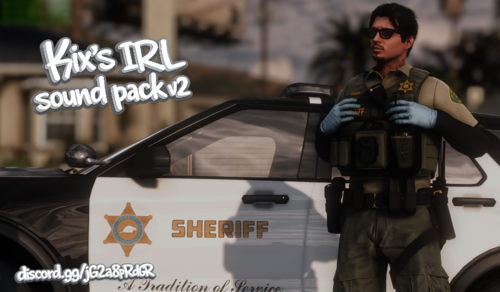
IN THIS FILE YOU WILL FIND ONE FILE
"agency.xml" you will simply just download then navigate to
Grand Theft Auto V - lspdfr - data - then simply drag and drop the file and replace it. Done have fun! 💬
Now you dont have to see anymore of the MP characters!
Edited by Polle123
Short Description
This is a replace for every mp to ped
Polle
Lspdfr files =-)
Lspdfr files =-)




![[NON-ELS/DLS] CSP Slicktop and Unmarked 2018 Charger](http://s3-screenshots.int-cdn.lcpdfrusercontent.com/resize/500/-/monthly_2026_06/GrandTheftAutoVScreenshot2026_06.14-21_39_00.41-Copy.thumb.jpg.e397ac53a76dabafb9bf9a4874df434a.jpg)
![[DLS] Unmarked 25 Silverado](http://s3-screenshots.int-cdn.lcpdfrusercontent.com/resize/500/-/monthly_2026_06/GrandTheftAutoVScreenshot2026_06.14-12_52_21_08.thumb.jpg.977e3bc34e0c64367a4c5eada3b6f866.jpg)








Recommended Comments
Create an account or sign in to comment