Skip to content
View in the app

A better way to browse. Learn more.

LCPDFR.com

A full-screen app on your home screen with push notifications, badges and more.

To install this app on iOS and iPadOS
  1. Tap the Share icon in Safari
  2. Scroll the menu and tap Add to Home Screen.
  3. Tap Add in the top-right corner.
To install this app on Android
  1. Tap the 3-dot menu (⋮) in the top-right corner of the browser.
  2. Tap Add to Home screen or Install app.
  3. Confirm by tapping Install.

[WIP] FIRE & EMS TEXTURES 1.1.0

(0 reviews)

17 Screenshots

**If you use any of my textures in Videos please link my YT in the description  https://www.youtube.com/channel/UCPWCRK5KMrIFiXOdFej7NDg**


Textures I created for the Fire&EMS models


You can find the link for these models below:


*Donations are always appreciated but never expected*


https://www.patreon.com/join/3702223/checkout

What's New in Version 1.1.0

Released

Added a Firetruck skin to match the slick top Dodge Ram!


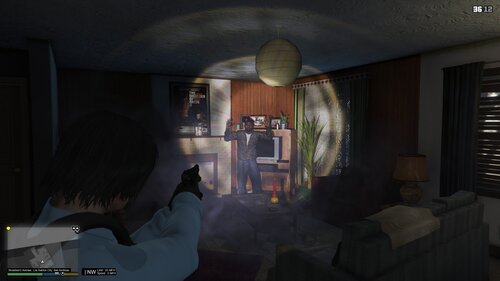
*Some in game screenshots of all vehicles*


*Firetruck didn't have a LP so I added one but it only works on the back LP*

User Feedback

Recommended Comments

AvionGaming

Members

lowkey look really good are they 4k?

YUGEKUNAMii

Members Author

honestly no idea, just started making skins today. lol I would probably say no to be safe and not lie to you

BenOrton

Members

nice work, any plans of a fire truck?


YUGEKUNAMii

Members Author

6 hours ago, BenOrton said:

nice work, any plans of a fire truck?


Thank you! Actually just downloaded one the other day, been working on State patrol but Fire truck will be coming soon.

Create an account or sign in to comment

Account

Navigation

Search

Search

Configure browser push notifications

Chrome (Android)
  1. Tap the lock icon next to the address bar.
  2. Tap Permissions → Notifications.
  3. Adjust your preference.
Chrome (Desktop)
  1. Click the padlock icon in the address bar.
  2. Select Site settings.
  3. Find Notifications and adjust your preference.