


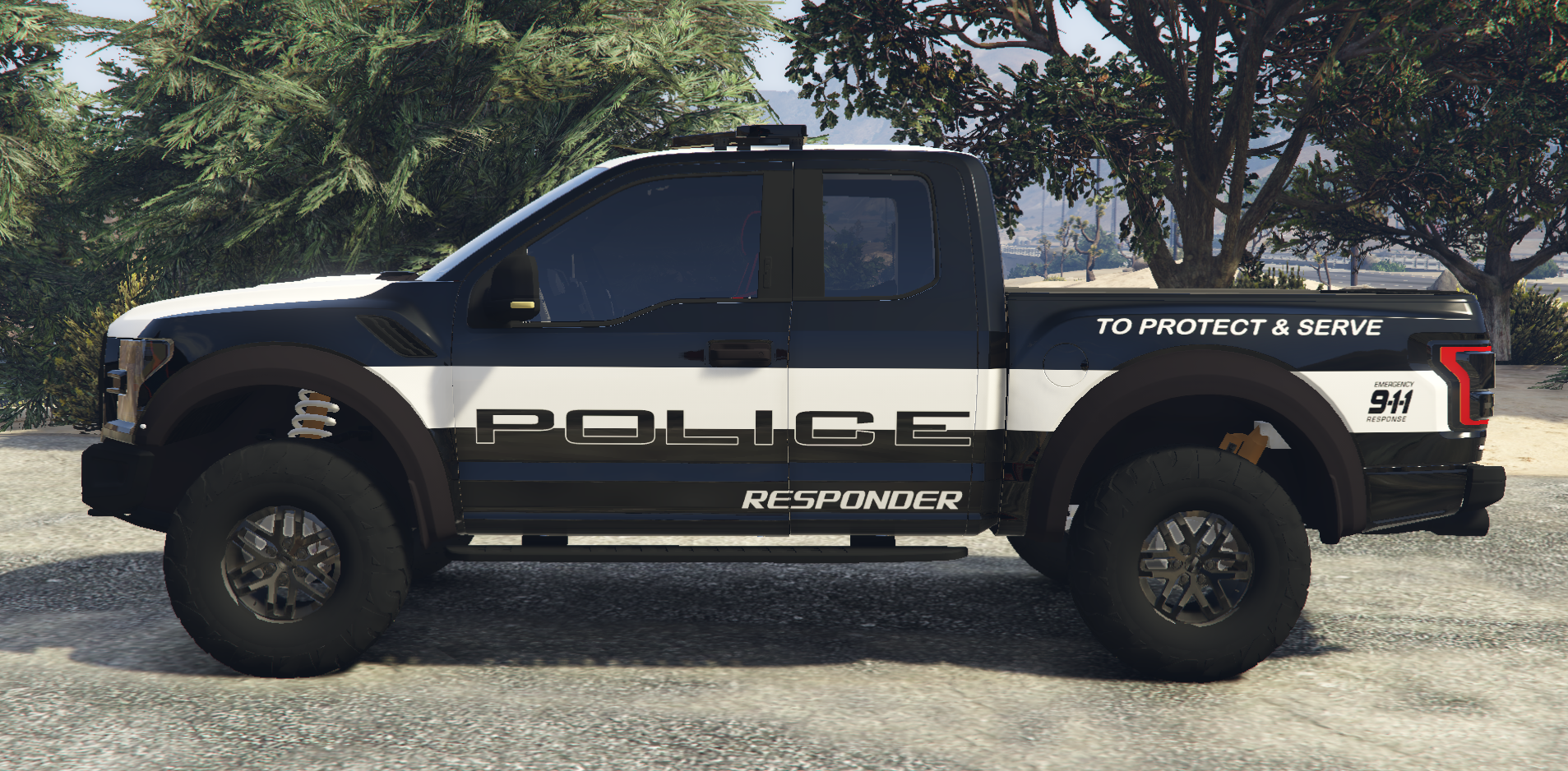
MODEL TAKEN FROM THAT PICTURES
Fictional
Replace Texture in Open IV
Follow path mods\update\x64\dlcpacks\[name of you vehicle mod folder]\dlc.rpf\x64\levels\gta5\vehicles.rpf\
replace textures in .ytd
Skins in this pack
Ford Raptor
Get the vehicle models from this pack
Spoiler
you may also be interested in this Pack

GAP






![[ELS-HYBRID] [ADD-ON] 2022 Georgia State Patrol Charger](http://s3-screenshots.int-cdn.lcpdfrusercontent.com/monthly_2026_08/Screenshot_3458.thumb.png.f02442abb5a7117261267d1a818aa00b.png)


![[ELS][Addon] Los Santos County Sheriff's Department](http://s3-screenshots.int-cdn.lcpdfrusercontent.com/monthly_2026_08/PGTA52115079501.png.be571ddbe42a9ab8437eb2035f2fd5bc.thumb.png.4e47642158ad4c67138b7a707ad2bc05.png)



![[ELS-Hybrid | Addon] Sandy Shores 2011 CVPI Pack](http://s3-screenshots.int-cdn.lcpdfrusercontent.com/monthly_2026_06/1.thumb.png.0352936a973262bab2cefb608858e393.png)
Recommended Comments
Create an account or sign in to comment