
Skip to content
View in the app

A better way to browse. Learn more.

LCPDFR.com

A full-screen app on your home screen with push notifications, badges and more.

To install this app on iOS and iPadOS
  1. Tap the Share icon in Safari
  2. Scroll the menu and tap Add to Home Screen.
  3. Tap Add in the top-right corner.
To install this app on Android
  1. Tap the 3-dot menu (⋮) in the top-right corner of the browser.
  2. Tap Add to Home screen or Install app.
  3. Confirm by tapping Install.

SuperCallouts 4.0.0.2

(63 reviews)

1 Screenshot

qibFcnz.png

Any Issues, suggestions, or want to chat?
Join my Discord server!
Click Me!


9C6i8wX.png

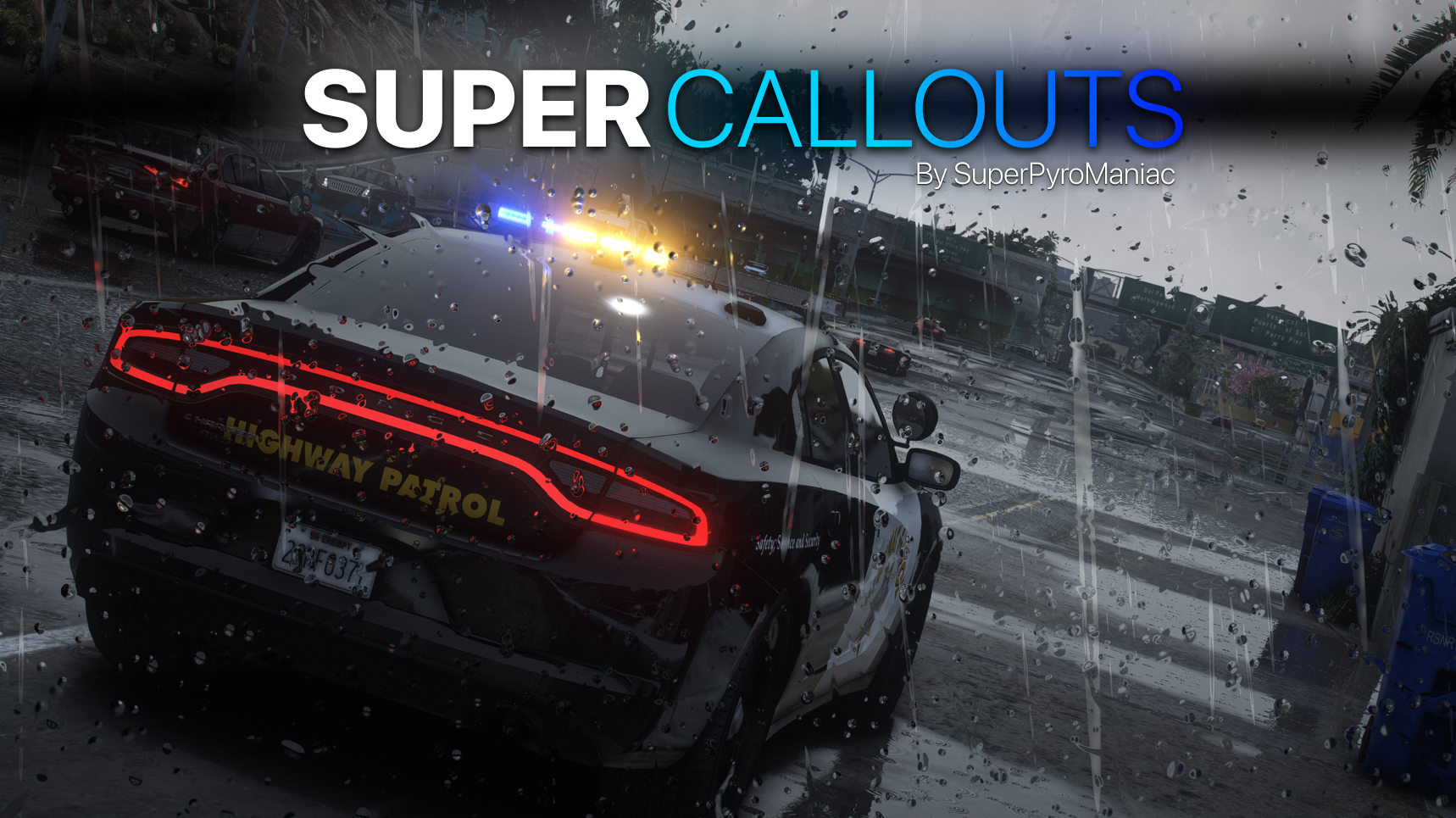
SuperCallouts is a plugin for LSPDFR to add more callouts. Currently adds 36 new callouts!


With SuperCallouts I aim to add more unique callouts to LSPDFR with a uniform feel. I add both realistic and crazy new calls that will be played randomly. You are also able to disable and enable any features you choose. I recommend pairing this plugin with my other plugins DeadlyWeapons and SuperEvents to completely change how the game feels.

MEE3wC3.png

*SWAT Related Callouts*

(Dangerous!)

FIB Reports known armed mafia members spotted at the casino.

FIB Reports known armed mafia members spotted in Sandy Shores.

FIB Raid mafia drug smugglers found at the harbor.

Police Reports mafia planted large bomb in Los Santos.

FIB Raid, wanted gang members spotted involved in a police officer murder.

Sheriff under attack by a biker gang.


*Realistic Callouts*

Traffic report, stolen super car spotted.

Traffic report, vehicle belonging to a possible kidnapper spotted.

911 call of someone being held at gunpoint.

911 call of a car accident.

911 call of someone being attacked by an animal.

911 call of a hit and run.

911 call of an alien sighting.

911 call of a suspicious car.

911 call of a vehicle fire.

911 call of a police impersonator.

911 call of someone walking around with a gun.

911 call of a car blocking traffic!

911 call of an illegally parked car!

911 call of a knife attack at the subway!

911 call of a drunk driver.

911 call of someone not breathing.

911 call hang-up with no details.

911 call of someone trespassing.

911 call of a stolen construction vehicle.

911 call of someone vandalizing property.

911 call of someone wandering outside naked.

911 call of a fight in the street.

Correction Department Backup, multiple prisoners escaping.

Correction Department Backup, prisoner escaping transport.

Police Backup, officer under fire.

Police Backup, manhunt for a fugitive.

Police Backup, medical supplies theft.

Police Backup, stolen police vehicle.

Police Backup, officer not responding.

EMS requests police escort.


Many of the callouts have multiple outcomes! I try to make sure they are not too repetitive!


Any Issues, suggestions, or want to chat?
Join my Discord server!
Click Me!

Policing Redefined is recommended for this plugin!

Superior StopThePed and UltimateBackup replacement.

Some callouts or features may be disabled without it.


Edited by SuperPyroManiac
Cuz

What's New in Version 4.0.0.2

Released

UPDATE 4.0.0.2


PR Support


Any Issues or Ideas?

Please leave bug reports and ideas in my Discord!
Join my Discord server!
Click Me!


Changes:

  • Added support for Policing Redefined.
  • Removed tipped over dump truck and stolen cleaning supplies callouts.
  • Overhauled actions for most callouts when using PR.
  • Remade the vehicle fire callout.
  • Remade the fight callout.
  • Remade the dropped call callout.
  • Remade the angry animal callout.
  • All other callouts will slowly be remade with new interactions and better immersion in mind.
  • Fixed an issue where errors are logged when ending a callout with another tool such as Grammar Police.
  • PR is strongly recommended, but not required. STP/UB and Vanilla are still fully supported.
  • HOTFIX 4.0.0.1: Fixed the crash on launch due to typing fire instead of vehiclefire when setting up callouts. Im stupid. Thanks for the reports!
  • HOTFIX 4.0.0.2: Fixed an issue related to permits with the PR API.

    I've done an immense amount of work with this, not worth putting in the change log. I plan a lot more work in the future for every existing and new callout. Join my Discord to help me test new versions.


Config:

  • N/A


Known Bugs:

  • If you get the vehicle failed to spawn issue, please report it to me as I want to ensure this bug is squashed forever.

Short Description

SuperCallouts - 36 new detailed and uniform callouts.

User Feedback

Recommended Comments

mickd

Members

crashed when i request the call

  • Community Team
7 minutes ago, mickd said:

crashed when i request the call

Ah yes I know the problem with that vague report. Please post your log. Though I've had no reports of crashes caused by this plugin in a while.

DivineHustle

Members

Callouts go to "Code 4" when accepted and leave the red and blue flashing circle on the map.

LtSnoDawg69

Members

13 minutes ago, DivineHustle said:

Callouts go to "Code 4" when accepted and leave the red and blue flashing circle on the map.

That's actually pretty normal.

LtSnoDawg69

Members

I can also say without a doubt that I haven't witnessed any problems, issues or bugs.

  • Community Team
11 hours ago, DivineHustle said:

Callouts go to "Code 4" when accepted and leave the red and blue flashing circle on the map.

I can't reproduce the issue, if you can send a log after it happens I can see what happened.

LtSnoDawg69

Members

9 hours ago, SuperPyroManiac said:

I can't reproduce the issue, if you can send a log after it happens I can see what happened.

I've had that same error before on other callout plugins. Basically an example would be this; I am on duty waiting for dispatch to send me to a call, then after pressing Y to accept. I would hear from dispatch "code 4 disregard", I think that means that a call was trying to be created but something happened during the creation. I am not sure what caused the call to be cancelled, but it is a common error and nothing to be worried about. Not sure if this makes any sense, I apologize if it doesn't.

DivineHustle

Members

13 hours ago, SuperPyroManiac said:

I can't reproduce the issue, if you can send a log after it happens I can see what happened.

Yeah I'll post the log next time it happens. It may be because I was too close to the spawn location; that seems to be when it happens.

  • Community Team

Usually just means a callout failed. SuperCallouts handles those errors by force ending the callout rather than letting the game crash. So a log would be critical if there is a bug for me to fix.

  • Community Team
8 hours ago, SuperPyroManiac said:

Your log shows you only accepted 1 callout from SuperCallouts and it looks like the vehicle was deleted somehow and SuperCallouts force ended the callout because of that to prevent a crash.

Ok I see 😂

Sc122

Members

I accepted a call and SuperCallouts terminated LSPDFR and all of its plugins, is this a known issue?

  • Community Team
4 hours ago, Sc122 said:

I accepted a call and SuperCallouts terminated LSPDFR and all of its plugins, is this a known issue?

No, if you could provide a log I could see what is going on.

nathanschl

Members

Hey,

I think there is a compatibility problem with stop the ped plugin. Since i've installed super callouts it's impossible for me to takedown a suspect, it juste move randomly if there is other cops aiming. Btw it's not backup from Ultimate Backup, i don't know where they came.

If you want to take a look: 


  • Community Team
2 hours ago, nathanschl said:

Hey,

I think there is a compatibility problem with stop the ped plugin. Since i've installed super callouts it's impossible for me to takedown a suspect, it juste move randomly if there is other cops aiming. Btw it's not backup from Ultimate Backup, i don't know where they came.

If you want to take a look: 


That doesn't look like much of a SuperCallouts issue. Animation is also freaking out because of the wall I think. What callout was that?

nathanschl

Members

39 minutes ago, SuperPyroManiac said:

That doesn't look like much of a SuperCallouts issue. Animation is also freaking out because of the wall I think. What callout was that?


I also had this on the plain street, it was a callout where I needed to apprehend a wanted suspect. I think is not particularly the callout but the fact that other cops are aiming the suspect and I don't know which plugin made them appear.

  • Community Team
30 minutes ago, nathanschl said:


I also had this on the plain street, it was a callout where I needed to apprehend a wanted suspect. I think is not particularly the callout but the fact that other cops are aiming the suspect and I don't know which plugin made them appear.

SuperCallouts doesnt have a "apprehend a wanted suspect"

LtSnoDawg69

Members

Guys I know this callout, it's the original LSPDFR callout. Sometimes while waiting for a callout from any pack that you have downloaded, you'll get the default arrest warrant.

javier0911

Members

love this call out plug............ is a way to add dispatch sound audio .. while  responding to a call  

Hi, is there an option to turn off the backup from spawning when accepting a callout from this pack?

  • Community Team
1 hour ago, LSPDHighway said:

Hi, is there an option to turn off the backup from spawning when accepting a callout from this pack?

There are only a few callouts that automatically call backup, but there is no option to disable that at the moment.

JRMT

Members

The game crashed when a felony callout is called by the dispatch

  • Community Team
2 hours ago, JRMT said:

The game crashed when a felony callout is called by the dispatch

You can post a log on my Discord for help. Though I have no clue what callout you're talking about

TheAxelGamerYT

Members

You can add a stolen tank call and have it shoot the police if they approach

Create an account or sign in to comment

Latest Mods

Account

Navigation

Search

Search

Configure browser push notifications

Chrome (Android)
  1. Tap the lock icon next to the address bar.
  2. Tap Permissions → Notifications.
  3. Adjust your preference.
Chrome (Desktop)
  1. Click the padlock icon in the address bar.
  2. Select Site settings.
  3. Find Notifications and adjust your preference.










