


Features:
-Replaces the default LSPDFR police station blips with a new MET Police logo.
-Replaces the default LSPDFR Callout Notification Picture with a new MET Police logo.
-[SimpleTrainer] Saved Car blip changed.
-[RescueModV] Replaces the victim blip, with a new NHS logo blip.
- Replaces the On-Duty welcome picture, with the MET logo.
-[BetterEMS] Replaces the Ambulance blip, with the NHS logo.
- Replaces the waypoint blip.
What's New in Version V0.5
Released
-Update V0.5:
-[BetterEMS] Replaced the Ambulance blip, with the NHS logo.
- Replaced the waypoint blip.
2016/12/15
-Redownload not needed, just deleted a useless picture...





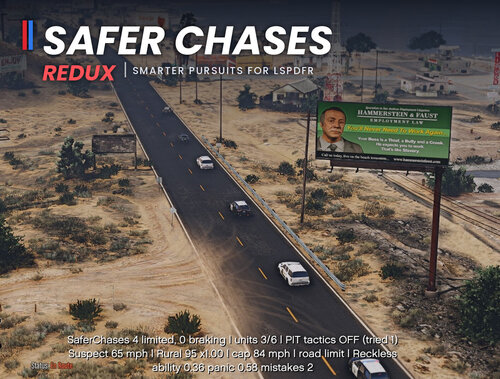
![Safer Chases Reborn [RPH]](http://s3-screenshots.int-cdn.lcpdfrusercontent.com/resize/500/-/monthly_2026_10/SaferChasesReborn.thumb.png.1732fb394116603acf54a9dcb42244bb.png)


![[NON-ELS / Addon] 2018 Dodge Charger LSPD - S1llysWorkshop](http://s3-screenshots.int-cdn.lcpdfrusercontent.com/resize/500/-/monthly_2026_10/Screenshot2026-10-11174544.thumb.png.775286738f654215946d06abe69b1344.png)


![[DLS/Replace/Add-on] Los Santos Police Pack](http://s3-screenshots.int-cdn.lcpdfrusercontent.com/monthly_2026_10/preview.thumb.png.1bb5c94fff36a740d5cddefa59aca236.png)
Recommended Comments
Create an account or sign in to comment