





This is a pack for Paleto Bay. I developed this using Abrupt's Sandy Shores vehicle pack, and highly recommend it, though they should work on most corresponding vehicles.
This pack was based off of a picture of a retired Astoria, Oregon CVPI I found online (https://www.flickriver.com/photos/52140230@N03/35414277155/).
The pack includes the basic livery for a Tahoe, FPIU, and CVPI. More will be coming soon, such as traffic and DUI enforcement, and supervisor liveries.
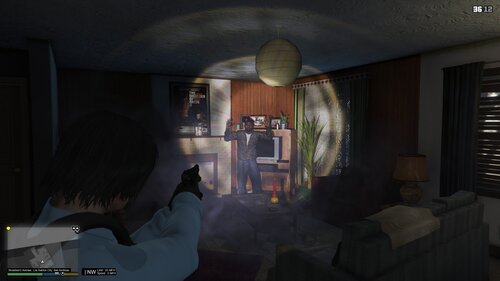
Thank you to dstarcher for the amazing screenshots and thank you for downloading!
Orbsci
dstarcher
dstarcher

.thumb.png.48f7634114fcf3c9dcd9640b767efa15.png)


![[UNOFFICIAL] Configurator for PR-Backup XMLs. EUP / Addon-Car Compatible!](http://s3-screenshots.int-cdn.lcpdfrusercontent.com/resize/500/-/monthly_2026_06/Screenshot2026-06-21090238.thumb.png.2bcfcc41a62a242b34444609d423727e.png)
.thumb.png.4ae541125774b3d59e60a0636013f9c1.png)









Recommended Comments
Create an account or sign in to comment