





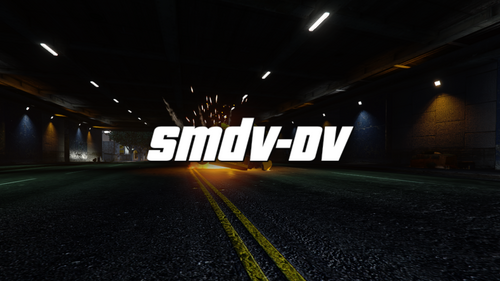
I made this for a tutorial video and I just liked how it turned out, Font & Colors are not entirely accurate but I still liked it. Want to see how it was made CLICK HERE
I was made for @thegreathahs FPIS from his LSPD & Venice Packs
Instructions
Replace the ****_sign_1 in the .ytd file with the PNG for the vehicle you are changing
*Respect the time and effort that went into this texture. Do NOT re-upload without my permission.
All donations greatly appreciated
Join my Discord to see what I am working on, give feedback & input on future textures: https://discord.gg/NQGgSfq or click HERE
ENJOY!!
A big thanks to @Mr.JonnhyCZG & for the screenshots.







![12 LSSD Buffalo [NON-ELS] [21 Siren]](http://s3-screenshots.int-cdn.lcpdfrusercontent.com/resize/500/-/monthly_2026_07/271590_20260714164725_1.thumb.png.35775505d9d3fc3141fcea53e604d46c.png)


.thumb.jpg.53b34831893b714bdea2520e5d0a8595.jpg)



![[EUP] Coil replacement to Axon Body 3](http://s3-screenshots.int-cdn.lcpdfrusercontent.com/resize/500/-/monthly_2026_07/Screenshot2026-07-15004745.thumb.png.e018910ec5f34279245f29c97b9a5b9e.png)
Recommended Comments
Create an account or sign in to comment