
Skip to content
View in the app

A better way to browse. Learn more.

LCPDFR.com

A full-screen app on your home screen with push notifications, badges and more.

To install this app on iOS and iPadOS
  1. Tap the Share icon in Safari
  2. Scroll the menu and tap Add to Home Screen.
  3. Tap Add in the top-right corner.
To install this app on Android
  1. Tap the 3-dot menu (⋮) in the top-right corner of the browser.
  2. Tap Add to Home screen or Install app.
  3. Confirm by tapping Install.

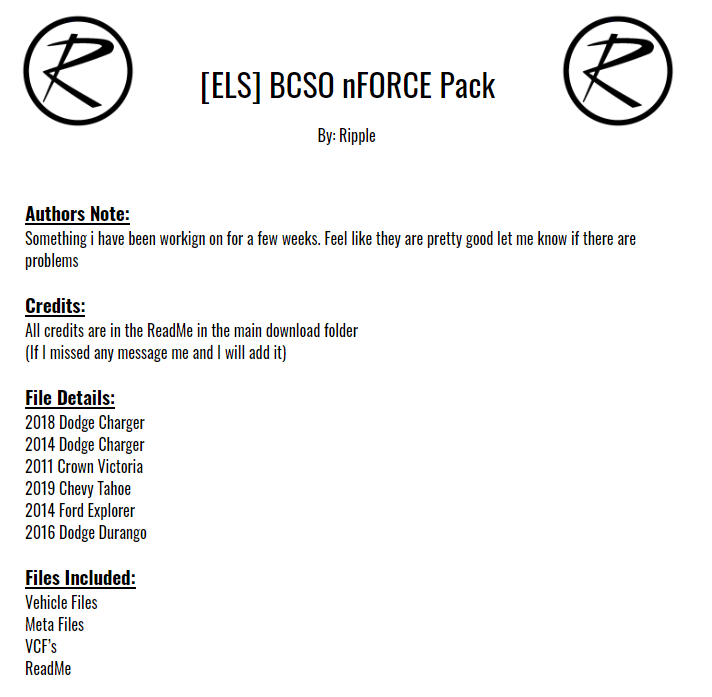
[ELS] BCSO nFORCE Pack 1.2.0

(24 reviews)

11 Screenshots

345bd254f99ebe35b1e1aa859aa57e98.png

If you want to talk or whatever join this discord

https://discord.gg/aeQPR5z


Sorry for the retarded windows text on the screenshots


You need to install the META files for the LODS to function properly


THE NON ELS VERSION OF THIS PACK IS AVAILABLE ON MY DISCORD FOR PURCHASE


If you use this in a video please credit it properly 


yes there is a liberty in an nFORCE pack, last vic in 2011, nFORCE released in 2013. DO THE MATH 


THIS IS A WORK IN PROGRESS CAUSE I WANTED TO GO AHEAD AND RELEASE IT PLEASE DON'T ROAST ME TO HARD 

Known Issues: 


-wheels on FPIU glitch sometimes

-You can walk through the middle of the Crown Victoria

-Minor L0D Problems


Disclaimer:
DO NOT distribute this content without my permission! This includes liveries, models or the screenshots. 


DO NOT use the vehicles in a clan or group without my express permission. THIS APPLIES TO FIVEM TOO.. Just ask me.
Please do not upload this file or a part of it to any other website without permission from me
I accept no responsibility for any damage caused to your PC, game, or anything else. 


DO NOT rip, dismantle or change the vehicle in any way (except for texture files). Vehicles are LOCKED for a reason. 


What's New in Version 1.2.0

Released

-Added Addon/DLC Option

User Feedback

Recommended Comments

yugnagda

Members

Great pack. Love the lighting. 


Small bug I have on my end that is unique to yout vehicles. After a few mins of playing the rear lightbar in the vehicles with 2 lightbars(SUVS) sinks into the vehicle and the back of the lightbar stop working. The entire texture becomes slightly distorted. Not sure why this happens but this makes your SUVS unplayable. Hope you can sort this soon:) 

Officerbrian221

Members

Any plans to make a 16 FPIU?

nathanalford

Members

possible to add all blue?

alterskye15

Members

4 hours ago, nathanalford said:

possible to add all blue?

You can download the blue textures here V


Hoping for a 16 explorer or 2020 

WarriorBlue23

Members

On 2/23/2020 at 12:44 PM, CVPIguy said:

I don't know if I'm doing anything wrong, but at night, the FPIU's nForce stops having bright lights after a certain time. All the other lights are bright, except the main lightbar. I'm using the included vehicles .meta, and everything. And yes, I have radiance installed. All the other cars are fine. The FPIU has bright lights when I first spawn it, then after a while, the lights go dim.

Hit clean vehicle in the trainer.

drsn0w

Members

Awesome pack! Noticed that I can walk through some of the vehicles. Any fix?

20200409155121_1.jpg

20200409155129_1.jpg

Tac01

Members

Hi there, awesome pack, so where do i get the Meta Files from?

Epiic Ninja Cat

Members

You have some amazing work. Do you plan on adding the 2020 FPIU you have in your highway patrol pack to this pack?

alterskye15

Members

Waiting for 2020 explorer 😉

dirtboidom

Members

(edited)

the lights don't even flash for me or work i used the addon pack version so i think i dont need the vehicles.meta and i have els installed


Edited by dirtboidom

Sniper67

Members

On 5/8/2020 at 9:33 PM, dirtboidom said:

the lights don't even flash for me or work i used the addon pack version so i think i dont need the vehicles.meta and i have els installed


pack_default

Storrent

Members

What department is the livery based on?

PiNKMUD

Members

Hey, first thanks for the mod, I was wondering what vehicles will this replace? I have this mod (linked below) installed; will it overwrite any of the cars in that pack? Also would it be possible in a future update to add the ALPR cameras to the other CVPI too?


BordRLine

Members

What should I do if the CVPI has some texture issues?


Deactivated Member

Deactivated

Are these vehicles able to be Unmarked ?


ovtsde

Members

the add on crashes my game?

NTCaptain

Members

The CVPI has some MAJOR clipping issues. You clip through all the doors as well as the entire roof, top of the boot and bonnet.

Alencar1990

Members

Installed the addon version of the pack,

But, what are the specific spawn codes?


Tried the ones in your discord server and none of them worked.

Deactivated Member

Deactivated

10 hours ago, Alencar1990 said:

Installed the addon version of the pack,

But, what are the specific spawn codes?


Tried the ones in your discord server and none of them worked.

image.png.5bbab4558d76c8e9848b777c07d525f8.png
should be these minus the .xml part if that doesn't work you may have the pack installed wrong

Alencar1990

Members

7 hours ago, Mud said:

image.png.5bbab4558d76c8e9848b777c07d525f8.png
should be these minus the .xml part if that doesn't work you may have the pack installed wrong


Figured it out by myself. Saw this and was like "I wonder if..." and It worked!

But thanks for the help anyway. Great pack, btw!

aPx

Members

i cant get any of these cars to work the only one that does is the crown vic 


Deactivated Member

Deactivated

42 minutes ago, aPx said:

i cant get any of these cars to work the only one that does is the crown vic 


which patchday are you putting them in?

aPx

Members

16 hours ago, Mud said:

which patchday are you putting them in?


16 hours ago, Mud said:

which patchday are you putting them in?

i got it working i was using patchday23 and changed to patchday 21 and it worked


Create an account or sign in to comment

Latest Mods

Account

Navigation

Search

Search

Configure browser push notifications

Chrome (Android)
  1. Tap the lock icon next to the address bar.
  2. Tap Permissions → Notifications.
  3. Adjust your preference.
Chrome (Desktop)
  1. Click the padlock icon in the address bar.
  2. Select Site settings.
  3. Find Notifications and adjust your preference.






