


GtaCruiseControl is a lightweight, high-performance ScriptHookVDotNet3 script that brings a realistic, reliable cruise control system to Grand Theft Auto V.
Unlike older cruise control scripts that trigger fatal exceptions or crash your game during entity reloads, this mod features strict defensive guard clauses. It has been built and tested to be completely stable alongside heavy total-conversion modifications like LSPDFR (RAGE Plugin Hook). Whether you are running code-3 to a scene or simply maintaining patrol speed limits on the highway, it integrates seamlessly into active gameplay.
Key Features:
Full LSPDFR Stability: Built defensively to survive world reloads, player ped swaps, and sudden entity transitions without causing memory crashes or script failure.
Modern API Input: Utilizes updated SHVDN3 input actions to ensure smooth responsiveness, avoiding old control-delay bottlenecks.
Dynamic Config Pairing: The script automatically matches its .ini filename to whatever you name the .dll file, making installation clean and organized.
Smart Brake Override: Seamlessly drops out of cruise control the exact millisecond you hit the manual accelerator or brake keys.
Controls (Default):
Y - Toggle Cruise Control (Locks to your current vehicle speed, including 0 MPH)
I - Increase target speed (+2 MPH per press)
K - Decrease target speed (-2 MPH per press / Applies manual vehicle brakes if held at a stop)
Requirements:
Grand Theft Auto V
ScriptHookV (Latest Version)
ScriptHookVDotNet3 Nightly Build v3.7.0.167(Compiled for .NET Framework 4.8)
Installation:
Copy GtaCruiseControl.dll and GtaCruiseControl.ini from the download.
Drop both files directly into your main GTA V scripts\ directory.
Edit the .ini file with Notepad to customize your keybinds at any time.
Video Showcase:
Note: The reason for building this mod was initially for personal use only. But decided to share with everyone as I have struggled to find a simple Cruise Control mod for my LSPDFR patrol.
Thanks
Edited by admirable
Re-arraging screenshots and adding video url.
Short Description
AI disclosure
The author has disclosed that AI tools were used in creating the following aspects of this file:
- Description
- Images
- Admirable - Main script development, logic design, and .ini configuration setup.
- Alexander Blade - For ScriptHookV.
- Crosire & ScriptHookVDotNet Contributors - For the ScriptHookVDotNet3 (SHVDN) framework API.


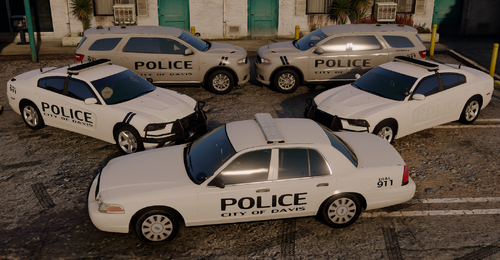
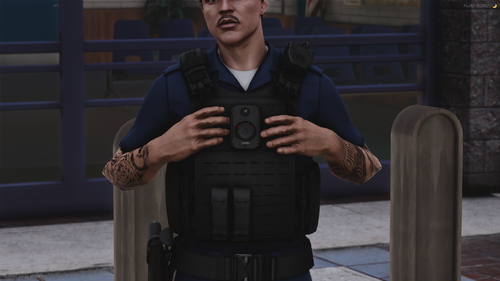
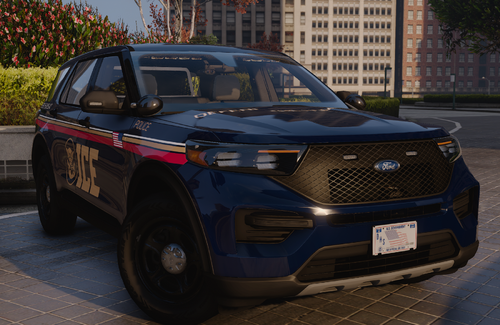
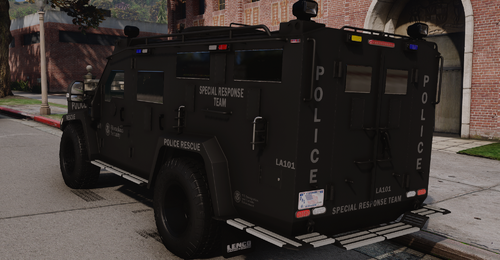
.thumb.png.4d59e30ff8b8385589769cf607a5e1aa.png)
![[ELS] [REPLACE] SASP 2021 Chevrolet Tahoe [KSP Based]](http://s3-screenshots.int-cdn.lcpdfrusercontent.com/resize/500/-/monthly_2026_07/Skrmbild2026-07-10211647.thumb.png.83d837d2e36808312ac1a58d77fc4520.png)
![[ELS] [REPLACE] Los Santos Police Dodge Durango [Hazel Park Michigan Based]](http://s3-screenshots.int-cdn.lcpdfrusercontent.com/resize/500/-/monthly_2026_07/Skrmbild2026-07-10170432.thumb.png.b1d339ae8c7429c248857448f2f089f9.png)



Recommended Comments
Create an account or sign in to comment