Skip to content
View in the app

A better way to browse. Learn more.

LCPDFR.com

A full-screen app on your home screen with push notifications, badges and more.

To install this app on iOS and iPadOS
  1. Tap the Share icon in Safari
  2. Scroll the menu and tap Add to Home Screen.
  3. Tap Add in the top-right corner.
To install this app on Android
  1. Tap the 3-dot menu (⋮) in the top-right corner of the browser.
  2. Tap Add to Home screen or Install app.
  3. Confirm by tapping Install.

JM Callouts Remastered 5.2.6.1

(25 reviews)

9 Screenshots

Ini Update Notice - March 13, 2026

When updating the callout pack, delete the old ini file cause a new one will be generated when going on duty,

Callout Launcher Compatibility Notice

After trying to fix the issue with Callout Launcher and JM Callouts for compatibility. I have no success at all. This callout pack remains NOT COMPATIBLE with Callout Launcher.

SUPPORT FOR JM Callouts Remastered - 02/05/2026

I am not monitoring the comment section here no more. If you are needing support, Please join the Discord by clicking the Discord Banner below and I'll be happy to assist you there. Thanks!

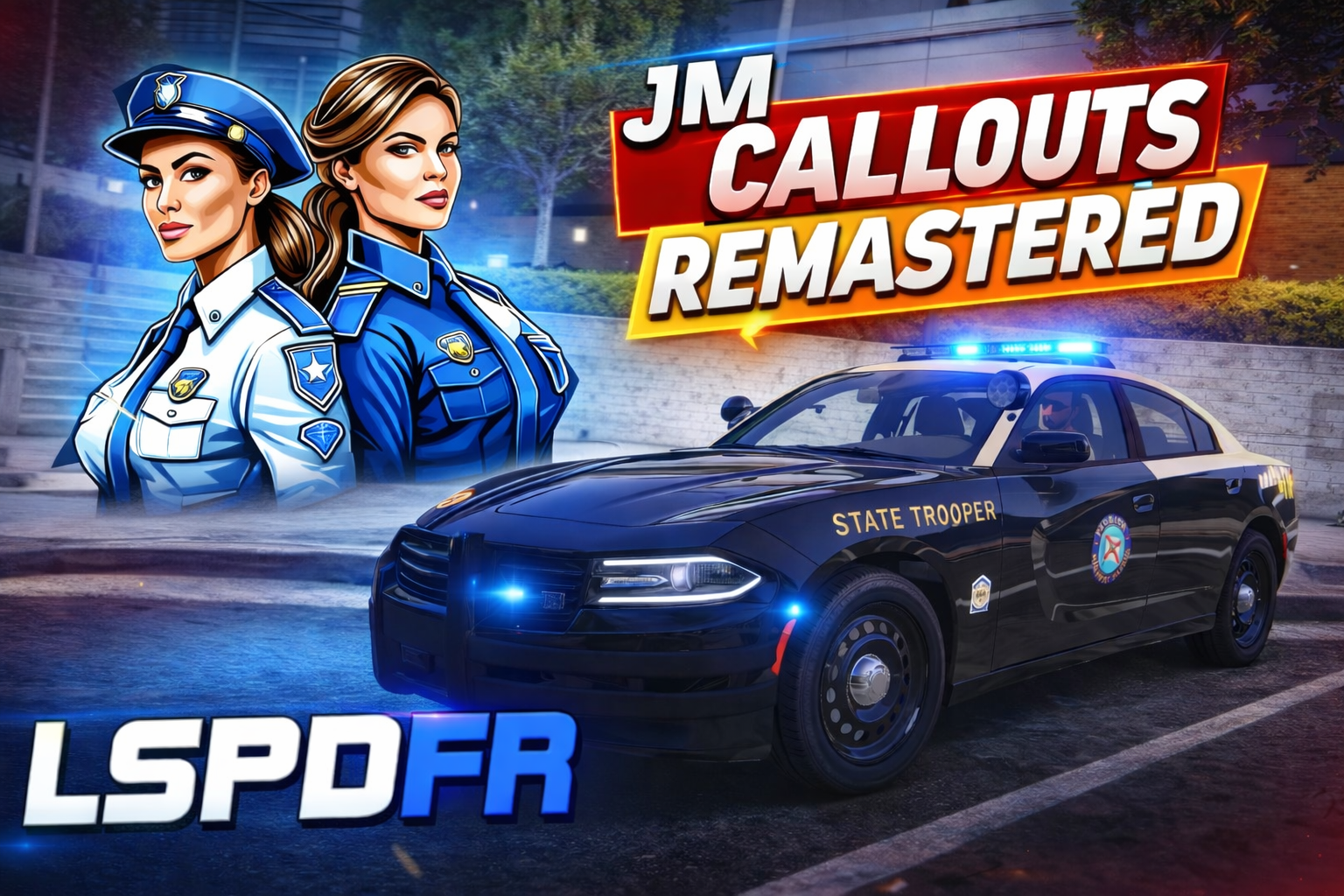
                                      Could contain: graphics, font, graphic design, logo, text, brand, screenshot, design


JM Callouts Remastered is the remastered callout pack from the original JM Callouts BETA 
pack previously uploaded to LSPDFR.com. This callout pack will have the best callouts that I ever done.


Requirements:

LSPDFR 0.4.9 (Latest Build)

Legit Copy of GTA V (Steam, Epic Games Store, Rockstar Launcher, or Retail)

mp2023_01 and mp2024_01 DLC Packs (Required for Stolen Emergency and Supervisor Requested Callouts)

Optional (For the Soundboard Files in the download):


INSTALL THIS INTERIORS MOD - Required for Certain Callouts:

InteriorsV


Note: If you have InteriorsV Mod installed, you need to disable Story Mode Compatibility. Some callouts will break if not disabled.


How to disable Story Mode Compatibility


GTAV (Main Directory)> InteriorsV.ini > Change 'StoryCompatibility = true' to StoryCompatibility = false


Check out my other GTA Mods here


                       Could contain: graphics, font, graphic design, logo, typography, design


- Customizable .ini

- Version Checker to check for updates

- Variety Of Callouts


                            Could contain: graphics, font, graphic design, logo, design


Intoxicated Individual 

Illegal Campfire on the beach 

Trespassing On Private Property

Possible Prostitution 

Refuse To Leave 

Refuse To Pay 

Soliciting 

Illegal Prostitution  
Trespassing on Railroad Property  

Code Karen 

9-1-1 Hang Up 

Trespassing on Construction Property

Public Disturbance

Lost Individual 

Unauthorized Access Movie Studio

Dead Body

Soliciting - Del Perro Pier

Stolen Emergency Vehicle

Trespassing On School Property

Person On The Highway

Stolen Construction Equipment

Movie Hopping

Stolen Military Equipment

Domestic Disturbance (Forum Dr)

The Taco Dispute

RocketMan

Suspicious Person

Purple Alert - Florida Based Callout

Stalking

Public Ordinance Easter Egg 1 - FlightReacts Based

Public Ordinance Easter Egg 2 - CaseOh Based

Peeping Tom

Person Carrying An Explosive Device

Domestic Disturbance (Paleto Bay)

Domestic Disturbance (Route 68/Harmony)

Domestic Disturbance (Sandy Shores)

Prank Call (BETA)

Injured Person

First Amendment Auditor

Homeless Person

Bicycle Blocking Roadway

Stolen Money Truck [Beta]

Marital Dispute

Supervisor Requested

Officer Involved Shooting

Trespassing On Casino Track

Squatters Trespassing On Abandoned Construction Property

Suspicous Activity

Pacific Bank Heist BUGGED - Do Not Take Callout - Fix in Progress


          Could contain: font, graphics, graphic design, logo, text

Officer Gone Rogue

Armed Protesters Blocking Street

Police Ambush

Pet Trapped In Car


Could contain: font, graphics, text, graphic design, logo, design


- Add Dialogue Audio to callouts

- Improve Callout Dispatch Audio


⚠️ Updating from Previous Version: ⚠️

 JMCallouts Audio [Folder], JMCalloutsRemastered.dll, JMCalloutsRemastered.pdb, and JMCalloutsRemastered.ini


Check out the progress on Trello:

https://trello.com/b/hsICaOHy/jmcallouts-remastered-roadmap


Need Support? Join the Discord (Click the Image)


Could contain: graphics, font, graphic design, screenshot, logo, electric blue, colorfulness


Tutorial on How To Install the Required DLC Pack(s) for JMCallouts Remastered:

SHOWCASE:

@OfficerBenzo's Showcase:


INSTALL:


   Could contain: text, font, graphics, graphic design, logo, screenshot


Mickielprince

arnav7633

Bain3602

Wolfy0420

cong2003

FearRover

Draco

de_niiko

arthric

john


Terms of Use:

You are free to use this plugin, however you may NOT redistribute and/or REVERSE ENGINEER. Always Link to the Original callout plugin pack. This includes as Claiming this as your own.  Redistribution of this callout plugin pack will result in a DMCA Takedown. This callout pack is only distributed only on LCPDFR, GTA5-Mods, Itch.io, and my personal site. Other sites contains malware. 


Installation:

Drag and Drop "lspdfr" and "plugins" folders into main GTA V Directory


Soundboard Files:

drag and drop "plugins" folder into main directory and follow the provided readme for further instructions


CalloutInterfaceAPI.dll goes into Main GTA Directory! If it exists, do not install.


      Install the JM Callouts Remastered Icon Texture OIV, This is required otherwise you'll get an "IMGR" icon.

To Uninstall the icon, go to mods\update\update.rpf\x64\data\cdimages\scaleform_generic.rpf\ then delete "web_jonjongames.ytd". > done!


Feedback and Suggestions are welcome.


Edited by JM Modifications
added DLC Pack Tutorial vid

What's New in Version 5.2.6.1

Released

CHANGELOG:


v5.2.6.1 - Emergency Patch:


- Fixed the wrong version number in Settings.cs file in the Policing Redefined Build.

- Disabled 'Pacific Bank Heist' due to a major bug. Will return when a fix is made.


Files need to be updated:

JMCalloutsRemastered.dll and JMCalloutsRemastered.pdb

These files need to be updated for the callout pack to function properly with the correct audio, new/updated callouts.


Short Description

stable callouts from the OG JM Callouts

AI disclosure

The author has disclosed that AI tools were used in creating the following aspects of this file:

  • Mod and Mod Content (Minor)

AI was used to help diagnose issues within the callout pack.

User Feedback

Recommended Comments

JM Modifications

Insiders Author

4 minutes ago, trainguy gaming said:

@OfficerMorrison will you add back the callouts before you released the newest update anytime soon? Some of them sounded interesting.

yes. Haze is helping me with the broken callouts so people can get off my fucking ass about them being broken. Right now, it's just the dialogue callouts. No time frame when it'll be back. 

LoneWolf911

Members

(edited)

Disregard reread and found my answer


Edited by LoneWolf911

JM Modifications

Insiders Author

46 minutes ago, LoneWolf911 said:

Disregard reread and found my answer


what happened?

JM Modifications

Insiders Author

10 hours ago, OfficerMorrison said:

what happened?

Nope. I ditched it. I got to do more various testing. It may return in the future.

DooVan

Members

(edited)

Hey buddy! for your callout ''Refuse to leave'' I was using InteriorsV and then tried Open All Interior, that you linked but I was still unable to go in the store so it was impossible to complete the call. Which Interior mod are you using in your game to have access to those store when using your callout?

Edited by DooVan

JM Modifications

Insiders Author

(edited)

1 hour ago, DooVan said:

Hey buddy! for your callout ''Refuse to leave'' I was using InteriorsV and then tried Open All Interior, that you linked but I was still unable to go in the store so it was impossible to complete the call. Which Interior mod are you using in your game to have access to those store when using your callout?

If you have InteriorsV installed, you need to disable StoryModeCompatibilityMode in the InteriorsV.ini. By default is true. How to Disable StoryModeCompatibility: GTAV (Main Directory)> InteriorsV.ini > Change 'StoryCompatibility = true' to StoryCompatibility = false. 

That's why i put a notification to let other users know about that when they go on duty. I also put it in my description as well. I use Interiorsv. As far as other OpenInteriors mods it works fine.

Edited by OfficerMorrison

gtrail1999

Members

I love how every callout has been broken for months. For the three callouts that don't say "code 4 disregard" the peds are just standing around not doing anything. When people make the author of this callout pack aware of the situation he makes comments like "so people can get off my f*cking a*s about them being broken". No one is trying to annoy you, they just want a callout pack that actually works. If you can't handle modding, or can't handle complaints or issues being brought to your attention then maybe modding isn't for you. 

JM Modifications

Insiders Author

(edited)

Next Update coming THIS week. After this next update, I WILL NOT SUPPORT OLD VERSIONS OF JM CALLOUTS REMASTERED due to change of coding and everyone will be forced to download the LATEST update. I will not keep old versions of the pack no more. If you are using v3.14 or below, delete them immediately and update to latest version. Thank You.

Edited by OfficerMorrison

Gelse16

Members

one issue i do have all the time with no update changing this. the .ini setting don't matter at all. if you set a callout to "false" it still will trigger. this appears to be happening with every callout which is set to "false". it will trigger anyway, just doesn't matter.

JM Modifications

Insiders Author

20 minutes ago, Gelse16 said:

one issue i do have all the time with no update changing this. the .ini setting don't matter at all. if you set a callout to "false" it still will trigger. this appears to be happening with every callout which is set to "false". it will trigger anyway, just doesn't matter.

Will look into it.

DCarausu

Members

Question, and please forgive me if I am doing something wrong, but I changed the .ini key for dialog from E to Y (to correspond with my other scripts using that key for dialogs) and even though it saved, in game it did not change or adjust to the new key. Is there something else that I should be doing or is the .ini hiccuping?

JM Modifications

Insiders Author

47 minutes ago, DCarausu said:

Question, and please forgive me if I am doing something wrong, but I changed the .ini key for dialog from E to Y (to correspond with my other scripts using that key for dialogs) and even though it saved, in game it did not change or adjust to the new key. Is there something else that I should be doing or is the .ini hiccuping?

Looking into it. Will release a new update soon. 

DCarausu

Members

1 hour ago, OfficerMorrison said:

Looking into it. Will release a new update soon. 

Thank you Sir!

Otherwise, its a lot of fun, I can see why these are your favorites; they're not generic, they're more expanded and not a simple 1-2 step callout + the variety is great with lots of locations. I also noticed that it doesn't place a heavy strain on system resources to run, so your coding must be very efficient. Dont get me wrong, I wouldn't know firsthand because I'm no dev or do any coding, I'm only speaking from a results basis.

Thank you for coming back to it and sharing!

JM Modifications

Insiders Author

6 hours ago, DCarausu said:

Thank you Sir!

Otherwise, its a lot of fun, I can see why these are your favorites; they're not generic, they're more expanded and not a simple 1-2 step callout + the variety is great with lots of locations. I also noticed that it doesn't place a heavy strain on system resources to run, so your coding must be very efficient. Dont get me wrong, I wouldn't know firsthand because I'm no dev or do any coding, I'm only speaking from a results basis.

Thank you for coming back to it and sharing!

Thank you. I'm planning on adding more locations to callouts that need them. Some callouts are just randomized. 

Scott1028

Members

I downloaded these callouts on his Pateron and have really enjoyed these very stable and creative keep up the good work and can't wait to see what you have next

JM Modifications

Insiders Author

Announcement:

If anyone needs support that's related to JM Callouts Remastered, Join the discord by clicking the Discord Banner on the page here.

Welkominspace

Members

It's a great call-out pack but some of the dialogue is censored.

Kind of takes you out of the rp, I never heard people talk using asterisks.

It's not on all call-outs, just a couple.

JM Modifications

Insiders Author

5 hours ago, Welkominspace said:

It's a great call-out pack but some of the dialogue is censored.

Kind of takes you out of the rp, I never heard people talk using asterisks.

It's not on all call-outs, just a couple.

Well nothing I can do. In order to keep the callout pack up on the site, I have to censor some inappropriate dialog. 

Welkominspace

Members

2 hours ago, OfficerMorrison said:

Well nothing I can do. In order to keep the callout pack up on the site, I have to censor some inappropriate dialog. 

That's messed up, it's gta,not a Dora the explorer forum.


JM Modifications

Insiders Author

5 minutes ago, Welkominspace said:

That's messed up, it's gta,not a Dora the explorer forum.


Read the previous comments, that'll explain why. I have to comply with LCPDFR File Guidelines. 

Bear82

Members

Hello OfficerMorrison,
thanks for the info about your little break 😉
I still hope that if the next big Christmas update messes everything up, you'll take a quick look at it 🙂

Happy Christmas days

Welkominspace

Members

16 hours ago, OfficerMorrison said:

Read the previous comments, that'll explain why. I have to comply with LCPDFR File Guidelines. 

Relax, I'm not saying it's your fault.

Those guidelines are just fucked

I come here for mods, not to be babysat or have someone's morals pushed up on me 

(edited)

  • Community Team
On 12/4/2024 at 7:14 AM, Welkominspace said:

Relax, I'm not saying it's your fault.

Those guidelines are just fucked

I come here for mods, not to be babysat or have someone's morals pushed up on me 

Despite how you feel, sensitive topics such as rape and whatnot are not ok. This is a video game, played by many children despite the rating. 
LSPDFR is far from realistic. Very odd hill to defend.

The fact that we have to step in and remind people that this kind of smut is not ok, well that's kind of concerning to me honestly.

Edited by SuperPyroManiac

Heisenberg456

Members

glad to see u back JM callout remastered is the best plugin for me hope we'll see numerous updates from this thanks a lot 🙂

Welkominspace

Members

17 hours ago, SuperPyroManiac said:

Despite how you feel, sensitive topics such as rape and whatnot are not ok. This is a video game, played by many children despite the rating. 
LSPDFR is far from realistic. Very odd hill to defend.

The fact that we have to step in and remind people that this kind of smut is not ok, well that's kind of concerning to me honestly.

what are you talking about?

i'm talking about word like "fuck"and "shit" being censored, i never mentioned anything about rape

Create an account or sign in to comment

Latest Mods

Account

Navigation

Search

Search

Configure browser push notifications

Chrome (Android)
  1. Tap the lock icon next to the address bar.
  2. Tap Permissions → Notifications.
  3. Adjust your preference.
Chrome (Desktop)
  1. Click the padlock icon in the address bar.
  2. Select Site settings.
  3. Find Notifications and adjust your preference.














