Skip to content
View in the app

A better way to browse. Learn more.

LCPDFR.com

A full-screen app on your home screen with push notifications, badges and more.

To install this app on iOS and iPadOS
  1. Tap the Share icon in Safari
  2. Scroll the menu and tap Add to Home Screen.
  3. Tap Add in the top-right corner.
To install this app on Android
  1. Tap the 3-dot menu (⋮) in the top-right corner of the browser.
  2. Tap Add to Home screen or Install app.
  3. Confirm by tapping Install.

Andy Laws

Members
  • Joined

  • Last visited

  1. Nothing yet, I plan on making an update within the next few weeks.
    • 2,800 downloads
    • Version 1.0.0
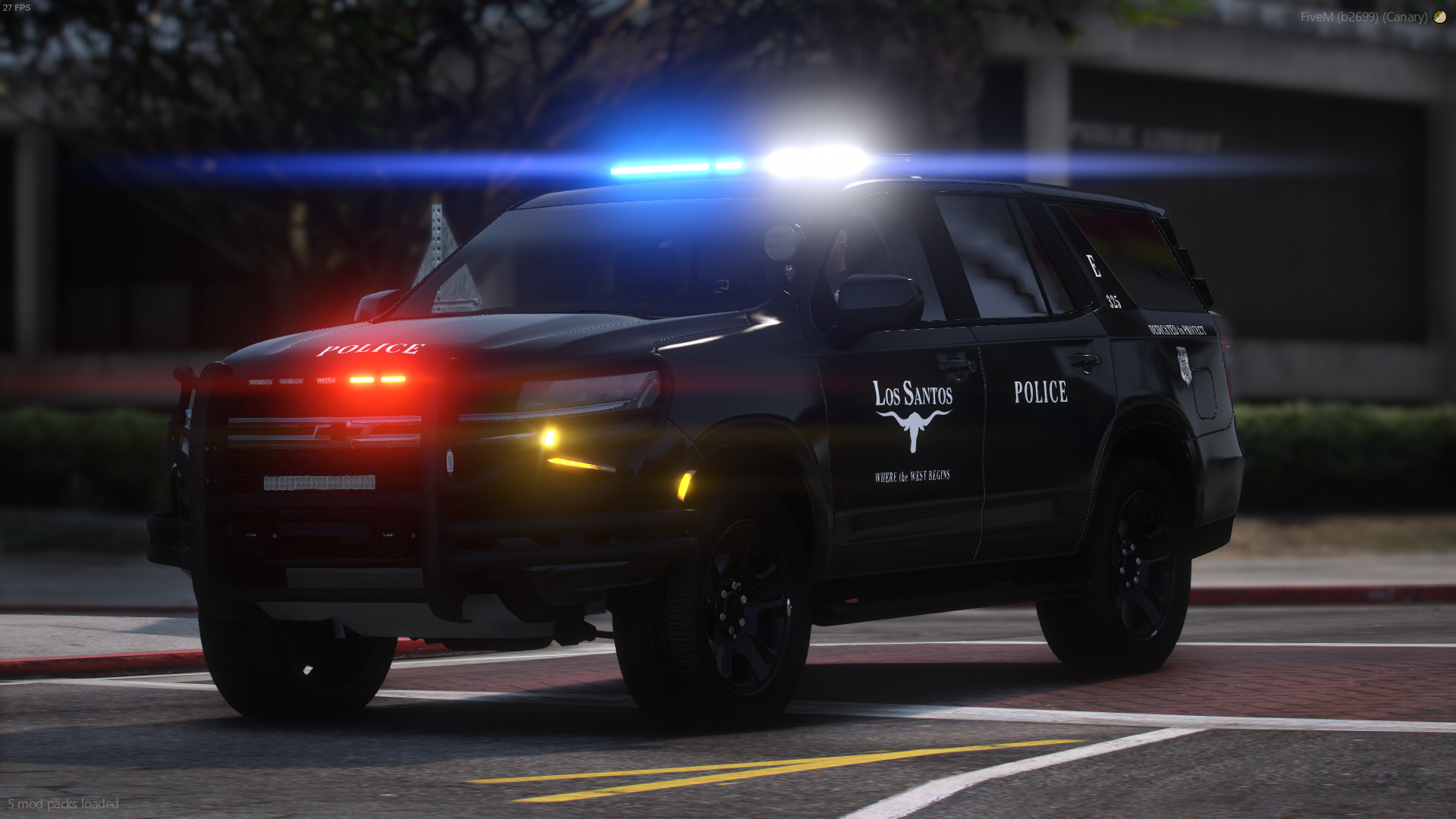
    Discord - https://discord.gg/WCq5BzuXne This car requires the 32 Siren Limit Adjuster. This car works in with ULC to control lighting. Videos Full Lighting Park Mode Extras extra1 - Front lights extra2 - Back lighting extra3 - Cruise lighting extra4 - Brake lights extra5 - Park Mode
  2.    Andy Laws reacted to a comment on a file: Fort Zancudo Police Skin | 2020 Explorer
    • 135 downloads
    • Version 1.0.0
    Livery I made, thought I'd hand it out. Car(s) Used in Photo;
  3. F Underwood started following Andy Laws
  4. Andy Laws started following F Underwood
  5.    dgtlbrandxn reacted to a comment on a file: Cali Lights [OIV/ FIVEM] Add-On version
  6.    dgtlbrandxn reacted to a comment on a file: Cali Lights [OIV/ FIVEM] Add-On version
  7. It takes time, I mostly use photoshop along with some other Adobe products.
    • 411 downloads
    • Version 1.0.0
    Hey there! Small BCSO logo sets, comes with the Logo and Patch for EUP if you so please.
  8. Andy Laws changed their profile photo
    • 177 downloads
    • Version 1.0.0
    Small release nothing major. Use how you please, Don't take credit for making the logo. Questions in my discord

Account

Navigation

Search

Search

Configure browser push notifications

Chrome (Android)
  1. Tap the lock icon next to the address bar.
  2. Tap Permissions → Notifications.
  3. Adjust your preference.
Chrome (Desktop)
  1. Click the padlock icon in the address bar.
  2. Select Site settings.
  3. Find Notifications and adjust your preference.