
otatoprm
Members
-
Joined
-
Last visited
Everything posted by otatoprm
-
-
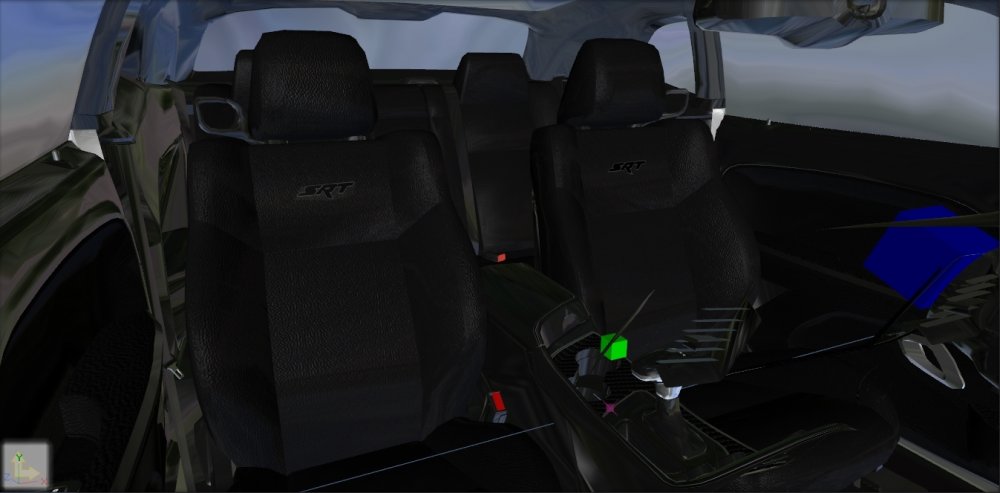
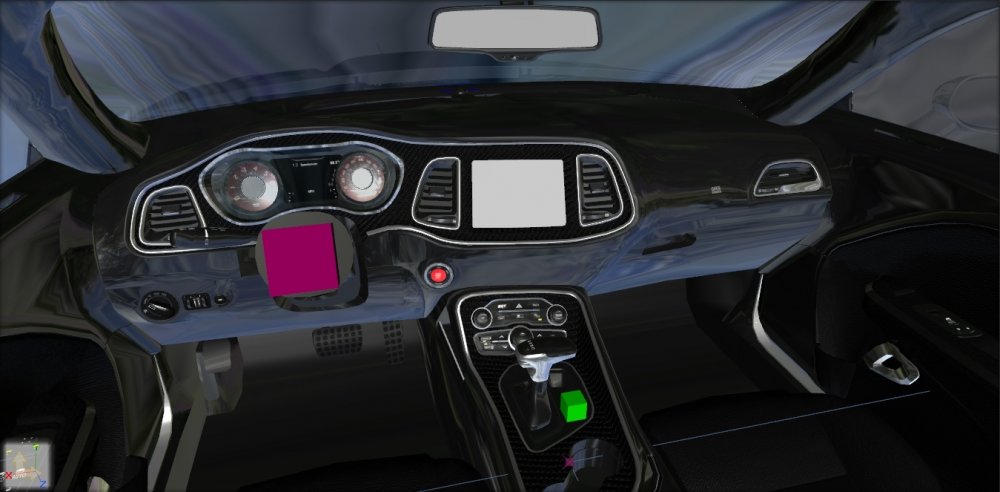
Mappings are mostly done, will soon start on conversion.


-
The models are not unlocked, someone would have to convert those cars or get the unlocked version of it.
-
it hasn't been finished yet, it will be released this month tho. and it will be els.
-
i was gonna release an sq pack, but something happened, but my spvm pack does have arrow boards.
-
not vehicle dash emissive, emissive!!!!!! https://gyazo.com/dbfb12d9e51cea1282b1c0e31c7de6c9
-
Could be a texture issue or set material to emissive and it should change how it looks.
-
 You know nothing about my city i'm making, you're also a horrible modeler. So far all your models are ass, :)
 -

From the album: MrPotato's WIP
-
 Please stop posting porn.
 -
-
lelyes, but i don't think you can't make vehicles attach to itThe sad part is gta v towtruck uses a hook ¯\_(ツ)_/¯I can do beta tests!The front is finished for the moment until i added textures to the bottom red light. Now the engine has been fully uvmapped.
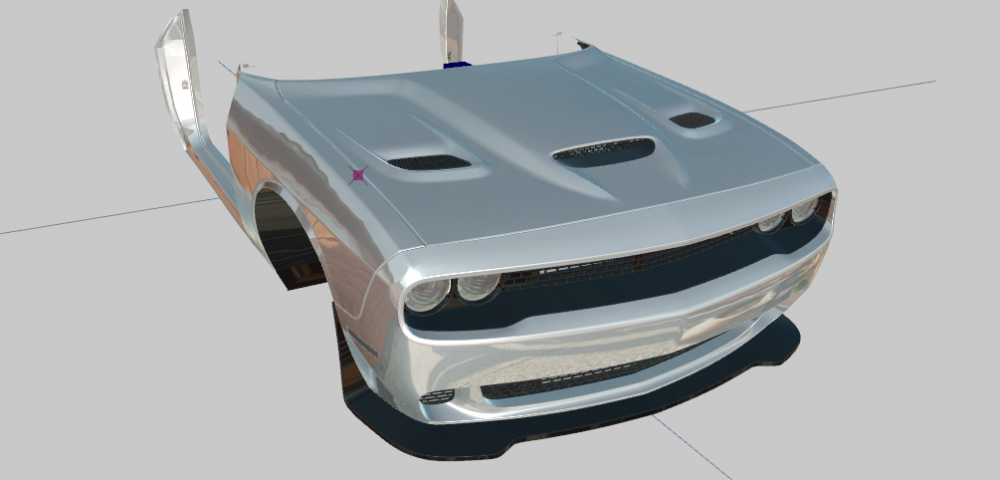
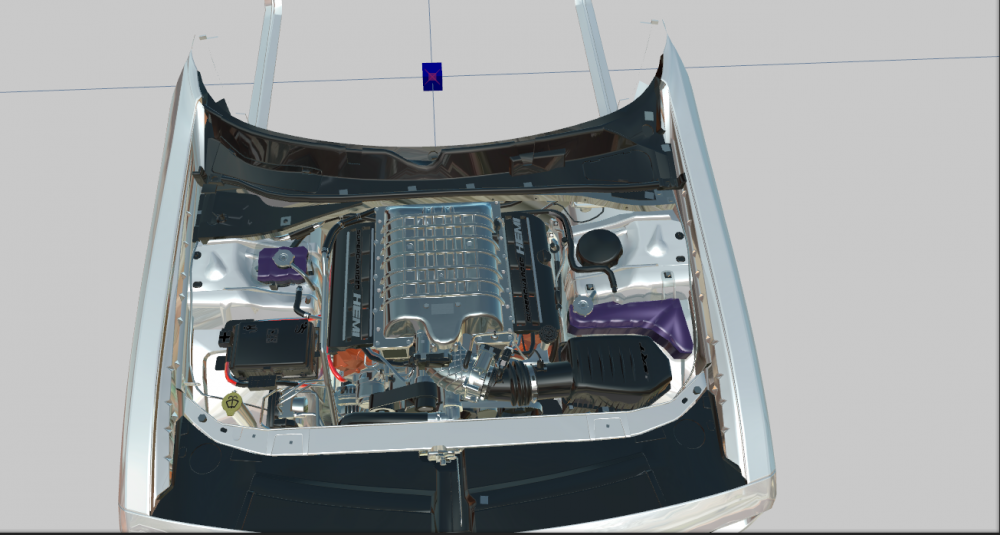 lmao city of licking
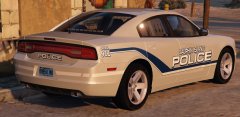 This cuteI will be reconverting the hellcat but from Forza horizon 3 So far i've only started on the front bumper, i will be working my way up towards the rear of the vehicle, should most likely be finish in a couple of weeks.
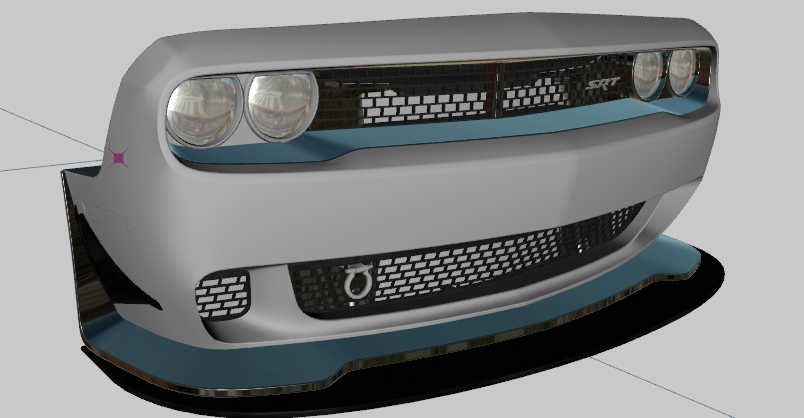 Have you tried seeing if your cols have proper window id