



otatoprm
Members
-
Joined
-
Last visited
Everything posted by otatoprm
-
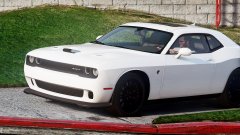
From the album: MrPotato's WIP
Can't wait to make her into a police car -
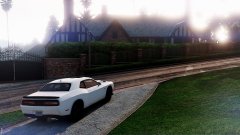
From the album: MrPotato's WIP
Almost finished :D -
It's the peanut butter's they have arrived on earth. RUUNNNNNNN
-
-
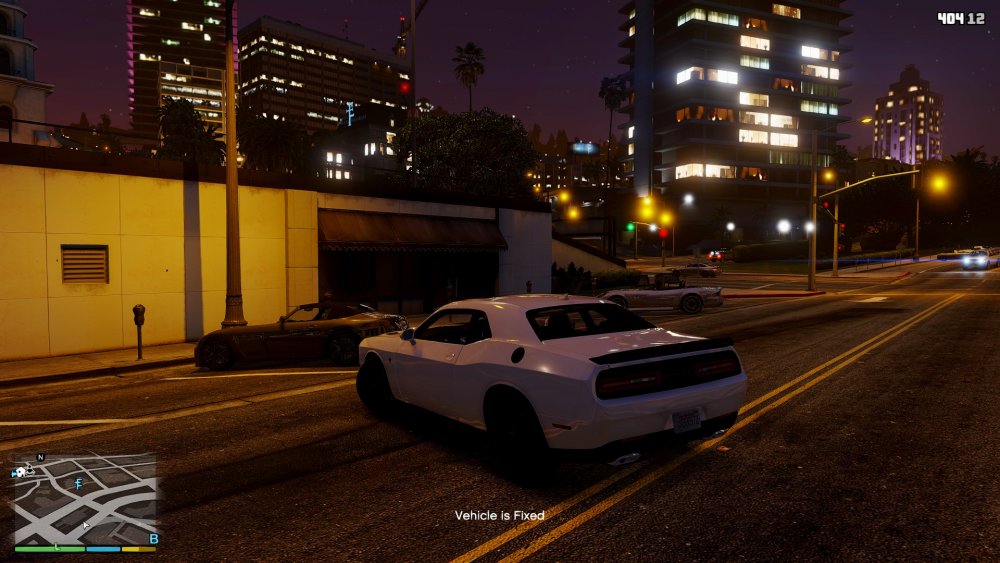
I'm finishing up on the lod's.
-
-
-
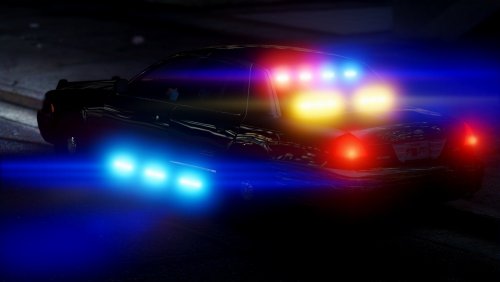 i do not know, i think i messed something up when i was editing the model, i'll try to fix it
- 44 comments
- 21 reviews
-
-

- 1
-
-
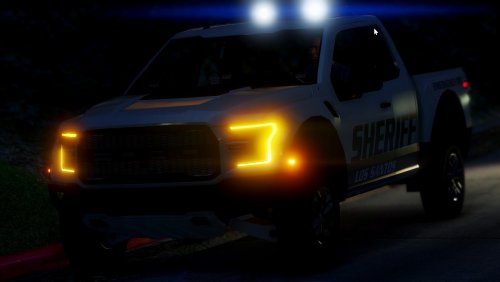 you're just blind trust me, if you think its stock use the enb and run it at ultra settings then come talk to me. Also idk why you are posting your mods on my post.
- 19 comments
- 5 reviews
-
-
- 2
-
-
-
-
-
-
-
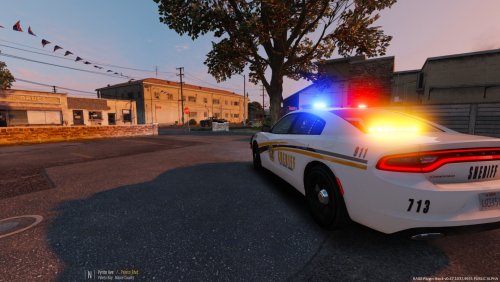 i like it
 -
you didn't install it properly, because first off i dont have charger wheels on my model, and second you messed up the textures
- 44 comments
- 21 reviews
-
-
- 1
-
-
-
-
i should but most people already know my enb, like i said in the new update i'll add everything.
- 19 comments
- 5 reviews
-
-
- 1
-
-
-
I know theres no many screenshots but i'll add more in other update. Peanut butter Discord: https://discord.gg/Q8cnAfN Preview: Don't mind the screen being weird i didn't render it properly Please read the read me file. Best visual to use on this.
- 19 comments
- 5 reviews
-
-
- 3
-
-
- NAME: 2011 Unmarked Potato - VERSION: 1.0 - OPTIMIZED FOR: POLICE4 - MOD STATUS: Complete - 100% My Channel: https://www.youtube.com/channel/UCl7QoHA6G0rYRAPFDL6PqnQ Model Credits: - Murphy - Lead developer, part modifications, custom modeled components, testing, UV mapping, features & fixes - Original Light - CVPI expertise, modeling contributions, BETA tester - Lundy - Door handles, CVPI expertise, CVPI parts from his models, mod tester - Yard1 - Encouragement, support, and modding techniques - Netman - Encouragement & support - Cj24 - Publisher of the original model for IV & template, including headlight modifications & misc changes from F5544's release - KevinDV - Work on the original model & grille - Ubisoft - Driver: San Francisco Ford Crown Victoria parts, including base model & first person interior - BxBugs123 - Headlight textures & expertise - OfficerUnderwood - CVPI parts from his DEV resource, mainly the headlights, grille, dash - F5544 - Initial GTA IV conversion - Schaefft - Some interior components and initial seat model that was modified into 2011 variant Lights Credits: - Whelen Inner Edge XLP scratch modeled and converted by Hilth0 - Ion's by Deco - Tir 6's by Tomcat - STL_Slim-8 Model By Lccop - Traffic advisor by Unknown - HG2 side runners by by EVI Equipment: - Arma Console by Unknown - Window Bars scratch modeled and converted to GTA IV by DannyBoy1909 - GoRhino CVPI by Carper, Textures by Carper Additional Credit: - Nothing here for you Note: tf is you looking down here for? It's an unmarked potato. jk... I have issues with my extra's so i am aware, i've tried fixes and never worked, please let me know of any bugs! Template is there so if you want to make your own skin. Also i already did the paterns due to my issue with my extra's, Enjoy!!! Help with choosing my next model : http://www.strawpoll.me/11972401
- 44 comments
- 21 reviews
-
-
- 9
-
-
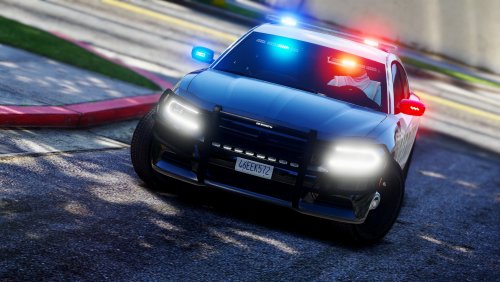 Thank you! and that's the model itself and i thought i fixed that bug, i'll look into again. Not quite sure it would work like that.
- 61 comments
- 14 reviews
-
-



