


somerandomdude
Members
-
Joined
-
Last visited
-
Happens every time after going on duty. About an hour ago, a chase started one right after another.
-
Beating crime one person at a time.
-
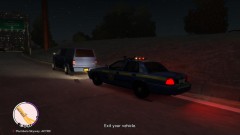 Speeding.
-
 LCSP speed check.
-
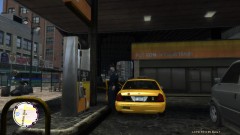 Needs gas.
-
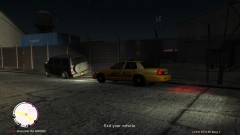 DUI
DUI
-
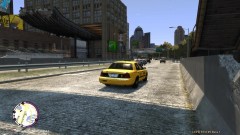 Taking it easy looking for Traffic Violations.
-
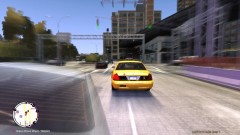 Suspect almost got away.
-
 Causing trouble in Liberty City
-
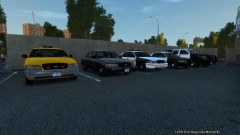 Squad cars.
-
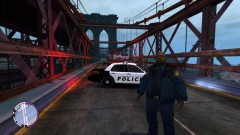 Fatal crash 5
-
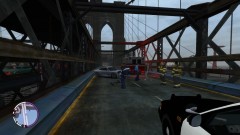 Fatal crash 4
-
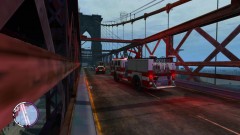 Fatal crash 3
-
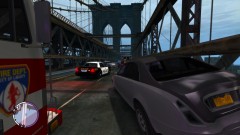 Fatal crash 2
-
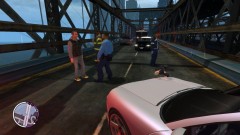 Fatal Crash
-
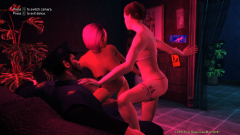 Strip club.
-
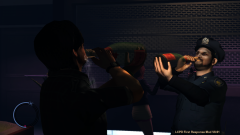 Drinking
-
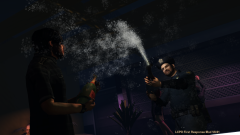 Party
Party
-
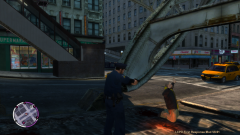 Mugging
-
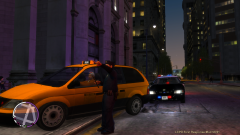 Traffic stop.
-
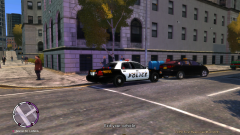 Speeding.
-
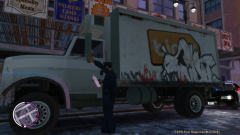 Broken tail light
-
-
That's unfortunate. Best of luck to Norway.
-
The town I used to live in just got a set of brand new '11 Crown Vics. I don't think they are getting the Taurus anytime soon. The town I live in now, I don't know there story but they still have the old school lights mixed up with led lights on there Crown Vics. They just got a brand new Ford Explorer for traffic witch is the only new car that I know of they got. The county sheriff get's the left overs from the local towns around the county when they get new cars for there fleet.
-
That's one of the funniest videos I've seen haha
