


somerandomdude
Members
-
Joined
-
Last visited
Everything posted by somerandomdude
-
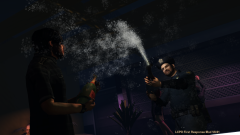 Nope, went in while on duty.
 -
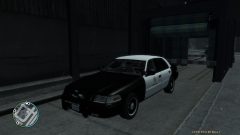 Looks good. I've made a few before for personal use. I've also edited 1 skin for 2 cars (with permission of course) to match my taste and my hometown's theme. I'm about to make another one for the caprice.
 -
Happens every time after going on duty. About an hour ago, a chase started one right after another.
-
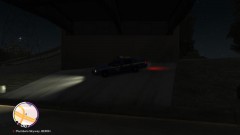 Meant Plumbers Skyway, not highway. Sorry for the typo.
 -
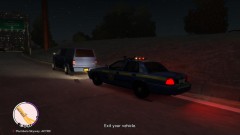
From the album: LCPD Patrol
Pulled over a blue van for speeding (80 in a 65 zone) on Plumbers Skyway. Also observed that the driver thru trash out the window. The driver was issued 2 citations for speeding and littering. -
Beating crime one person at a time.
-
Speeding.
-
LCSP speed check.
-
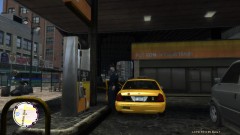 Needs gas.
-
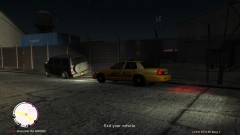 DUI
DUI
-
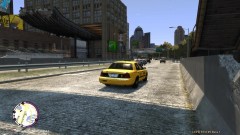 Taking it easy looking for Traffic Violations.
-
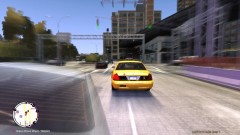 Suspect almost got away.
-
 Causing trouble in Liberty City
-
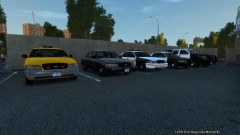 Squad cars.
-
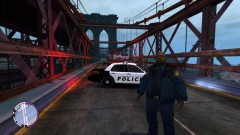 Fatal crash 5
-
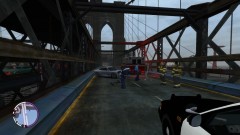 Fatal crash 4
-
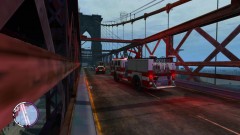 Fatal crash 3
-
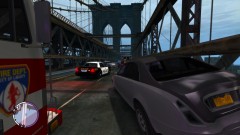 Fatal crash 2
-
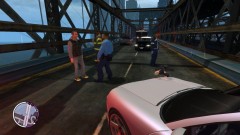 Fatal Crash
-
 Strip club.
-
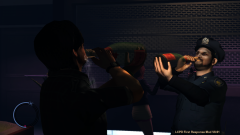 Drinking
-
Party
-
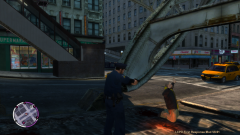 Mugging
-
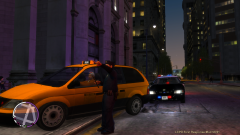 Traffic stop.
-
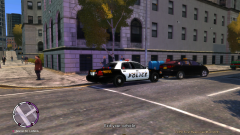 Speeding.
-
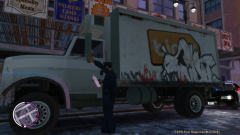 Broken tail light
-
-
From the album: LCPD Patrol
LCSP conducting radar on Plumbers HWY. -
From the album: LCPD Patrol
Needs gas. -
From the album: LCPD Patrol
While patrolling North Wood. The officer was driving an unmarked unit on Grummer Rd heading west. He observed a grey van driving erratically. When the officer pulled him over, the officer walked up and smelled a strong order of alcohol on the driver's breath. The driver was arrested and booked for DUI. The charges are, DUI, failure to keep right, careless driving, speeding. Court date pending. -
From the album: LCPD Patrol
Taking it easy in the city's undercover taxi. Part of a crack down on traffic violations. -
From the album: LCPD Patrol
Suspect did a hit and run on Union Drive West in lower Liberty City and attempted to flee. Needless to say, he was arrested and booked for attempting to elude, failure to comply with an officer, assault on an officer, resisting arrest, reckless driving, failure to keep right, and hit and run with personal injury. -
That's unfortunate. Best of luck to Norway.
-
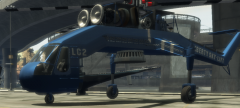 My favorite helicopter!
 -
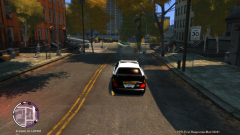 Thanks...except, I can't get that reflective look off the cars. No matter what I do.
 -
The town I used to live in just got a set of brand new '11 Crown Vics. I don't think they are getting the Taurus anytime soon. The town I live in now, I don't know there story but they still have the old school lights mixed up with led lights on there Crown Vics. They just got a brand new Ford Explorer for traffic witch is the only new car that I know of they got. The county sheriff get's the left overs from the local towns around the county when they get new cars for there fleet.
-
From the album: LCPD Patrol
Was causing trouble in Liberty City until someone called the cops. -
From the album: LCPD Patrol
Squad cars that I use whenever I play. -
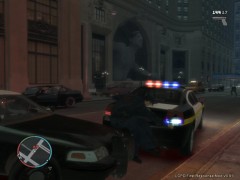 I love it how they come after you when you have suspect in the backseat of your car lol.
 -
Good thing it's just a video game. This is just one of the scenarios that I play out in the game.
-
lol true true. Should've seen all the cars piling up behind the barriers lol.
-
Thank you sniper :thumbsup:
-
Yeah, I know. I can't edit it. I need a mod to edit them all for me. I thought I typed them out right. But, whatever. Fixed titles - Sniper296
-
From the album: LCPD Patrol
There was a fetal crash on the bridge in the early morning hours. The comet lost control from speeding and another car crashed into the side of the comet. The female driver of the the car that hit the comet died after being thrown thru the windscreen. The male driver of the comet survived the crash is being charged with reckless driving and being booked for dui. -
From the album: LCPD Patrol
There was a fetal crash on the bridge in the early morning hours. The comet lost control from speeding and another car crashed into the side of the comet. The female driver of the the car that hit the comet died after being thrown thru the windscreen. The male driver of the comet survived the crash is being charged with reckless driving and being booked for dui. -
From the album: LCPD Patrol
There was a fetal crash on the bridge in the early morning hours. The comet lost control from speeding and another car crashed into the side of the comet. The female driver of the the car that hit the comet died after being thrown thru the windscreen. The male driver of the comet survived the crash is being charged with reckless driving and being booked for dui.
