Creators: Due to background reprocessing of files, approvals and file security checks may be delayed. Thanks for your patience.


Pavy
Members
-
Joined
Everything posted by Pavy
-
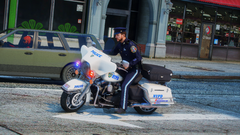
From the album: New York City/State Police Vehicles
-
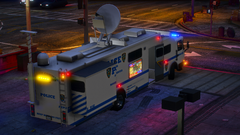
From the album: New York City/State Police Vehicles
-
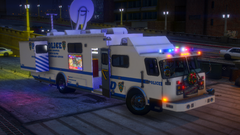
From the album: New York City/State Police Vehicles
-
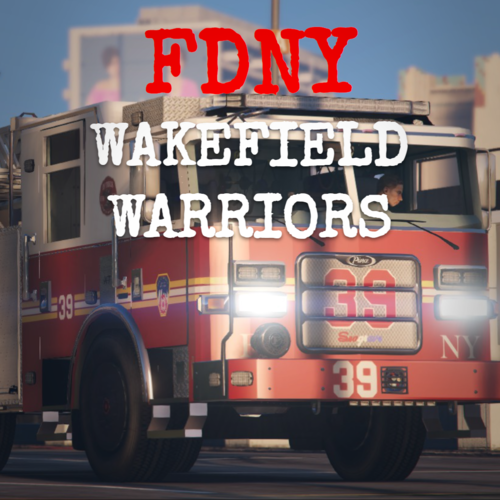 What are the model names of the vehicles? I can't seem to find the correct ones to put on
 -
-
Then you messed up the installation order probably. Start over Install Eup Law and order first, Eup Menu second, EUP basic config last. And again asking the same question that you ignored, what is your EUP law and order version.
-
Which version of law and order? Do you mean your clothes or NPC clothing? Download and install this, You also have Eupmenu installed correct?
-
Upload your RPH log file please
-
Are you certain your phone notifications are on, attach a screenshot of those settings please
-
I meant a video of the issue ingame
-
Can you make a short video and upload your rph.log please
-
In your lapdfr.ini file set this setting to true Ambient.DisableEscapedSuspectEncounter
-
-
Like charlie said disable your mods. The issue is "Could not spawn new vehicle." Since its the garage, that could be one of the base police cars mod wasn't installed correctly. Look in Grand Theft Auto V\lspdfr\data duty_slection.xml It's one of the vehicle models listed there.
-
Looks like this is a one time crash, that error is just a hiccup between callouts as far as I know. Does it happen each game session? I see you've played this one for a good 40 minutes
-
Can you send the latest rph log please
-
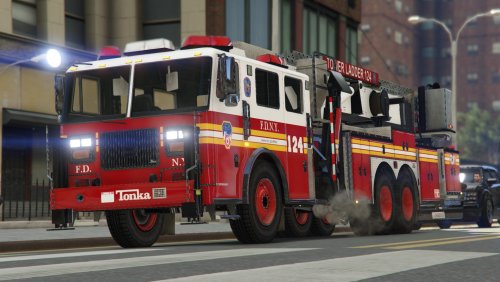 Very well made pack, one issue with one of the liveries. For Fdlctruck 2 the livery is out of position. I tested with both the Quick method and manual method
 -
You have to update your update.rpf in the mods folder to reflect the latest gtav update otherwise it'll crash. When you open that in openiv, it'll detect its out of date and ask if you wish to update it. You can try to disable your mods folder by naming it mods_ Try to play with the latest version of gta5 and lspdfr. If that works, then its your mods folder that needs to be updated
-
You crashed because of your ragenativeUi.dll is missing. Get it here https://github.com/alexguirre/RAGENativeUI/releases Put that in your main gtav directory, let me know if it works.
-
Hello are you crashing to desktop? There's no crash indication in the log. For the future, upload your ragepluginhook.log file in the main gtav directory. Its basically the same as your pastebin but much much shorter and contains all the relevant things. Make sure you have these 3 installed. It could be something within the mods folder if it crashed to desktop. Download/install the 3 files below, you may or may not have them already. But if those 3 files didn't help you, then the next step is to try playing with disabled mods. You do that by renaming your "mods" folder to "mods_" https://www.gta5-mods.com/misc/gta-5-gameconfig-300-cars < openiv https://www.gta5-mods.com/tools/heapadjuster < main gtav directory https://www.gta5-mods.com/tools/packfile-limit-adjuster < main gtav directory
-
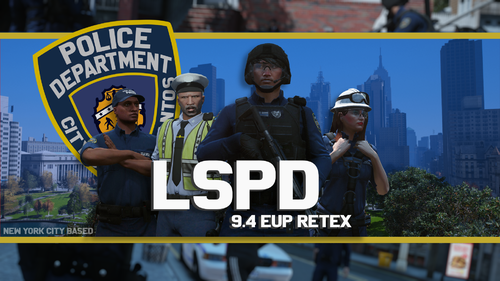 Come on, you already have everything laid out it wouldn't be that time consuming. You'd have the only nypd eup out there and it'd be really popular.
 -
You need to put the entire gta folder as an exception, also reinstall lspdfr something might have been removed
-
Show the exception you made in your antivirus, and upload the latest log.
-
Verify the game files with whatever platform you bought it on. Disable your mods folder by renaming it to mods_ Try that.
-
Hello, you posted this in the wrong category, under GTAIV. To fix your game, restart your computer and try again. If it gives you another crash then you must add exceptions to your antivirus.