



Chip.
Members
-
Joined
-
Last visited
Everything posted by Chip.
-
-
Ohh, well, like i said, i may be wrong.
-
You cant, the person that did it on youtube modified the SNT file so that you could, but it was only for him. unless someone figured out how to thats the only reason you cant.
-
Where did you put the files?
-
Okay thanks
-
Police cars and fire and ems
-
yeah yeah
-
Thats not my problem but i know
-
fuel,indicator,traffic flow,radar,less overtake,fire patrol, and lcpdfr
-
The van
-
Not sure whats doing this, anyone know why this is happening? This is the second time ive seen this.
-
-
Thank you so much! -MOD you can close this if you want-
-
There are no savegames in the savegame folder
-
So me not thinking clearly, i saved my game with a model i selected from SNT and now my came crashes when i load it, anyway i can fix this without reinstalling my game? (There are no game saves in my save folder)
-
Now its on both top and bottom, but if im in a cop car, it only shows where im at, if im in a civi car, it doesent, any one know a ifx?
- 35 comments
- 6 reviews
-
-
-
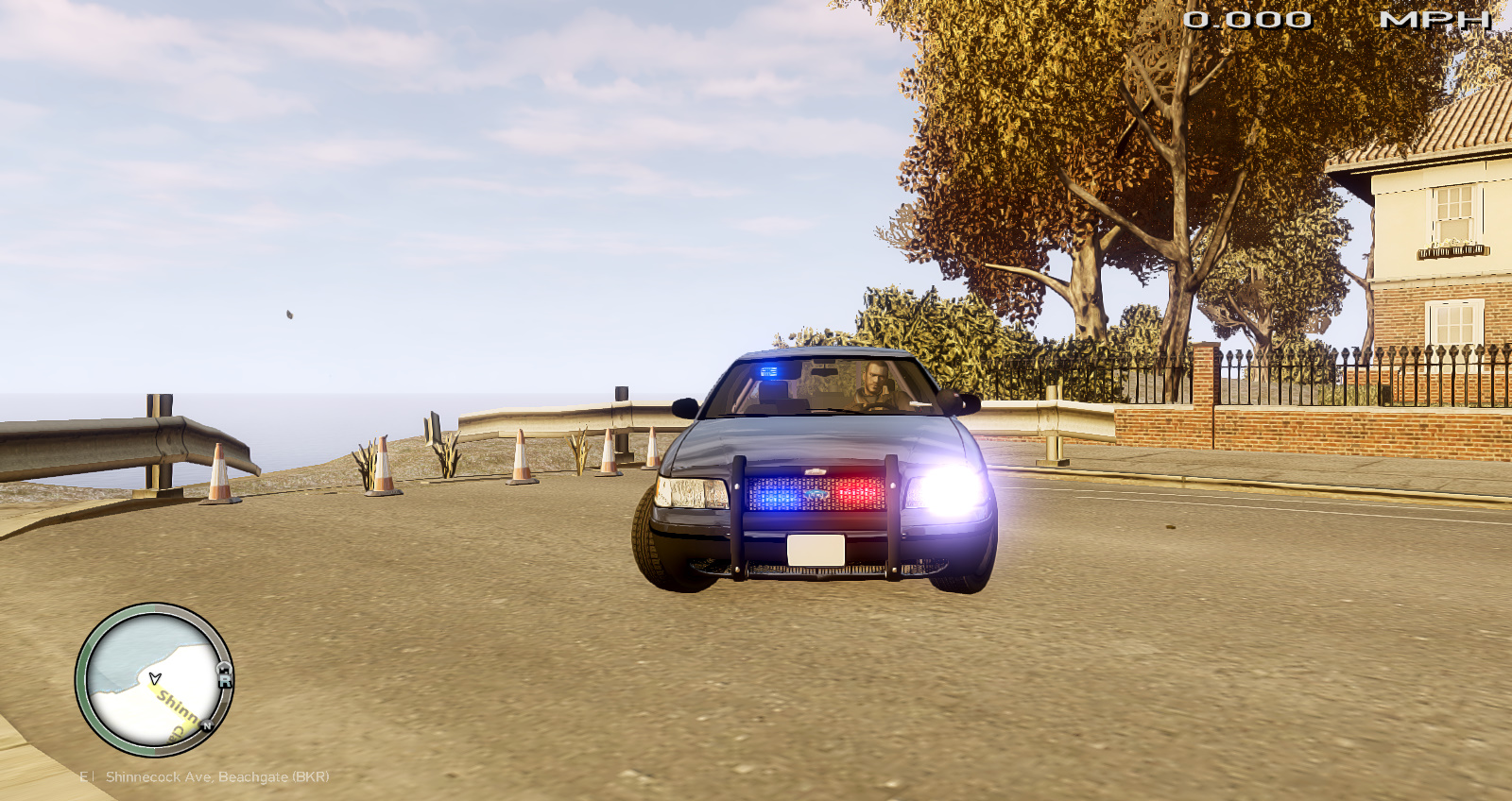
Like down in the left corner heres a screen shot wow thats huge, sorry about that
- 35 comments
- 6 reviews
-
Awesome! But think you can move the meter? Its being covered up by the area that your in, maybe move it to the middle bottem?
- 35 comments
- 6 reviews
-
Can you re-type that? i can't make out what your trying to say.
-
Sorry about the late response, but, if you want to send it to me in a PM then thanks.
-
If you want to use it ingame, run your game in windowed mode, it then should work. Im working on version 2 to make it and 'Overlay'
- 12 comments
- 3 reviews
-
-

