



xDodox
Members
-
Joined
-
Last visited
Everything posted by xDodox
-
Your video are very amusing. Keep them up!
-
Did you run the installer as an admin (right click on the installer choose "run as an admin...")?
-
They work fine for me.
-
Thats the point and he has a 32" LCD screen. So buy a better graphiccard.
-
If you want to play in FullHD with highest settings, then buy a 6970 or better the 6990. You could wait for the 7xxx series.
-
Use OpenIV (just google it) to add new skins.
-
I played a long time in hardcore, but I got killed very fast, so I changed to the normal mode.
-
Yes, read the readme's! Instead of asking again and again........
-
Do you use the xlive.dll from the 0.91 installer? If yes and your game works correctly, it's all ok.
-
If I click on the link I get this message: @ctsuds67: Please post the full log of the tool.
-
Dillin please post the full log.
-
I can't see anything in the log. Do you use other mods?
-
And don't forget the Games for Windows Live update!
-
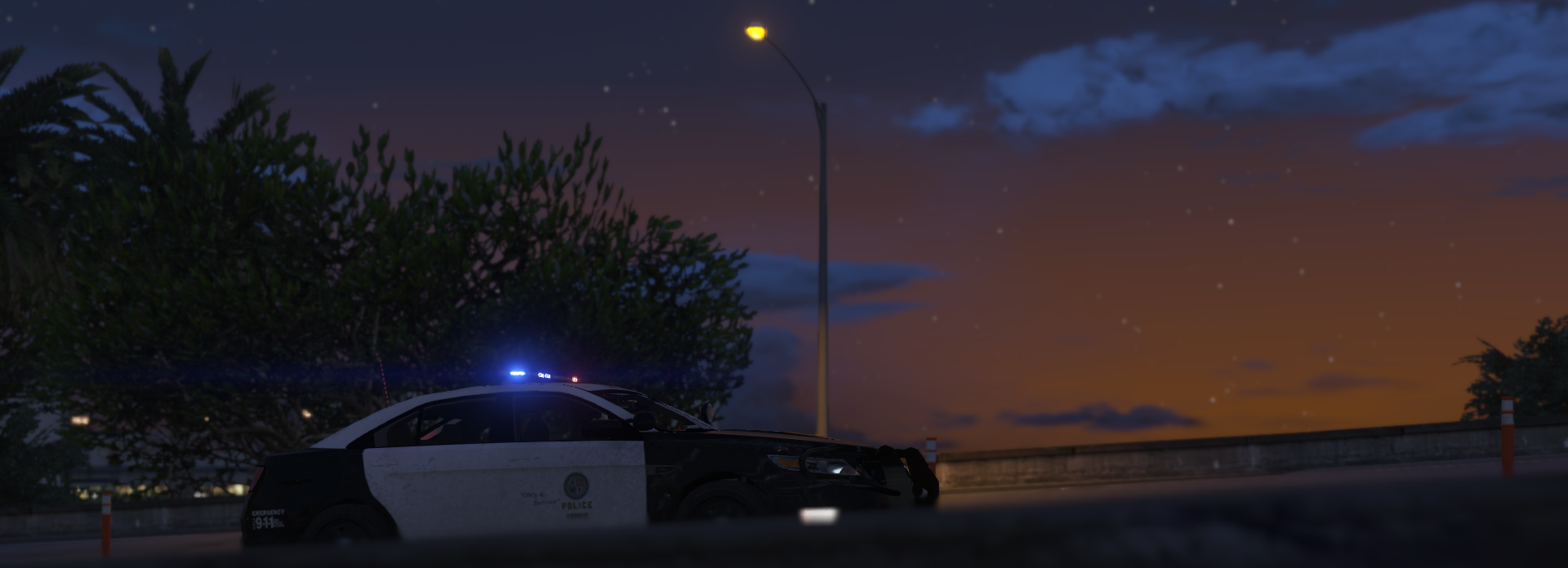
Yep, it's my favorite police vehicle :P
-
Some special cars:
-
9.5??? Wooaahh.. :P That would be great from 0.91 to 9.5 :D
-
You could use google.
-
Thanks, can i ask why? :D PS: These are not my pictures. ;)
-
Same cars like Break . All police vehicles in my city are blue/silver. Source: wikipedia Source: wikipedia Source: wikipedia
-
I tested it. Doesn't work.
-
Then change the keys from the trainer in the .ini file.
-
Start the GTAIVLaunch.exe as an admin (right click on the exe. and choose launch as an admin) EDIT: Run Windows Update and update your OS!
-
This is only for GTA IV. ;-)
-
Nice one Interference. :D
-
Epic video! Very good work! :thumbsup:

