




Cyan
Management Team
-
Joined
Everything posted by Cyan
-
Your topic has been moved to GTA V Support, this is not LSPDFR related. Please post in the correct location in the future.
-
Your topic has been moved to GTA V Support, this is not LSPDFR related. Please post in the correct location in the future.
-
Your topic has been moved to GTA V Support, this is not LSPDFR related. Please post in the correct location in the future.
-
RPH is telling you the game has crashed, not RPH itself. This is likely a crash because you have outdated mods or an outdated mods folder. Rename mods to _mods.
-
You've included a log file from the 14th July, this won't help debugging. Does your GTA start at all? If it doesn't, this isn't an LSPDFR issue and you should update or remove your mods folder.
-
You downloaded LSPDFR before we added the vehicle fix, please update again from the manual installation, iirc you only need the new RAGEPluginHook.exe.
-
Your topic has been moved to GTA V Support, this is not LSPDFR related. Please post in the correct location in the future.
-
Hey EditName, see the 2nd point in our pinned FAQ:
-
The particular error you are encountering is LSPDFR trying to load game assets, and it's failing. Something is wrong with your mods folder and/or lml folder.
-
Your topic has been moved to GTA V Support, this is not LSPDFR related. Please post in the correct location in the future.
-
Your topic has been moved to GTA V Support, this is not LSPDFR related. Please post in the correct location in the future.
-
Your topic has been moved to GTA V Support, this is not LSPDFR related. Please post in the correct location in the future.
-
does GTA V start into story mode without RPH?
-
Your topic has been moved to GTA V Support, this is not LSPDFR related. Please post in the correct location in the future.
-
You're using an old version of LSPDFR/RPH, perhaps you updated before we pushed the fix out. Please re-download the manual installation and at least drag the new RAGEPluginHook.exe over to your GTA folder.
-
Your topic has been moved to GTA V Support, this is not LSPDFR related. Please post in the correct location in the future.
-
See the big red banner on the homepage.
-
something's wrong with your mods folder.
-
Make sure you have updated your mods folder (if you have one), by copying update.rpf into it (this however will remove any mods you had in there). Or disable your mods folder by renaming it _mods (and seeing if this fixes it - if it does you know where the problem lies). Also make sure you have updated Scripthook V, if you were using it, as well as gameconfig and packfilelimitadjuster if you were using these.
-
Your topic has been moved to GTA V Support, this is not LSPDFR related. Please post in the correct location in the future. LSPDFR loads the multiplayer map, your game is crashing/throwing an error loading that map. I should add, you can workaround this issue by setting Main.DisableMultiplayerMap=True in your LSPDFR.ini. This will stop LSPDFR from trying to load the multiplayer map (and has some consequences, which are documented here). But this error only occurs when the game is trying, and failing, to load the multiplayer map.
-
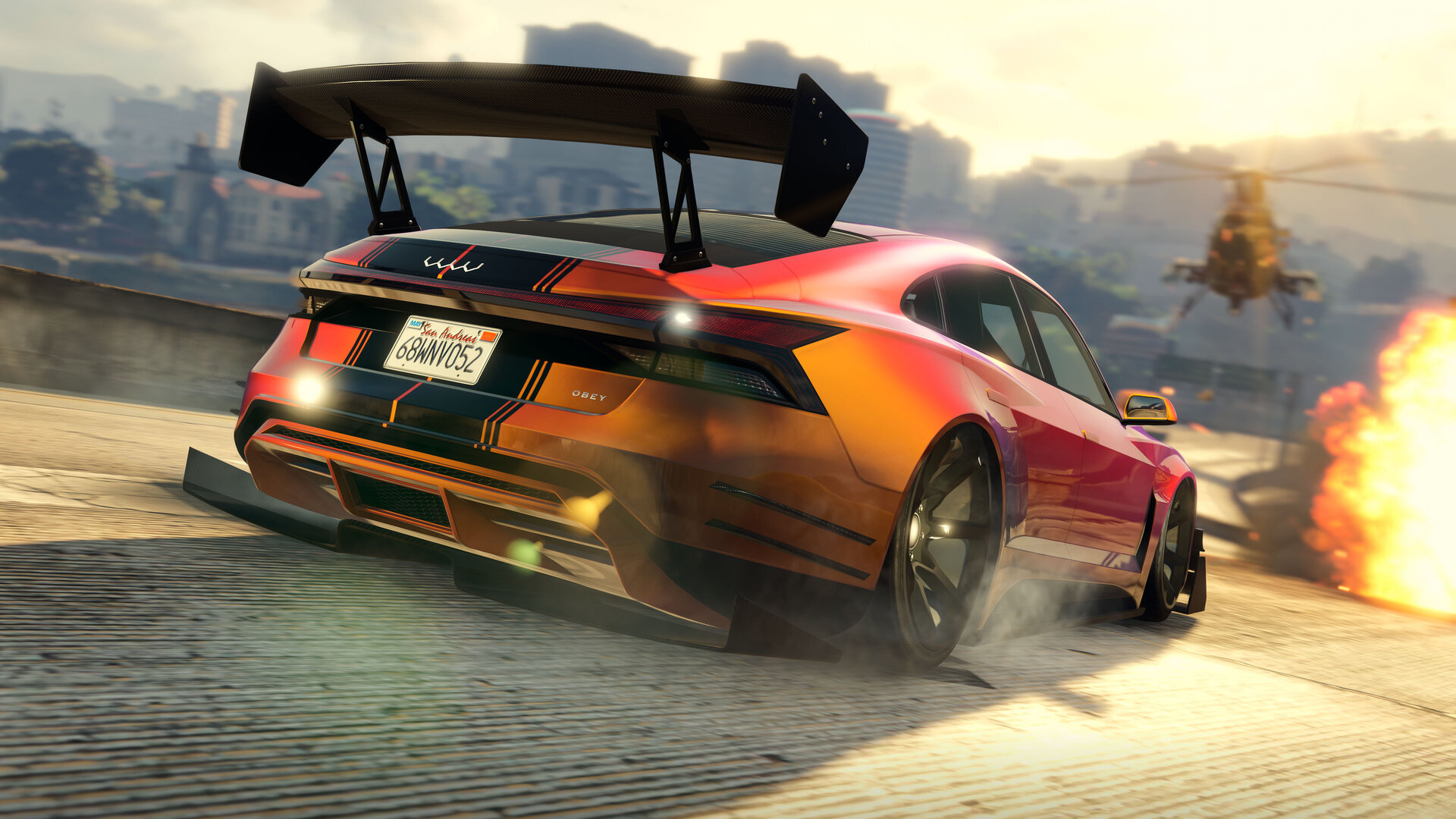 We have updated LSPDFR to Version 0.4.9 (Build 8242), which adds compatibility for the new version of GTA V (v2699) - "The Criminal Enterprises"
 -
We've released a minor compatibility update for LSPDFR 0.49 (Build 8242) which adds compatibility for the new version of GTA V (v2699) - "The Criminal Enterprises". This includes a fix in RAGE Plugin Hook for a long standing issue where if you used the NVIDIA GeForce Experience overlay (which is enabled by default on some installations), RAGE Plugin Hook may fail to hook. It also includes a feature which allows developers to load dependencies from other folders, hopefully leading to more tidy game folders in the future. Although by the time of this post we have already fixed two major issues, the first being an issue with non-Steam versions of the game and the other being a change in behaviour of a fairly crucial native method, please report any issues or bugs with LSPDFR on the new game version, if you find any, on the support forums. If you do think you've found an issue, please make sure you're on the latest patch (your RPH log should mention you are on version 1.96) and you've tested the issue is not your mods folder needing an update. Note that the new version of the RAGE Plugin Hook which is required for LSPDFR to work on the new GTA V update is included with the new LSPDFR download. The RAGE Plugin Hook website has not yet been updated, so you should not download the RAGE Plugin Hook from there but instead use the included version with LSPDFR. Please ensure that you now update your game to the latest version of GTA V before playing this new version of LSPDFR 0.4.9, which you can find as normal on the main LSPDFR page.
-
can you launch GTA story mode?
-
Your topic has been moved to GTA V Support, this is not LSPDFR related. Please post in the correct location in the future.
-
It's unlikely this contains any information that is relevant, instead, send your RAGEPluginHook.log file (it's in your game folder).


