
Bickeringbro
Members
-
Joined
-
Last visited
-
Can someone please explain how to disable the slicktop version, or how to make it so the slicktop version doesn't display the els drot but displays the slicktop version. From what i understand you cant have 2 els configs for 1 car so i dont understand why the car was made with and led version and a drot version. it looks stupid having and led slicktop driving around with a red drot rotating on the ground as if there was a rotating light bar on the roof which there is not.
- 69 comments
- 11 reviews
-
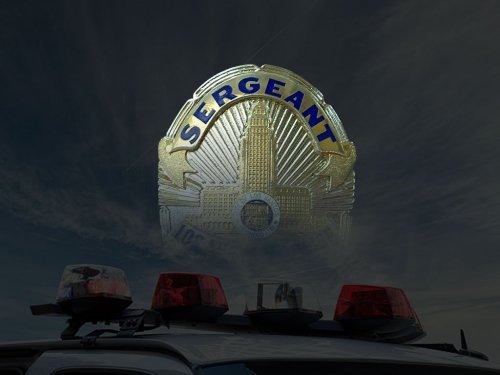 I have the same problem quotes """"All commands don't work. Seems like it only works for a second, then the AI go back to their path before I interrupted. Go and Stop, and Go and Continue make the cars move an inch, but that is all, after that they do not follow my directions and move on. Stop only stops them for a few seconds. At a red light if I tell them to either Go and Stop and Go and Continue they will inch forward, if I continue doing so they will run the red light but not go where I told them to, they will go their own path, same for Stop. Now it says stop may not work due to a mod issue but I'm having issues with all commands, also, I downloaded everything Jeff on YouTube did and even didn't install all of his mods and his Sergeant works fine, so it can't be a mod issue or conflict. Mods """" What mods conflict with this? I am more then willing to sacrifice some mods for this one to work very very nice..
- 101 comments
- 18 reviews
-
-
-
-
-
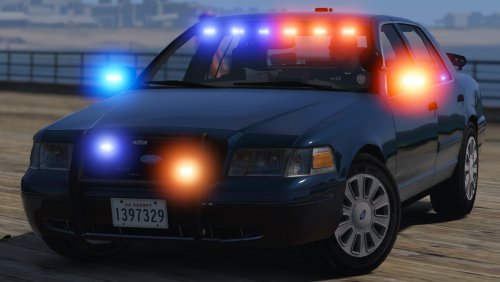 If you fix the 2 front door trim to match with the rest of the car and the doors i will re download and replace with my active unmarked. Also other memebers from my clan will be downloaded because we all use the same cars.
- 70 comments
- 26 reviews
-
-
Check Out My GTAV LSPDFR Live Stream @ Twitch TV Bickeringbro. I am Live Now!!!(:
-
-
-
 Plugin crashes on rage hook 25 and 26 please let us know when this is fixed. love to have this plugin.
- 156 comments
- 19 reviews
-
-
-
Thank you i had the same problem as well (:
-
Some one else informed me but thank you.
-
-
Does any one know how to fix the double vision with the Vision V1 ENB 1.05 Final 1.05? Any help would be appreciated, thanks. Posts merged. -staff
-
All I get is a black screen? Copied everything into main directory just like any other enb.....
- 104 comments
- 32 reviews
-