Skip to content
View in the app

A better way to browse. Learn more.

LCPDFR.com

A full-screen app on your home screen with push notifications, badges and more.

To install this app on iOS and iPadOS
  1. Tap the Share icon in Safari
  2. Scroll the menu and tap Add to Home Screen.
  3. Tap Add in the top-right corner.
To install this app on Android
  1. Tap the 3-dot menu (⋮) in the top-right corner of the browser.
  2. Tap Add to Home screen or Install app.
  3. Confirm by tapping Install.

jdakid17

Members
  • Joined

  • Last visited

  1.    jdakid17 reacted to a comment on a file: TurnSignalV
  2.    jdakid17 reacted to a comment on a file: Cryptic Emergency Traffic
  3. Does this affect AI traffic to go around you on traffic stops? If not can you implement it? Thanks!
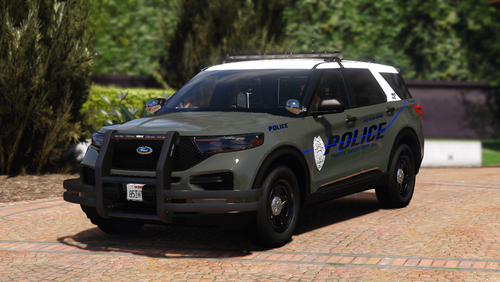
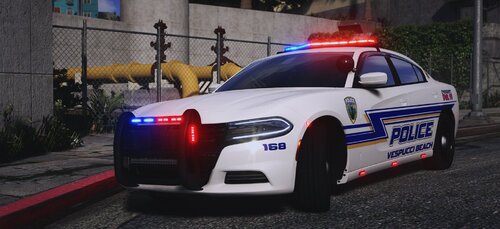
  4. Sorry for your loss fellow Hoosier. Beautiful livery.
  5. Went to school in Greenwood! Anyway youd do Whiteland?
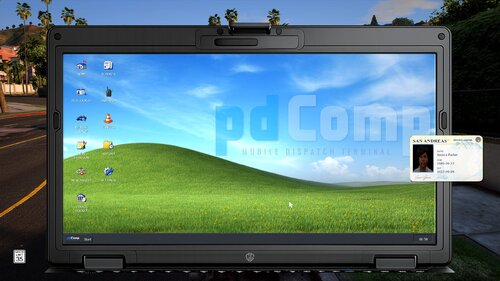
  6.    Master10 reacted to a comment on a file: pdComp - Police Computer
  7.    mazednik reacted to a comment on a file: pdComp - Police Computer
  8.    CossackGames reacted to a comment on a file: pdComp - Police Computer
  9. Switched from Compulite to this and will never look back. Amazing!
  10. Hmmm. Weird Thats weird as heck.. still working fine for me.
  11. Do I need the script in ScorpianFams Tow truck as well?
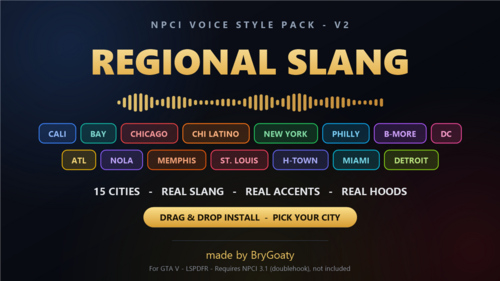
  12.    jdakid17 reacted to a comment on a file: NPCI REGIONAL SLANG
  13. Is it Bargersville Indiana lmao
  14. Does this work with the STP version of NPCAI?
  15.    snailvirus reacted to a comment on a file: Hillsboro Beach, FL-based Mini Livery Pack
  16. Snail absolutely blessing us with the lore stuff. Fire as always.

Account

Navigation

Search

Search

Configure browser push notifications

Chrome (Android)
  1. Tap the lock icon next to the address bar.
  2. Tap Permissions → Notifications.
  3. Adjust your preference.
Chrome (Desktop)
  1. Click the padlock icon in the address bar.
  2. Select Site settings.
  3. Find Notifications and adjust your preference.