itsEMT
Members
-
Joined
-
Last visited
Everything posted by itsEMT
-
-
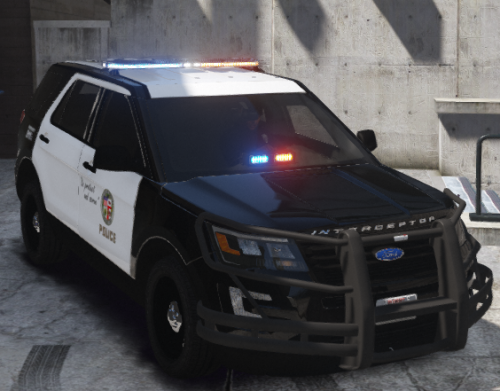 This is anything but LAPD. It's not terrible for your first models, but don't call this LAPD just because it has the skin.
- 35 comments
- 5 reviews
-
-

- 1
-
-
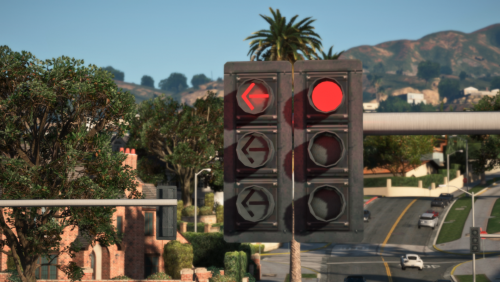 Fantastic work! Very realistic despite what others have said and the bug isn't your fault. Can't wait to get the into my game! ❤️
- 53 comments
- 11 reviews
-
-
- 1
-
-
 fire emoji fire emoji fire emoji
 -
-
No, they're saying suck it up and deal with it. There isn't a damn thing you can do to stop it.
-
I see. I'm sure you're well aware that ripping will never stop and cannot be stopped, so why lock models in the first place? Why not give the resources used to the public for use on other models? I understand that you put your own money into it, but that won't stop anyone. I'm a developer and I can't recall ever trying to stop someone from accessing source code to something I've made. Maybe it's just the way I think and my belief that sharing is caring, but it seems to do more harm than good when you lock something because then shit like this happens.
-
Nothing for a video game I don't understand why you're paying for anything to make a model. I've never touched modelling and never will, so obviously I don't understand how that works and I'm more than willing to admit that.
-
You're dead wrong if you think I'd spend money on cars for a game. I don't play FiveM, I hardly even play GTA at all anymore.
-
Have you ever taken a moment to stop and think that maybe people wouldn't rip if shit wasn't sold for hundreds of dollars? What happened to making and releasing models because people like to?
-
Can't wait to see how much you sell it for!
-
Making a new account and enabling a VPN is in no way difficult, and that's how they would get past any barrier set it place.
-
Is it actually difficult for you to understand that there is basically nothing that can be done to stop people who want to cause harm from causing harm?
-
You're assuming that every website actually takes action on DMCA* takedown requests.
-
-
-
-
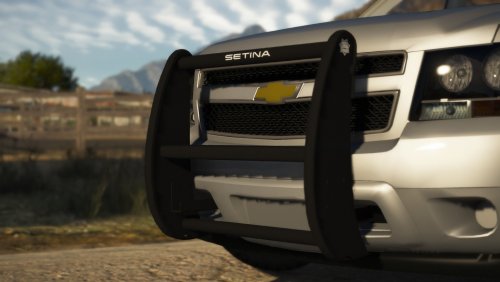 Glad to see you back, Rob! Amazing model as always!
 -
-
-
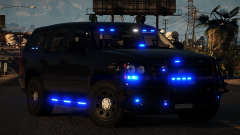 Umm she's mine????????
 -
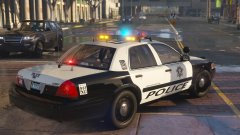 Fantastic screenshot ROB | TROOP M
 -
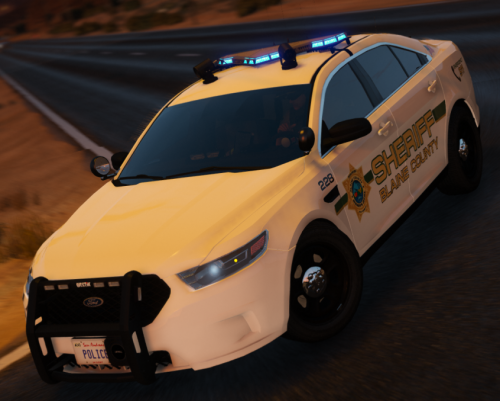 Each of the 2 vehicles comes with 4 liveries with varying unit numbers. Tested and working with t0y's Sandy Shores Police Department pack, but will work with the same FPIU/FPIS base from any other release. ❤️
- 1 comment
- 1 review
-
While making a skin, I noticed that the edges of it are super jagged despite it looking fine in Photoshop and the exported .png being 4096. I am wondering if there is a way to export the skin without getting all the jaggies in there. I'm new to this all so any help would be appreciated. Photoshop version: Exported version:


-
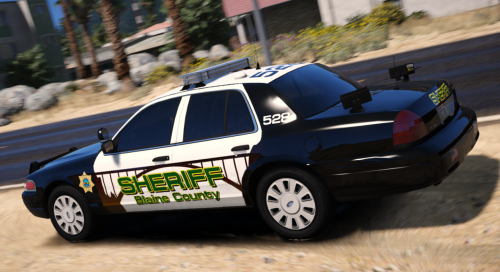 The 2 BCSO liveries were made for t0y's Paleto Bay Police Department pack. Download it below. I created these textures as my first ever to see if texturing is something I would enjoy and would want to get involved in. I had fun with these 2, so hopefully I'll be able to improve greatly so that I can put out another pack bigger and better than this. I may make some changes to these textures, or I might add some in the future as well. Let me know what you think, thanks. ❤️
- 3 reviews
-
-
- 10
-