


Maximillius
Members
-
Joined
-
Last visited
Everything posted by Maximillius
-
-
 Is there any way to use all of these vehicles with the new jurisdictions? Any OIV installer in the future? @ Maurice97
- 95 comments
- 32 reviews
-
-

- 1
-
-
You have to have a valid copy. No cracked/pirated versions
-
Hi all, I am attempting to stabilize my game because right now I am losing graphics and game will crash at random times. I did read the stickied post have done all that is directed. I do play in borderless window mode and have vsync off. I am attaching screenshots of what the game looks like my computer hardware, settings, game directory, plugins folder, and mods dlc pack folder. Computer Hardware List: NVIDA System Info Image of Game After - 30 Minutes Game Setting XML Game Settings in Game Advance Game Settings Game Directory: Plugins Folder: Mods>Update>X64>dlclists Let me know if there is anything else I can provide (except SSN and CC numbers), I know I don't have a ton of RAM I am planning on upgrading that soon. I also have a 1TB HDD, no SSD. Hopefully the spoliers make it easier to view everything and thank you in advance!
-
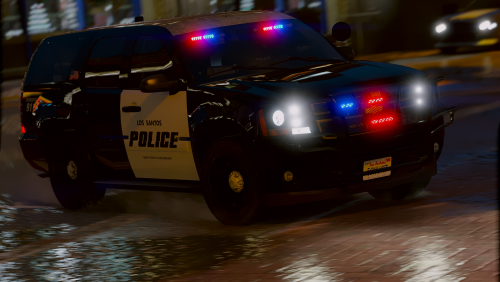 I did something wrong 😕 my interior is chrome. Any advice? Disregard. NVR messed up my shaders folder.
- 18 comments
- 10 reviews
-
 @TaylorSwift Any chance of lore friendly skins? If not no big deal, your models are beautiful.
- 76 comments
- 55 reviews
-
-
- 1
-
-
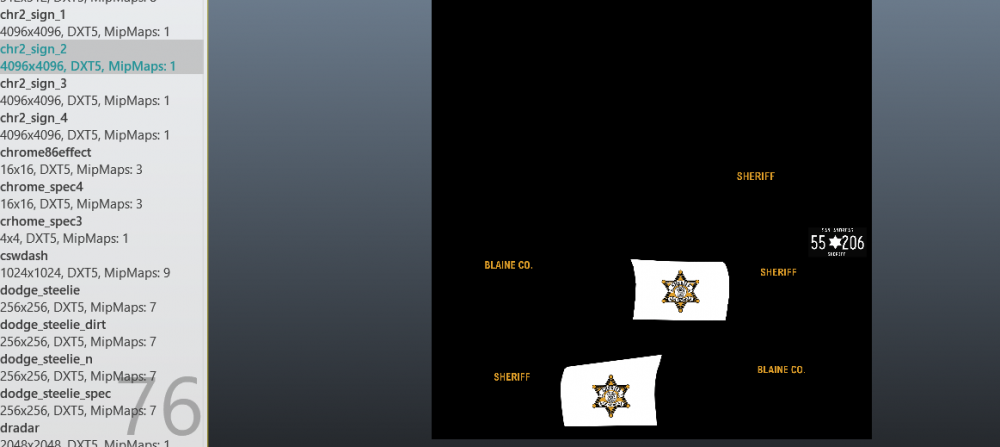
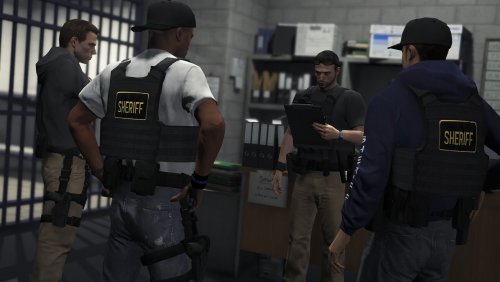 @Baud0412 Hey, I am having a slight issue with this texture. I replaced it in patchday15 like specified but the ped spawns with wrong clothing and wrong head. Has the correct vest and gun belt but seems the clothing items are off and the ped model gets messed with. Do you have any suggestions?
- 46 comments
- 7 reviews
-
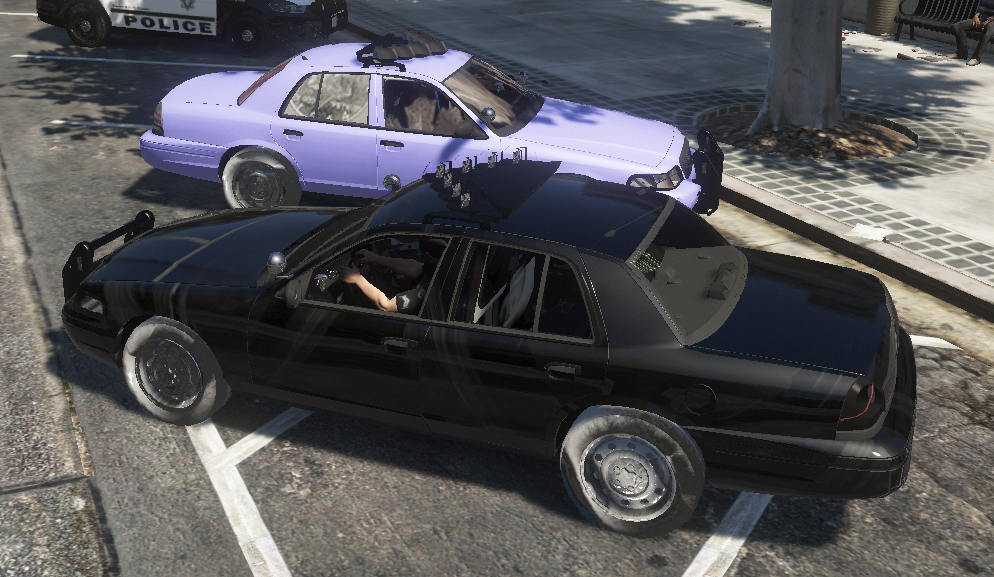
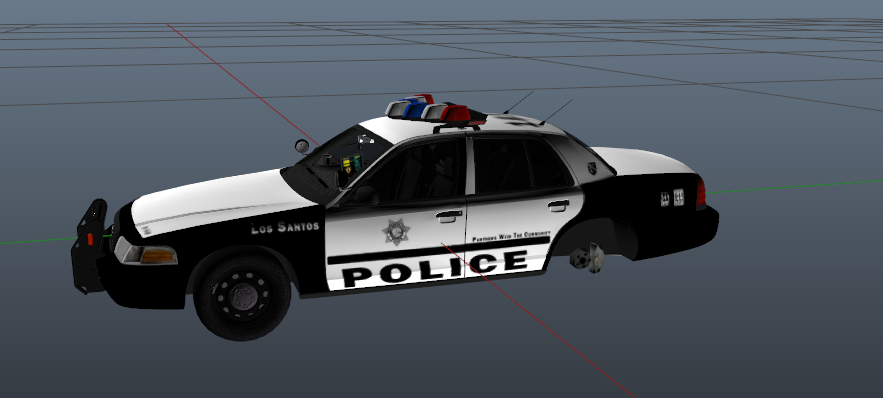
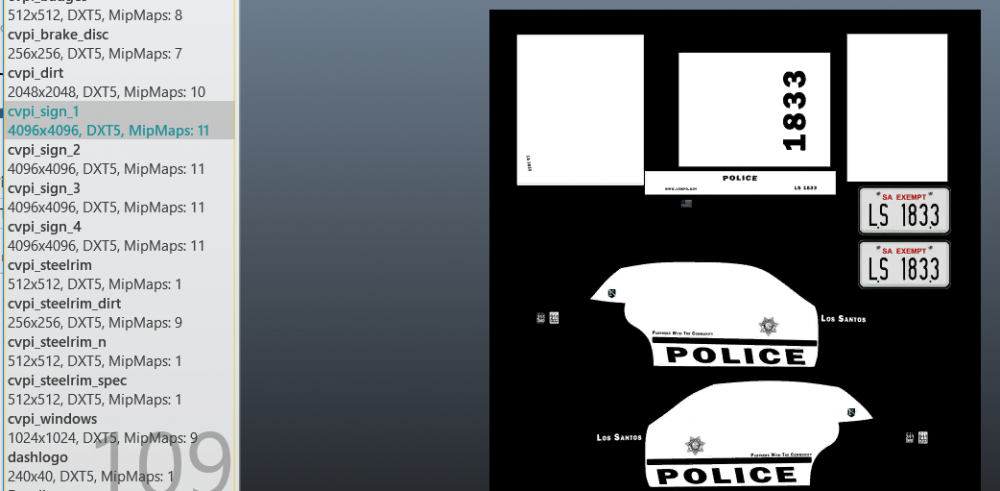
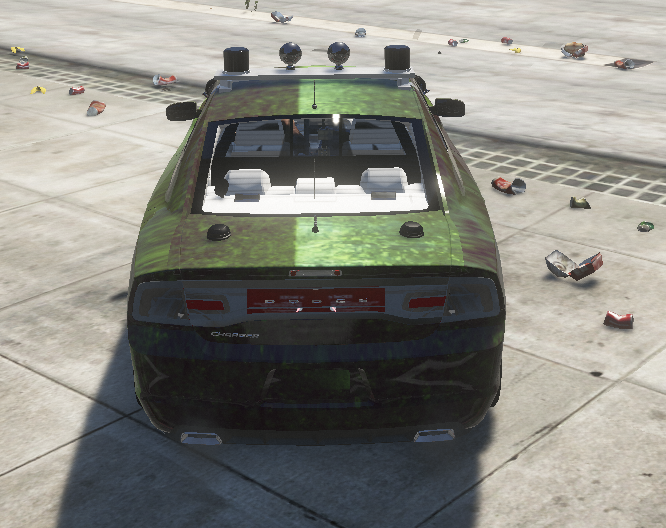
I am experiencing an issue that I am little confused on how to fix. I have verified that I have everything installed correctly but I am wondering if it is a possible carvariation or vehicle.meta issue? I have installed a lot of modded cars in the past, I have add on cars no issues but no matter what car I put in police or sheriff they appear like the attached files. Only thing I did was drag the cars into the folders it specified but I am still having issues. Could someone advise me on how to fix?

-
 Beautiful. I have been waiting for this. The lights are amazing and look sexy as hell. Models are superb, very detailed, It makes me want to cry. Only thing that I would want is some takedowns. Other than that I love it.
- 114 comments
- 37 reviews
-
-
- 1
-
-
I know this has been posted before, I know your site has issues with Comcast but is there any updates? I am experiencing insane download and it drives me crazy. I have a download of 98.1Mbps and upload of 12.3Mbps. A 182 MB from LCPDFR takes an hour and a half while other sites take mere seconds. Is there anything I can do on my end?
-
@Cyan @Kallus Rourke Wanted to let you know I am in contact with Comcast/Xfinity over here in the US and have been working on a solution. The basic issue is that ISP's will throttle sites that might contain pirated content or have a lot of downloads without the site being "mainstream" because they could be suspected of hosting illegal content. At least this is what I am being told and from some research, it appears some do this. Right now they are having me call the "Customer Security Assurance Department" @ 1-888-565-4329 Hours: 24/7. I can keep you updated if you would like.
-
Hey all, I was wondering if anyone could help me optimize setting on my computer for GTA V and LSPDFR. My specs are the following: OS: Windows 10 Processor: i7-4510 CPU @ 2.00 GHz 2.60 GHz RAM: 8GB Video Card: GeForce 840M Direct3D API Version: 12 Direct3D Feature Level: 11 Graphics Dock: 1029 MHz Memory Data Rate: 1800 MHz Memory Bandwidth: 14.40GB/s Total Available Graphics: 6085 MB Dedicated Video Memory: 2048 MB DDR3 My Settings:
-
Hey all, I was wondering if I could get some help with my settings for GTA V. I used to be able to run GTA V without any issues until recently it started to lag, textures drop when driving fast etc. I recently tried a mod from GTA5 Mods called "Best High Settings For Medium and Low PC 3.1.2 " and it seems to have made everything worse. Now the scenery loads for a minute, then invisible roads, invisible buildings, and I can see through the map. So I deleted my mods folder, deleted my settings and restored them to default. Still, graphics except for the car mods I reinstalled, suck. I am running the non-steam version and I am in the process of verifying game data to make sure nothing is corrupted. But I could use some help getting some decent settings for my computer. First of all, it's not an amazing PC. It's a laptop that I have been able to play games on as well as do school work. It's an Asus Q551L. System stats are the following: OS: Windows 10 Processor: i7-4510 CPU @ 2.00 GHz 2.60 GHz RAM: 8GB Video Card: GeForce 840M Direct3D API Version: 12 Direct3D Feature Level: 11 Graphics Dock: 1029 MHz Memory Data Rate: 1800 MHz Memory Bandwidth: 14.40GB/s Total Available Graphics: 6085 MB Dedicated Video Memory: 2048 MB DDR3 Like I said, I know the computer isn't amazing. I used to have no issues though. If anyone could help with suggested settings or recommendations please let me know! Settings:
-
I am hoping someone can help me here, EUP was working fine, I updated PeterUCallouts and then it stopped working. I have done several clean installs, uninstalled via the OIV and reinstalled through the OIV. I have gone through this thread and tried everything suggested but still, I am not having any luck. I uploaded my files on Imgur and I am hoping someone can help me out here.
-
I'm on SC I noticed there are a few other post about this, I believe three, the only other thing I could think of is that I installed a new siren but I reinstalled my old siren mod and it still did it. Do you think it could be the vehicle.awc? Since it is both on sheriff 2 and fbi2, I believe they both use audiohash FBI2?
-
Can I get any help here?
-
It started happening today, at least that's when I noticed it, the only thing different I did was update Code Red Callouts. I believe it crashed as well but I am re-testing it right now I just attempted, I can walk all the way around the vehicle, sit there, or walk away from the vehicle and the game does not crash. That is even more confusing to me. Edit 2: The default sheriff2 even causes CTD Edit 3: Just tried to use FBI2 and it crashed as well.. :/
-
I am having an issue with sheriff2 spawning, whenever I attempt to spawn it either by selecting it while going on duty, through a trainer, or ragehook itself the game crashes. The model will spawn and as soon as I approach it I get a CTD. Also, I do have the modded gameconfig file installed that allows for add-ons. I assumed it was the model itself, so I changed the model to 2 different ones that worked in other slots but it is the same thing. I then checked my carvariation and vehicle.meta and both are correct, even tried to copy the original from the non-modded folder but I still get the issue. Could anyone take a look at my logs and let me know if you see anything as I didn't and I cannot think of what might be wrong. Or if anyone has a solution for me? Thanks in advance!
-
-
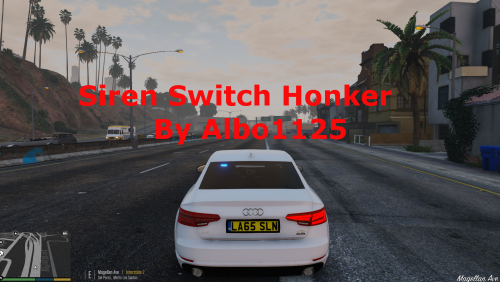 I am having an issue where the left thumb on controller (nor any other key) activates the plugin. Pressing E and J both work though
- 48 comments
- 18 reviews
-
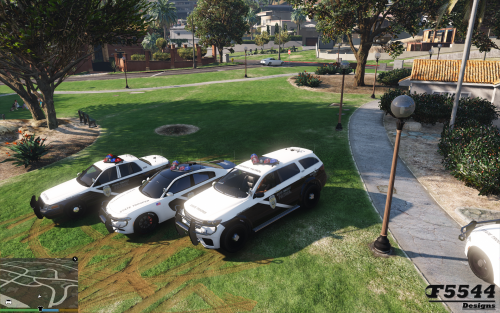 SO, so, so close. I can't get the sirens for Hwaycar 2 & 3 to work. No engine noise, no sirens. Any fix? Light settings at 1, siren setting at 13 in carvation
- 81 comments
- 9 reviews
-
Are there any solutions to this? I have the retail version as well *Edit* Anyone else experiencing the issue I had to disable firewall and click on PlayGTAV.exe I was trying to update through the GTAV.exe and it was just launching the game. Hope this helps!
-
-
Negative, does not work
-
Hey all, After the patch update I went to install the latest Script hook so I could play LSPD. But I am running into an error I have never had before. When I try to move ScipthookV.dll into my folder with gtav.exe I receive an error saying " destination Folder Access Denied, You need permission to perform this action" I have done what the all mighty google says, right click, properties, advanced, set ownership, allowed full control etc. I am the admin on the computer but I cannot seem to bypass this. It is the first time I have had this error. If anyone could provide some feedback that would be great!



