Creators: Due to background reprocessing of files, approvals and file security checks may be delayed. Thanks for your patience.


RascarDK
Members
-
Joined
-
Last visited
Everything posted by RascarDK
-
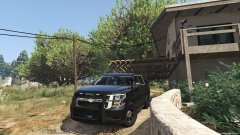
From the album: RascarDK's GTA V shots
-
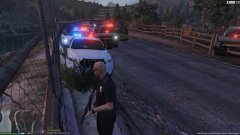
From the album: RascarDK's GTA V shots
-
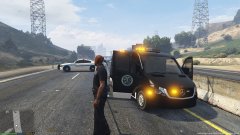
From the album: RascarDK's GTA V shots
Escaped prisoner was fatally shot by officers after a short pursuit on the highway. -
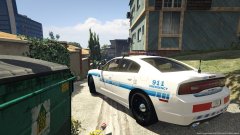
From the album: RascarDK's GTA V shots
LSPD shift 16-05-2018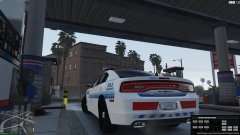
From the album: RascarDK's GTA V shots
LSPD shift 16-05-2018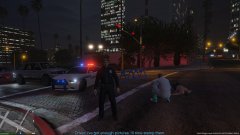
From the album: RascarDK's GTA V shots
LSPD shift 16-05-2018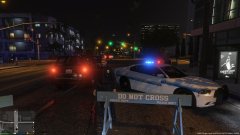
From the album: RascarDK's GTA V shots
LSPD shift 16-05-2018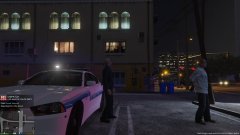
From the album: RascarDK's GTA V shots
LSPD shift 16-05-2018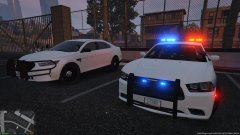
From the album: RascarDK's GTA V shots
LSPD shift 16-05-2018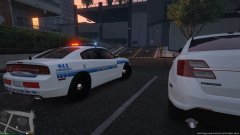
From the album: RascarDK's GTA V shots
LSPD shift 16-05-2018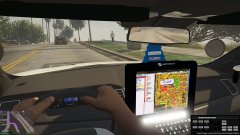
From the album: RascarDK's GTA V shots
LSPD shift 16-05-2018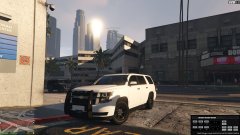
From the album: RascarDK's GTA V shots
LSPD shift 16-05-2018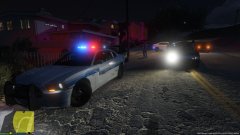
From the album: RascarDK's GTA V shots
LSPD shift 16-05-2018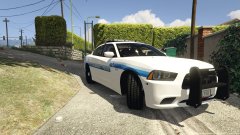
From the album: RascarDK's GTA V shots
LSPD shift 16-05-2018 Awesome police radio. I was happy with the old one, and even more with this successor!
- 1,196 comments
- 127 reviews
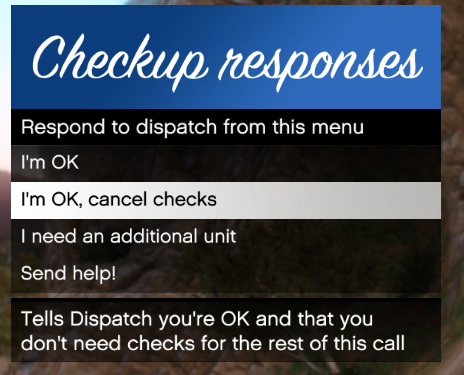 Very nice and simple plugin that easily enhances your LSPDFR policing experience. Dispatch now got your back at all times and it sure proved useful for myself a few times when things went horribly wrong!
- 82 comments
- 22 reviews
 Does what you remember from GTA IV and more! Works flawlessly in-game and comes with an easy to understand pack of documentation that covers absolutely everything you could imagine knowing about ELS. Amazed by the huge amount of lighting patterns available. Good looking control panel. Great siren control. Highly realistic emergency signals. A must have for everyone playing with vehicle model mods (go get all the awesome ELS ready mods!)
- 2,680 comments
- 235 reviews
 These are all the emergency vehicles, which you can put in the xml file to enable the siren for them police = (Police Stanier) police2 = (Police Buffalo) police3 = (Police Interceptor) police4 = (Undercover Police Stanier) fbi = (FIB Buffalo) fbi2 = (FIB Granger) policeb = (Police Bike) policeold1 = (Snowy Police Rancher) policeold2 = (Snowy Police Esperanto) policet = (Police Transport Van) pranger = (Park Ranger Granger) sheriff = (Sheriff Stanier) sheriff2 = (Sheriff Granger) firetruk = (Firetruck) ambulance = (Ambulance) lguard = (Lifeguard Granger) riot = (Police Riot)
- 6 comments
- 1 review
I've not been browsing that part of the forum, so i've not seen it before. Been working on this for a while as well. All i can say is thumbs up to your WIP, you should release it anyway if that was the plan :)- 6 comments
- 1 review
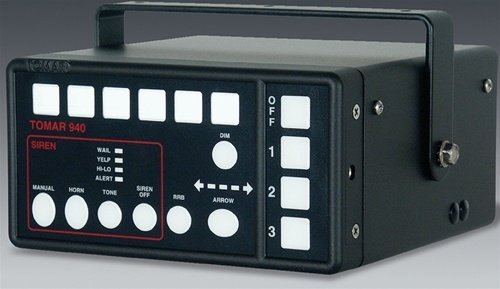
This mod is made for SirenMastery by Albo1125 only, due to the siren having 9 tones and it would be hard to choose which ones should go in a non-SirenMastery version. You are however free to use the sound files that are within this mod and make it how you want yourself. Should you choose to release it, please include my credits where appropriate. Mod Content: Loud and clear tones: Wail, Yelp, HyperYelp, Hilo, HyperHilo, Alert, HyperAlert, Alarm, Airhorn Preview: Credits: Creating the siren tones and the mod for GTA V: RascarDK Real siren: TOMAR Electronics, Inc. Screenshot: Commonwealth Rescue Systems, Inc- 6 comments
- 1 review
-
-

- 2
-
Caught a slightly amusing and rather random moment during a call. I will use this thread for any future videos of mine.This is so useful when playing with LSPDFR and SirenMastery. If you're a controller user, this is a must have.- 40 comments
- 16 reviews