



Ragnrok
Members
-
Joined
-
Last visited
Everything posted by Ragnrok
-
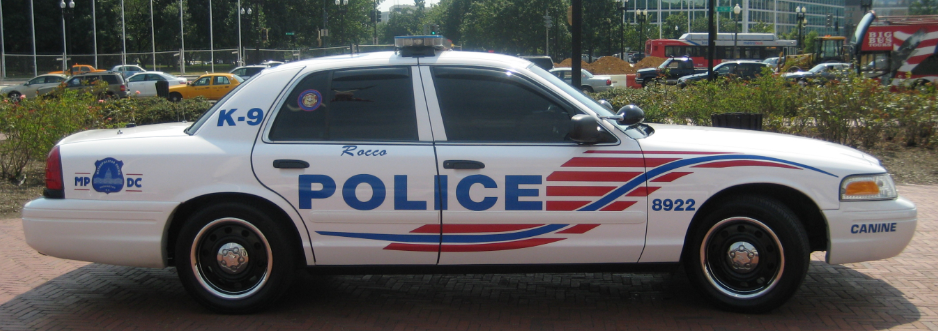
 Gump, everything you make is beautiful. Sorry to be all soft in the comments.🤣This is jake from state farmi can give you my own personal list of vehicle designs if you want. its a gdoc with images and vids to visualize. pick what you want. your talking models im assuming? edit - i threw the book at you in msgr lol 😂
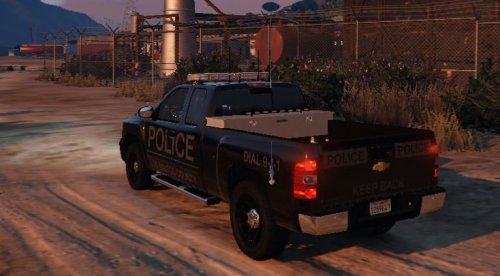 looks like you need some better screens. i get you got graphics limitations, bc so do i. Have a friend with a better pc take some screens for you, thats what most ppl do for this kind of thing.
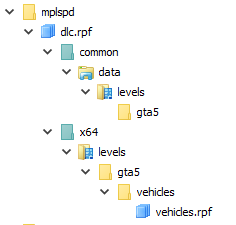 sorting through all of it yourself is definitely painful. and it tries your sanity
- 6 comments
- 3 reviews
When my game works again, this will make building my personal setup much easier- 6 comments
- 3 reviews
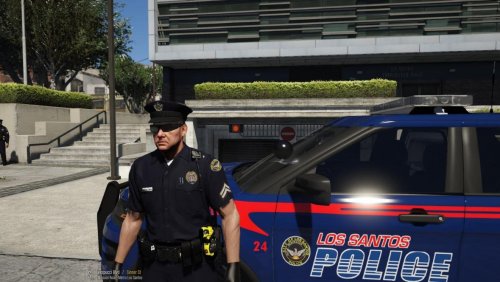
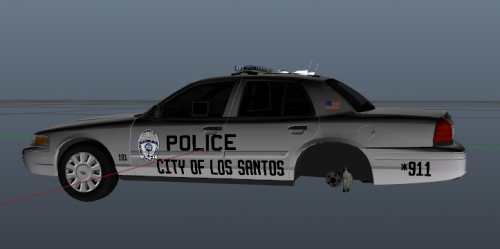 The overall idea of it isn't bad, but the text needs some work, particularly on the back
- 1 comment
- 2 reviews
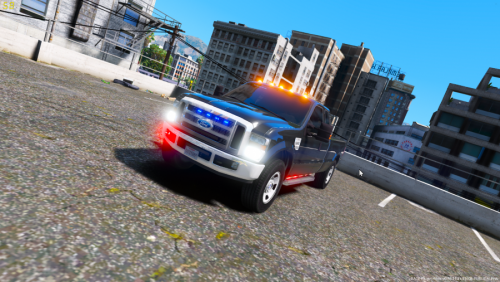
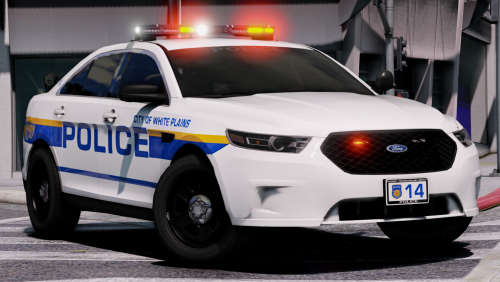 Jesus toy, didn't I tell you cool it with the toys? Also that Taurus looks amazing. Finally someone has made a Taurus with the lighting equipment I like!
- 11 comments
- 8 reviews
-
-

- 1
-
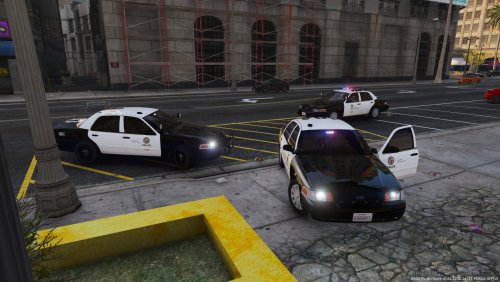
 Nice so far. Since its wip, I'd recommend taking a look at the Miami city pd tactical robbery unit for more inspiration
- 9 comments
- 4 reviews
 I'd advise also making the screens in the day instead of at night, cuz I can't see shit franklyBRAND. NEW.
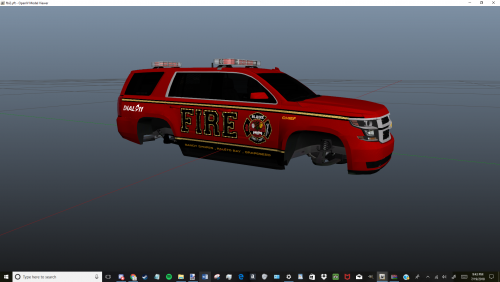
 that red lettering
1.thumb.JPG.42e92666282b02e0da9ad27c57247705.JPG) also reminds me of a livery i saw for Travis Co Sheriff Highway Enforcement unit
also reminds me of a livery i saw for Travis Co Sheriff Highway Enforcement unit- 9 comments
- 1 review


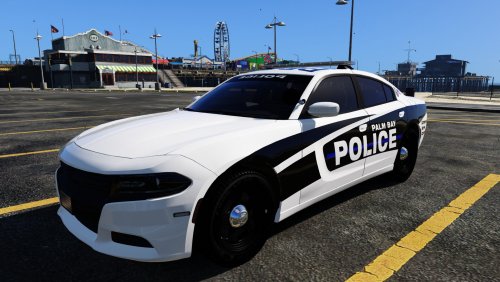


1.thumb.JPG.42e92666282b02e0da9ad27c57247705.JPG)
Account
Navigation
Search
Configure browser push notifications
Chrome (Android)
- Tap the lock icon next to the address bar.
- Tap Permissions → Notifications.
- Adjust your preference.
Chrome (Desktop)
- Click the padlock icon in the address bar.
- Select Site settings.
- Find Notifications and adjust your preference.
Safari (iOS 16.4+)
- Ensure the site is installed via Add to Home Screen.
- Open Settings App → Notifications.
- Find your app name and adjust your preference.
Safari (macOS)
- Go to Safari → Preferences.
- Click the Websites tab.
- Select Notifications in the sidebar.
- Find this website and adjust your preference.
Edge (Android)
- Tap the lock icon next to the address bar.
- Tap Permissions.
- Find Notifications and adjust your preference.
Edge (Desktop)
- Click the padlock icon in the address bar.
- Click Permissions for this site.
- Find Notifications and adjust your preference.
Firefox (Android)
- Go to Settings → Site permissions.
- Tap Notifications.
- Find this site in the list and adjust your preference.
Firefox (Desktop)
- Open Firefox Settings.
- Search for Notifications.
- Find this site in the list and adjust your preference.