cameronhendry5
Members
-
Joined
-
Last visited
-
-
-
-
-
-
-
-
-
-
-
-
-
-
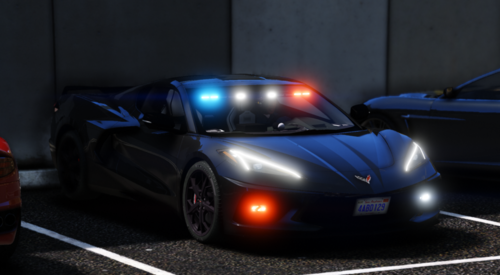
You need to change your PostFX setting to high or above for els to create the bloom effect, i had this issue aswell. But yea as i said, just up the setting to high or above
-
-
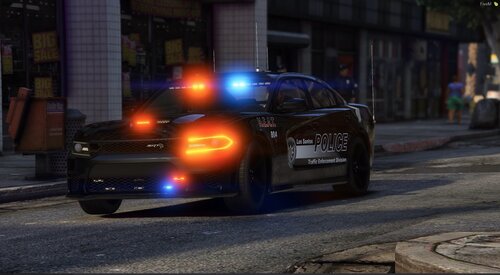 phenomenal, absolutly great! 🙂
 -
-
-
-
-
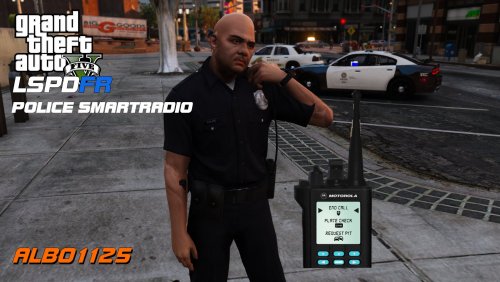 i have been having an issue where only the bottom half of the radioo is shown in the top left of the screen instad of the bottom right. I hav no idea why this has happened it was out of nowhere. Does anyone have the same problem/ have a soluation?
- 1,196 comments
- 127 reviews
-
-
-
-
-
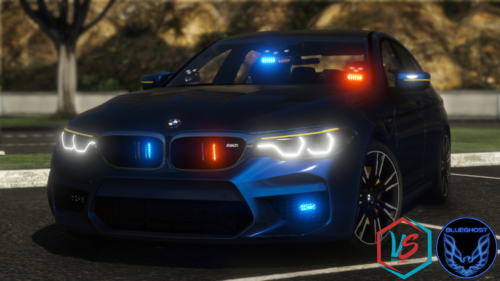
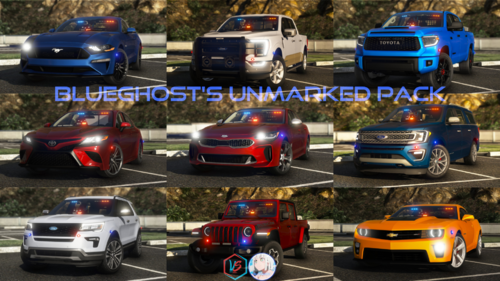 wow these look amazing so well made, i truely belive you are one of the best creators if not the best creator on this website! 🙂 Keep up the good work. I love you man (no homo).
- 485 comments
- 78 reviews
-
-
 Here are the Ultimate Backup configurations if anyone wanted to use them: <Vehicles> <Vehicle chance="7" pax="1" pax_chance="40">Lspd1</Vehicle> <Vehicle chance="7" pax="1" pax_chance="40">Lspd2</Vehicle> <Vehicle chance="14" pax="1" pax_chance="40">Lspd3</Vehicle> <Vehicle chance="7" pax="1" pax_chance="40">Lspd4</Vehicle> <Vehicle chance="7" pax="1" pax_chance="40">Lspd5</Vehicle> <Vehicle chance="7" pax="1" pax_chance="40">Lspd6</Vehicle> <Vehicle chance="7" pax="1" pax_chance="40">Lspd7</Vehicle> <Vehicle chance="7" pax="1" pax_chance="40">Lspd8</Vehicle> <Vehicle chance="7" pax="1" pax_chance="40">Lspd9</Vehicle> <Vehicle chance="3" pax="1" pax_chance="40">Lspd11</Vehicle> <Vehicle chance="3" pax="1" pax_chance="40">Lspd12</Vehicle> <Vehicle chance="6" pax="1" pax_chance="40">Lspd13</Vehicle> <Vehicle chance="3" pax="1" pax_chance="40">Lspd14</Vehicle> <Vehicle chance="3" pax="1" pax_chance="40">Lspd15</Vehicle> <Vehicle chance="3" pax="1" pax_chance="40">Lspd16</Vehicle> <Vehicle chance="3" pax="1" pax_chance="40">Lspd17</Vehicle> <Vehicle chance="3" pax="1" pax_chance="40">Lspd18</Vehicle> <Vehicle chance="3" pax="1" pax_chance="40">Lspd19</Vehicle> </Vehicles>
- 276 comments
- 46 reviews
-
-

-

-

- 11
-
-
-
-
absolutly fantastic! Amazing pack, the autor is always quick to fix small bugs and improving the pack. Nice Work 🙂
- 276 comments
- 46 reviews
-
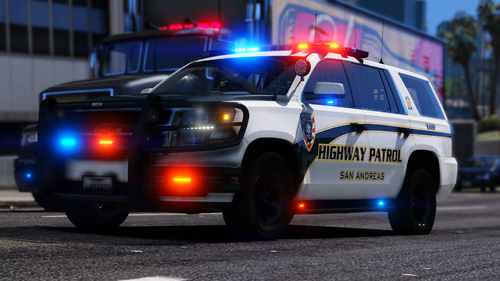
oh i feel so stupid i spnt so long trying to figure that out. tnx. And regarding the first issue this screenshot shows what i mean. (Its the same in game)
- 276 comments
- 46 reviews
-
I love this pack this is fantastic, after playing a few hours testing i have found two issues... 1) On the 2020 FPIU the front LED grill light textures dont matchup to the LED light model in the grill 2) This one is a bit strange the skin on the 2016 FPIU and the 2014 tahoe dont appear in game, not sure if this is just my game but idk
- 276 comments
- 46 reviews



.thumb.png.b22d9339641e5856613b7935e92121c5.png)