


str8wick3d
Members
-
Joined
-
Last visited
Everything posted by str8wick3d
-
the charger emblem goes on the left side rear in 2010 charger, the srt8 logo goes on the right.
- 26 comments
- 13 reviews
-
-
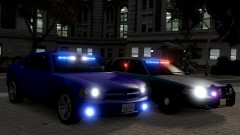 which enb?
 -
-
-
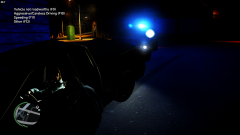
From the album: South Carolina Cars
-
843 area code police cruisers.
-
ice2013 8 5 5 0 33
-
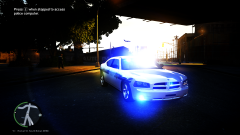 ice2013 8 4 3 34 22
-
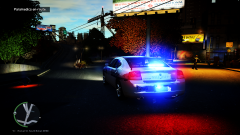 ice2013 8 4 3 34 3
-
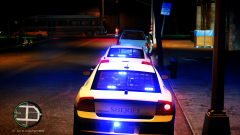 ice2013 8 4 3 32 4
-
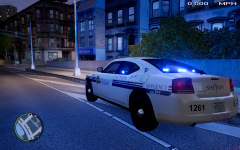 enb2013 4 14 19 26 3
-
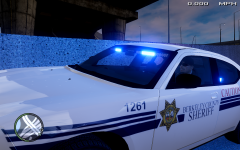 enb2013 4 14 19 25 11
-
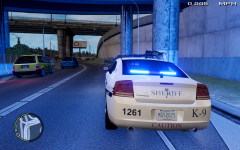 enb2013 4 14 19 23 26
-
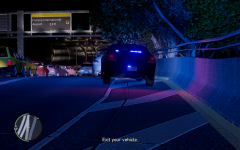 enb2013 4 10 16 44 33
-
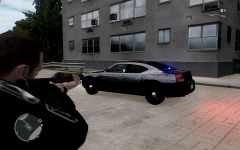 Bonneau Charger SKin
-
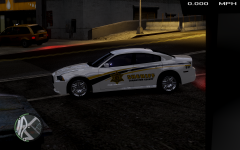 Charleston County 2012 Slicktop Charger
-
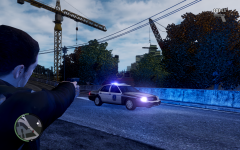 Charleston Police CVPI
-
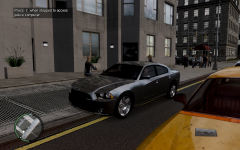 2012 charger slicktop unmarked
-
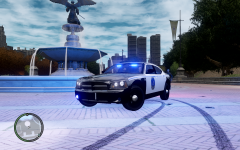 Charleston SC Police Charger slicktop
-
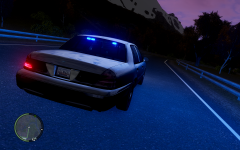 Slicktop CVPI
-
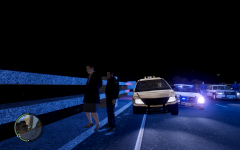 SC State Trooper
-
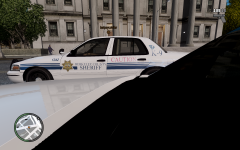 Berkeley County SC slicktop k9
-
-
From the album: South Carolina Cars
-
From the album: South Carolina Cars
-
From the album: South Carolina Cars
-
-
-
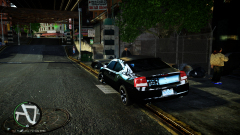
From the album: STR8WICK3D WIP
-
Upcoming models
-
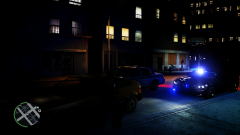
From the album: STR8WICK3D WIP
-
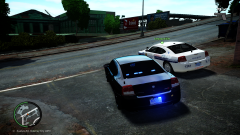
From the album: STR8WICK3D WIP
-
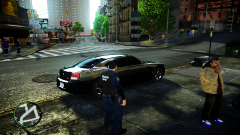
From the album: STR8WICK3D WIP
-
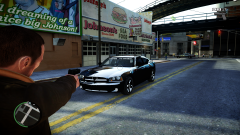
From the album: STR8WICK3D WIP
-
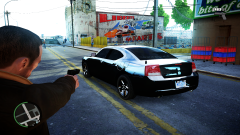
From the album: STR8WICK3D WIP
-
'> the model looks good in zmodeler but when i get to open iv it looks like that? Im sure i got all my textures in wtd, anyone seen this before?ps im a noob.
-
any of 06-10 charger though?
-
bump
-
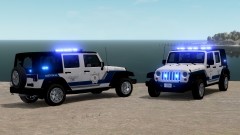 thanks for the compliments on the skin guys :)
 -
what would be sick is if we could order people to the ground and not just have them put their hands up
-
I would move the bottom set of back window lights to the license plate area, and keep tail lights red while making the fog lights in front part of the primary. Just my 2cents.
- 4 comments
- 3 reviews

