


.jpg.de7988310dd078104ca58b3672478156.jpg)

STEVETHEGAMER
Members
-
Joined
-
Last visited
Everything posted by STEVETHEGAMER
-
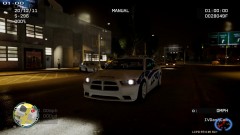
From the album: Stevetrackboyz
© stevetrackboyz
-
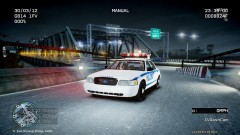
From the album: Stevetrackboyz
© Stevetrackboyz
-
I was so piss, I got a ticket by one of them them last week, it was like a dark red one, mostly the narcotics division use them, they just have a bulletproof vest and their regular clothes...
-
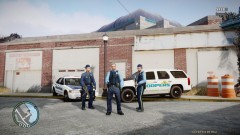 i'm still working on those but here's my other one http://www.gta4-mods.com/player/random-police-skin-f11919
 -
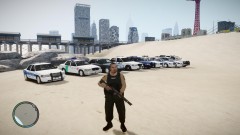
From the album: Stevetrackboyz
-
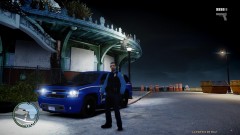
From the album: Stevetrackboyz
-
From the album: Stevetrackboyz
-
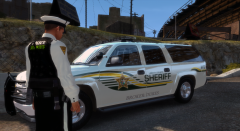 Impressive, I'm happy you are using the uniform...
 -
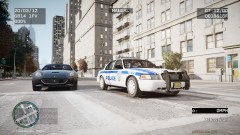
From the album: Stevetrackboyz
-
-
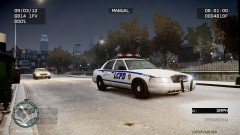
From the album: Stevetrackboyz
Early morning shift -
Here's the rest of the textures :
-
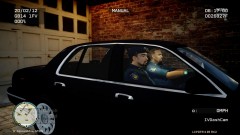 lcpdfr does it for you as soon as yo pick a partner
 -
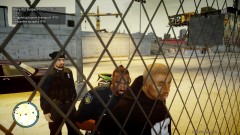 You could get it from http://www.gta4-mods.com/player/random-police-skin-f11919
 -
From the album: LCPDFR
-
From the album: LCPDFR
-
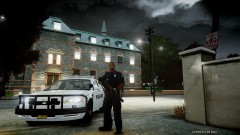 for both...
 -
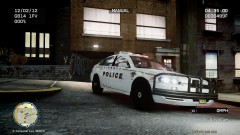
-
-
-
-
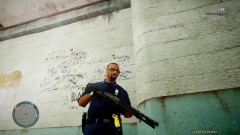 I don't know about that, I haven't try it yet...
 -
-
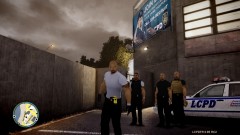 Use OPENIV to open the WTD file and export any "head_diff_000_c_bla.dss", edit it with gimp or paint by coloring the hand portion or use a pic with low texture to put only over the hand, import it back to the file and that's it...
 -
The uniform is by custo http://www.gta4-mods.com/player/new-cops-for-gta4-f9887



