
Captain Peanut
Members
-
Joined
-
Last visited
Everything posted by Captain Peanut
-
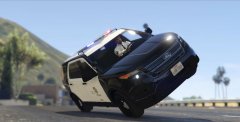
From the album: Los Santos Patrol
-
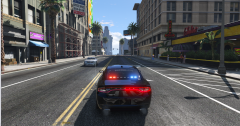 I need this in my life right now! :D Release date?
 -
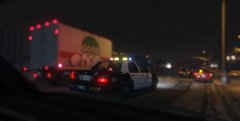
From the album: Los Santos Patrol
-
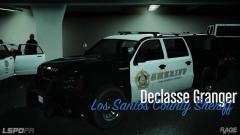 Can someone explain to me why it's not possible for me to mod this vehicle? What am I doing wrong? If I were to install a skin for this (sheriff2), where should I replace it? Nevermind I added the wrong files
 -
-
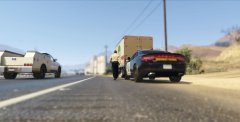
From the album: Los Santos Patrol
-
-
-
Yea... They are indeed very weirdly coded. Thanks a lot for the help though! :)
-
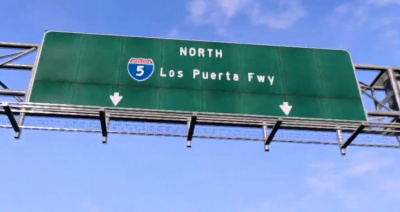
Hello fellow officers. I have an idea for a mod, but it requires me to find the textures for the highway / freeway signs. Any of you guys know their exact location in OpenIV or at least an idea of where they might be? Thanks! :) In case you don't know what I'm talking about:
-
I've been on this site for a lot of years now and It's really awesome, but as a screenshot provider I find it very frustrating that there isn't a "delete image" option. Every now and then I mess up and upload the wrong image and wish to delete it, but I can't. The only option is to report it and wait for the staff to delete it for me. I don't think it would be that hard to implement such a feature to this site, but it would be GREATLY appreciated! Thanks!
-
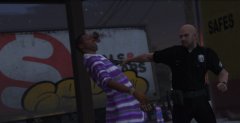
From the album: Los Santos Patrol
-
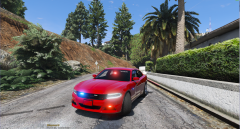 Hell yeah! When will it be released? :D
 -
 Awesome angle :)
 -
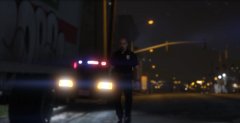
From the album: Los Santos Patrol
-
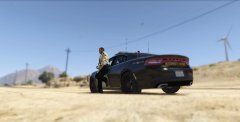
From the album: Los Santos Patrol
-
From the album: Los Santos Patrol
-
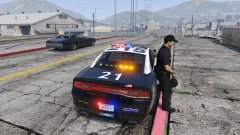 What mod do you use to make the yellow leds actually glow? Mine is just yellow boxes...
 -
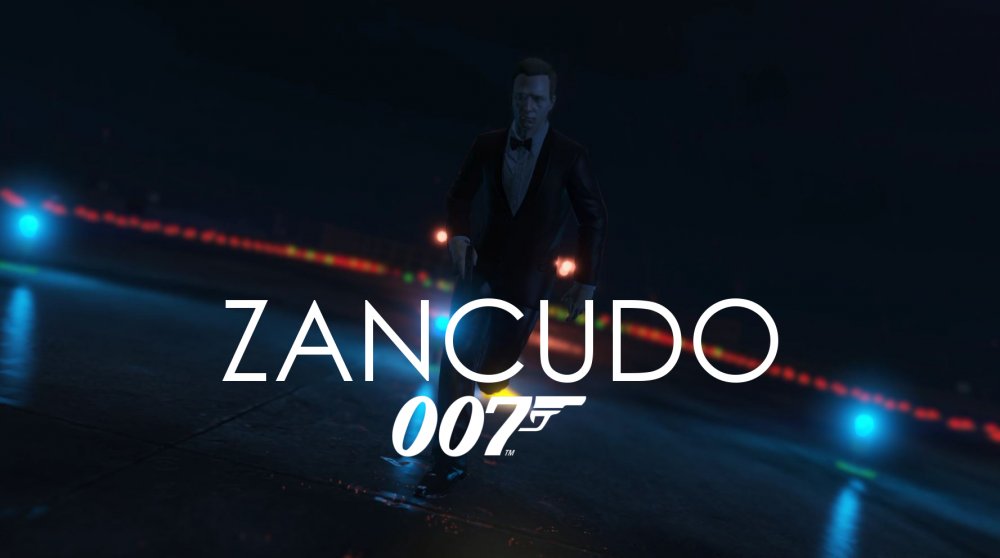
So I have a very small YouTube channel where I mainly make GTA V videos. I don't have that many viewers, so if anyone is interested, feel free to have a look. I know this is annoying for many of you as this is just me being an attention whore actually, but it's hard to find motivation to make videos when only 10 people see the final product. I don't monetize my videos because this is just a hobby for me (and because I use copyrighted music :D) but some feedback would be greatly appreciated. I made a little Bond short film if anyone is interested, if not just feel free to report this forum. Sorry if I pissed anyone off with this self-advertisement, just felt it was worth a try :/ Thanks for reading this by the way! The video is here if you're interested. Don't forget to dislike if you didn't enjoy it! https://www.youtube.com/watch?v=Pcegucx3mNo
-
Just tried it. The game will crash when I receive a callout :/
-
Okay, but is there a way to just turn them off until you can lower the volume?
-
When I play LSPDFR the police radio can get really annoying because it is so loud. Is there anyway to lower the volume (lowering the game volume doesn't help) or just turn it off completely? Thanks.
-
-
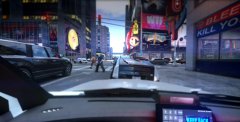 Back in town
-
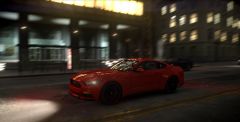 I'm not complaining
-
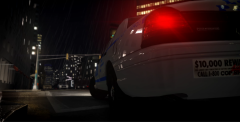 Back in Algonquin
-
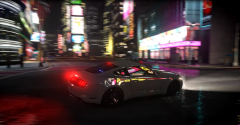 Aside from the horrible hours, who can complain?
-
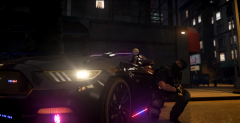 Flashbang out!
-
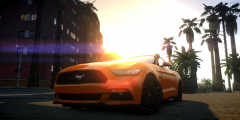 Enjoying the californian weather
-
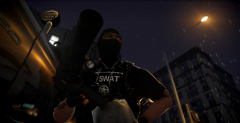 Cover me, I'm changing mags!
-
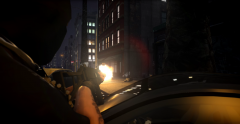 Take cover!
-
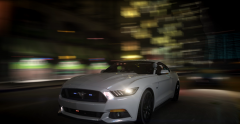 Being a cop has it's advantages
-
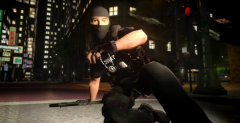 Cover me!
-
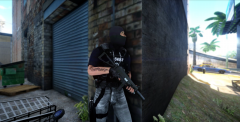 Custom SWAT Officer
-
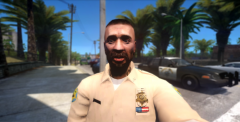 Lovely weather
-
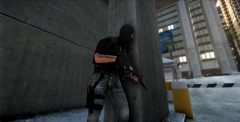 Custom swat officer
-
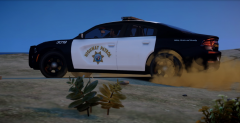 When pursuits go off-road
-
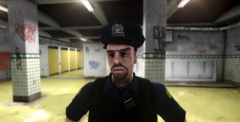 Good to go
-
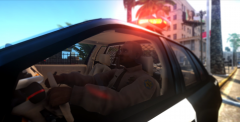 ID check
-
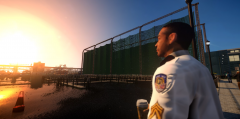 Breaks are short but great
-
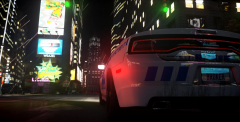 Chases lead you out of town
-
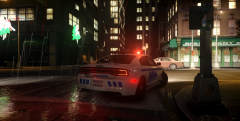 Rainy night in China Town
-
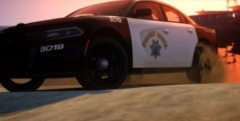 My own California Highway Patrol 2015 Charger
-
-
From the album: Liberty City Patrol
-
This is my first video with the Rockstar Editor in GTA V on PC. It's MILES ahead of the Video Editor back in GTA IV ;) Feel free to leave some feedback :D