TheRealNoodle
Members
-
Joined
-
Last visited
Everything posted by TheRealNoodle
-
-
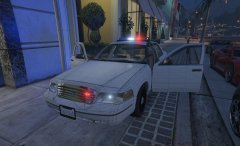 it will be lapd and lasd and the pushbar is an extra so it spawns randomly ill see what I do with that, I might do that tho :p
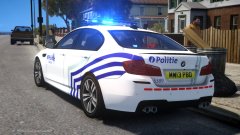 I will take your place >:D
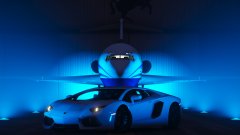 what plane is that?
yea this is still in early stages
what plane is that?
yea this is still in early stages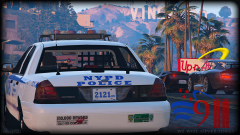 duuude ur working on everything, cvpi, all lightbars a man can imagen and now liberty city???omg that looks so fucking good :3what do you mean? combine 2 cars or what?do u mean how to create peds?I bought it like 5 days ago :(((((((((oh cmon I bought mine just before that :(maybeyea make a boot or bonnet[col] to stop the spinningyes, I never bothered to release it tho
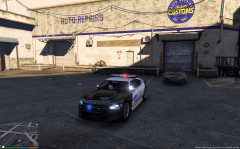 omg awesome :Dwait you have the cvpi?????could you give us a link to the car you used?
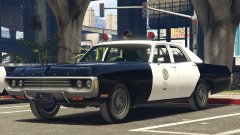 omg omg omg omg omg omg omg omg omg omg omg omg omg *faints*