TheRealNoodle
Members
-
Joined
-
Last visited
Everything posted by TheRealNoodle
-
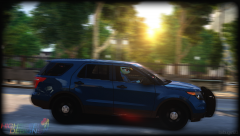
The Ford Explorer police interceptor utility is the worst SUV
-
-
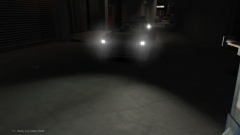
From the album: random pics
-
this has already been posted, like 2 months ago
-
I play on a laptop and I can say that the cooling is very bad, I recomend a desktop (im getting one too as this laptop just isnt enough)
-
if the specs are ok it should work fine
-
meh I cant play it untill I have my new pc
-
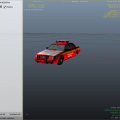 Some ingame screenshots would be nice
 -
-
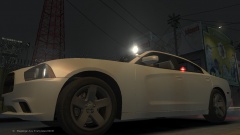 stealth dodge charger
-
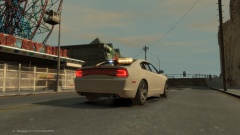 stealth dodge charger
-
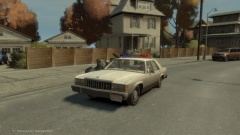 Ford LTD NON-ELS Liberty City Sheriff
-
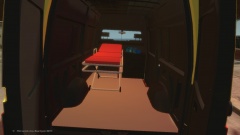 finished model of the ambulance
-
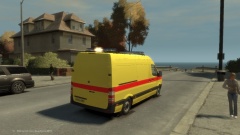 finished model of the ambulance
-
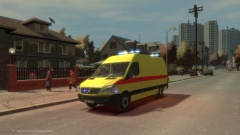 finished model of the ambulance
-
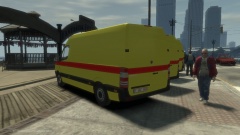 new ambulance fleet arrived
-
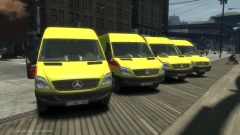 new ambulance fleet arrived
-
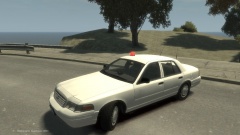 Ford CVPI Detective non-els
-
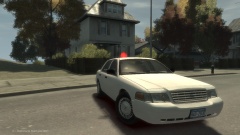 Ford CVPI Detective non-els
-
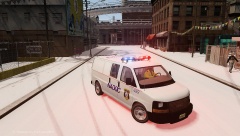 2004 GMC SMC Savana Prisinor transport
-
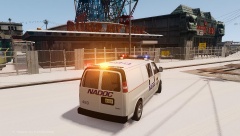 2004 GMC SMC Savana Prisinor transport
-
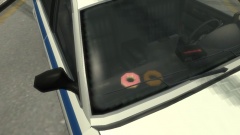 donuts :D
-
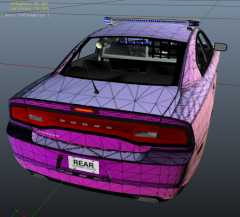 2013 dodge charger alabama police
-
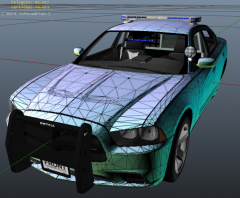 2013 dodge charger alabama police
-
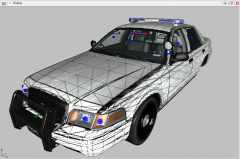 2008 cvpi alabama police (W.I.P)
-
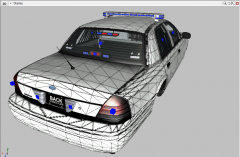 2008 cvpi alabama police (W.I.P)
-
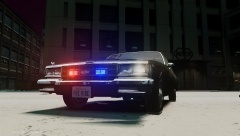 unmarked 1985 chevrolet impala (W.I.P)
-
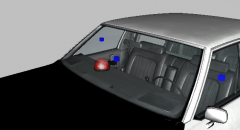 unmarked 1985 chevrolet impala (W.I.P)
-
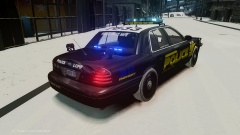 cvpi with skin
-
-
From the album: W.I.P
working spotlight :D -
From the album: W.I.P
just need to fix some bugs, will be released soon -
 lolz dat ped tho XD
 -
hi there :D welcome! have a great time here
-
-
nope, im not really an enb expert sorry :/
-
-
chp uses many lightbars...
-
yep, you make it extra 5 or 6 and then enable corona takedowns in the els config file
-
try mouse wheel...
-
I agree with everybody here: no, just no. it happend a long time ago. case closed
-
go have a look in the development section, there are alot of lights there, you could use jays mini leds, they look a bit like these
-
is this a topic about songs or.... im confused here
-
heres a tutorial I made on how to maka a basic car in zmodeler there are alot of other tutorials out there, look in the tutorial section here on lcpdfr for example
-
so you are on a website about cops, have a K9 dog as profile picture and you are telling us how we feel? excuse me sir but you cant know how we would react to such things. oh and about defending cops: those guys risk their life everyday, yes some cops are bad and shouldn't be there but most of the cops (maybe not in the usa idk) are nice and try their best to protect you and your safetly.
-