




TheRealNoodle
Members
-
Joined
-
Last visited
Everything posted by TheRealNoodle
-
-
-
lspdfr needs to update to the newer version first
-
yes! I need a new mousepad :D
-
yes, we need posters :D
-
already posted there
-
the lcpdfr mod has been released a long time ago... I think you mean lspdfr?
-
10-4 en route
-
air 1 lspd heli unit dispatch show me 10-8
-
go look up some tutorials on youtube, thats the best advise I can give you
-
hi there everyone, I just a strange countdown on the website and the lcpdfr staff said they know nothing about it. my conclusion? its a timer to the end of the world!!! Oh and also: Ineseri is the master of the fluffy vanilla unicorn so he sure is illuminati Now there are 2 options: or the website is hacked and the staff is illumilati or the staff did it and its illuminati. So now that we found our conclusion I think we should search for a solution for this problem. If you have a solution please post a reply thx -Person with an anti illuminate degree Luka
-
change the values for PatId_Lstg2 and for PatId_Lstg3 to 72 and make sure ForcePatForLstg = on is on not off [ PRML ] Type = leds ForcePatForLstg = on PatId_Lstg2 = 72 PatId_Lstg3 = 72 Lstg2ActiveExtras = 2and3 ExpressModeRandPat = off ForcePatForSrnTones = off PatId_Yelp = 0 PatId_Alt1 = 0 PatId_Alt2 = 0
-
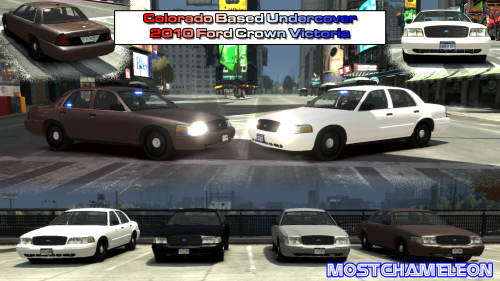 the only thing you added are the plates, thats really nothing, everyone can do that, very bad
- 4 comments
- 3 reviews
-
it looks like you're missing your pushbar textures tho
-
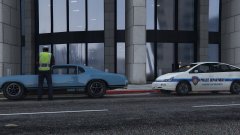 it does have lights on the interior... nvm -_-
 -
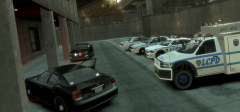 k lol
k lol -
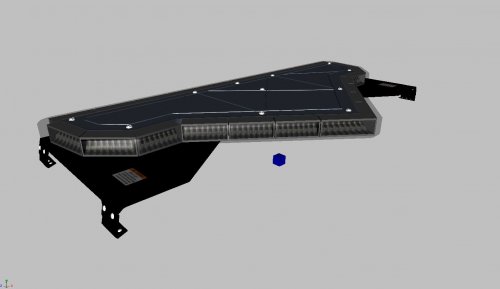 awesome :D thx for releasing it
 -
but still, why would there be police cars with lights on if the suspects gets arrested in front of a police station lol
-
thats at the airport, not hove beach lol
-
oooo thats my tutorial :3, iys old tho but it explains the basics :D
-
ok first of all you can only have 9 extras, so you have to attach them like i show in this video https://www.youtube.com/watch?v=3xVLU_gx2Oo and no, if you name an extra extra_1_a or something it wont work
-
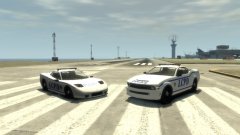 really cool ;D
 -
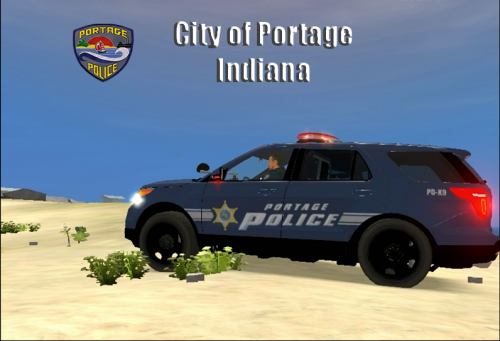 very nice :D
 -
-
so it only dissapears when you get in? strange, never heard of a problem like this




